
Logrun Lab
Browser-based tools for product images, AI text rewriting, PDF comparison, and PDF redaction
About Logrun Lab
Logrun Lab is a small productivity suite with tools for images, text, and documents. The homepage lists four public tools: Product Image Batch, Humanizer, PDF Compare, and PDF Redactor.
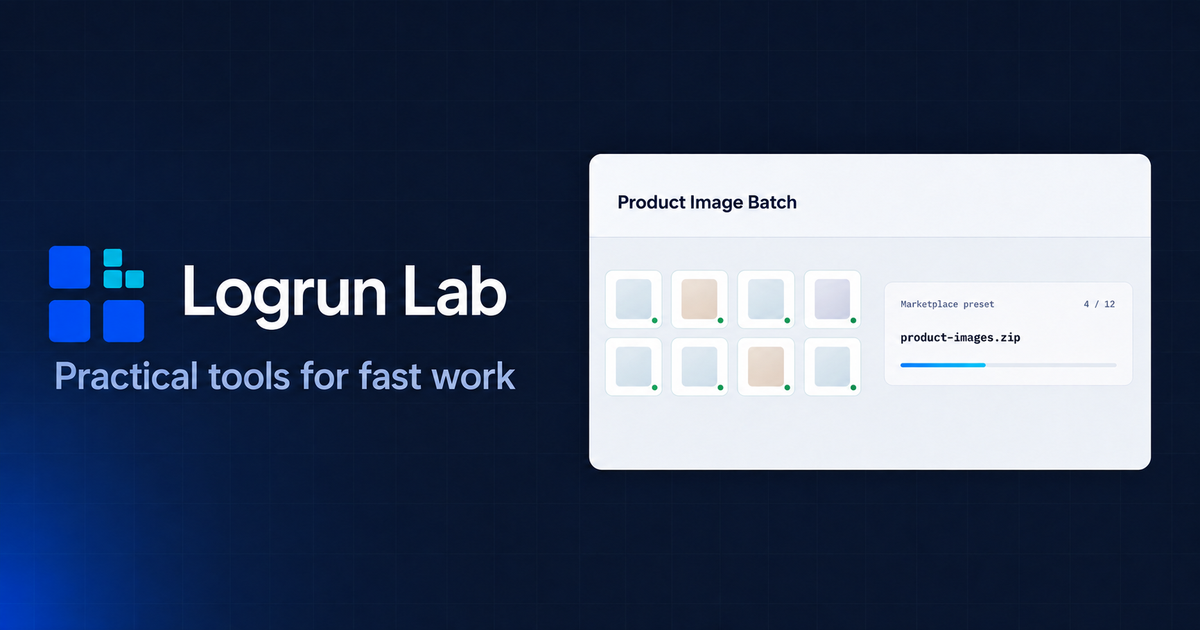
Product Image Batch prepares product images with marketplace-oriented presets, Fit or Fill options, and ZIP export. The homepage preview shows a marketplace preset using 1:1 format, 1200×1200 output, white background, and a product-images.zip result.
The document tools cover PDF comparison and PDF redaction. PDF Compare checks text changes between two text-based PDFs, while PDF Redactor lets users mark confidential areas in a PDF and export a new redacted copy.
The homepage states that Product Image Batch, PDF Compare, and PDF Redactor process supported files in the browser. Humanizer sends entered text to an external AI provider only after the user explicitly starts processing.
Humanizer edits AI-written drafts to read more naturally while prioritizing the original meaning and important details. The result remains editable and should be reviewed before use. Humanizer sends submitted text to an external AI provider only after processing is started.
PDF Compare compares two PDFs with usable text layers and shows Added, Removed, and Changed text with page references. It does not run OCR or visual comparison. PDF processing happens in the browser.
PDF Redactor lets users mark sensitive areas in a PDF and export a new image-based copy. The original searchable/selectable text layer, links, forms, and digital signatures are not preserved. It does not run OCR, and every page should be reviewed manually.
The current public tools work without registration. Logrun Lab does not keep a server-side history of processed files, texts, or results.
Features
- Batch-prepare up to 200 product images with marketplace presets and ZIP export
- Edit AI-written drafts while prioritizing the original meaning and important details
- Compare Added, Removed, and Changed text between PDFs with page references
- Mark sensitive PDF areas and export a new image-based redacted copy
Use cases
- Prepare product images in batches for marketplace and ecommerce listings
- Edit AI-assisted drafts before publishing or sharing them
- Compare text changes between two versions of a PDF document
- Redact selected sensitive areas before sharing a PDF
Screenshots
Frequently asked questions
Do I need to register to use Logrun Lab tools?
No, the current public tools do not require registration.
Where are my files processed when using Logrun Lab tools?
Product Image Batch, PDF Compare, and PDF Redactor process supported files in the browser. Humanizer sends submitted text to an external AI provider only after processing is started.
Does Logrun Lab store or keep a history of my processed files?
No, Logrun Lab does not keep server-side history of processed files, texts, or results.
Does PDF Compare support scanned PDFs?
PDF Compare requires usable text layers and does not run OCR.
What we verified
- Public API?
- Not stated
- Self-hostable?
- Not stated
- Free tier without a credit card?
- Yes, the homepage says current public tools do not require registration
- Pricing model?
- Not stated
- Price?
- Not stated
- Data region / hosting location?
- Not stated
- Named integrations?
- Not stated
Could not be verified
- Public API availability or developer documentation
- Whether Logrun Lab can be self-hosted
- Pricing, usage limits, paid plans, or commercial licensing
- Hosting region, uptime, SLA, and support response time
- Exact input file limits for each tool
- Which external AI provider powers Humanizer
0 comments
Sign in to leave a comment.
No comments yet. Say something useful and be the first.