

PDFTEQ Merge PDF
PDFTeq Merge PDF combines multiple PDF files locally in the browser without uploading documents to a server
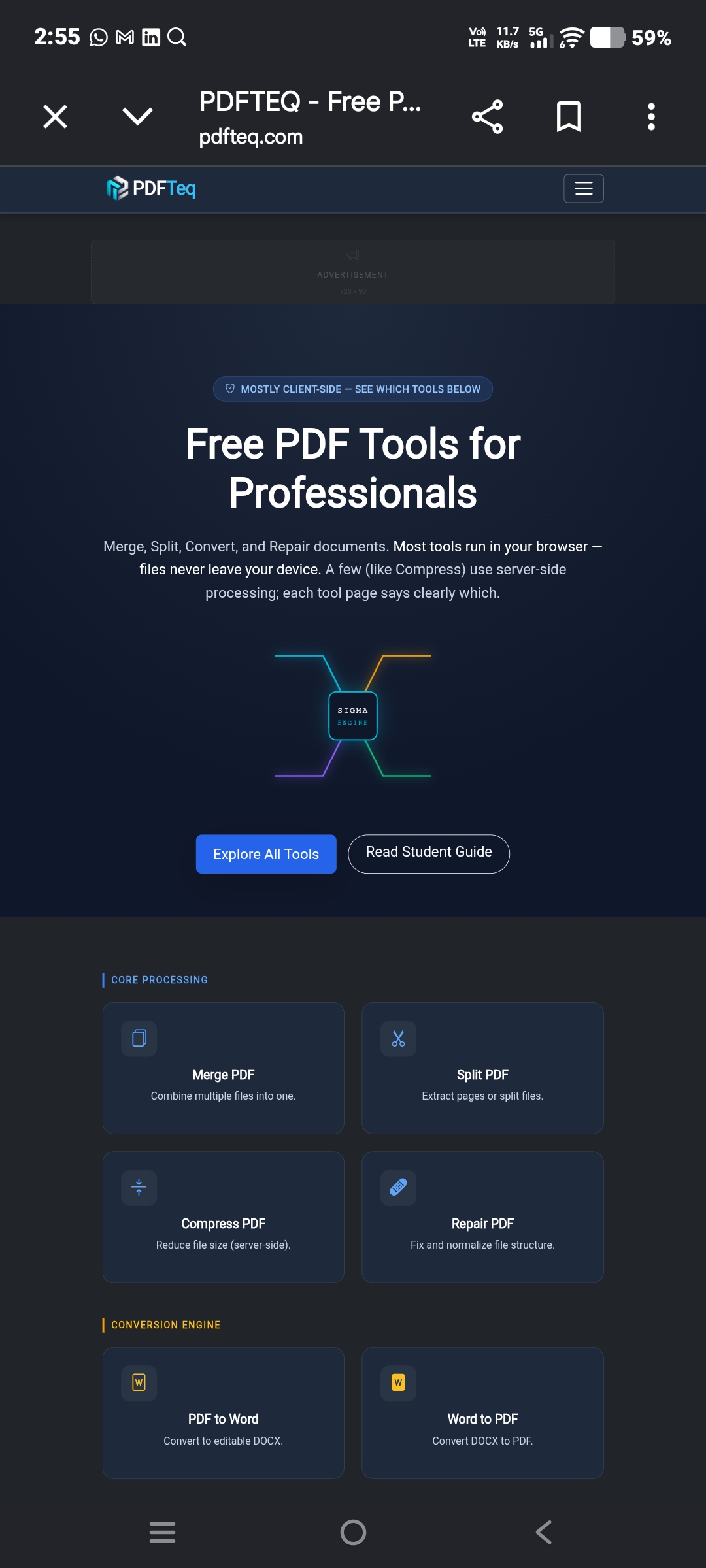
About PDFTEQ Merge PDF
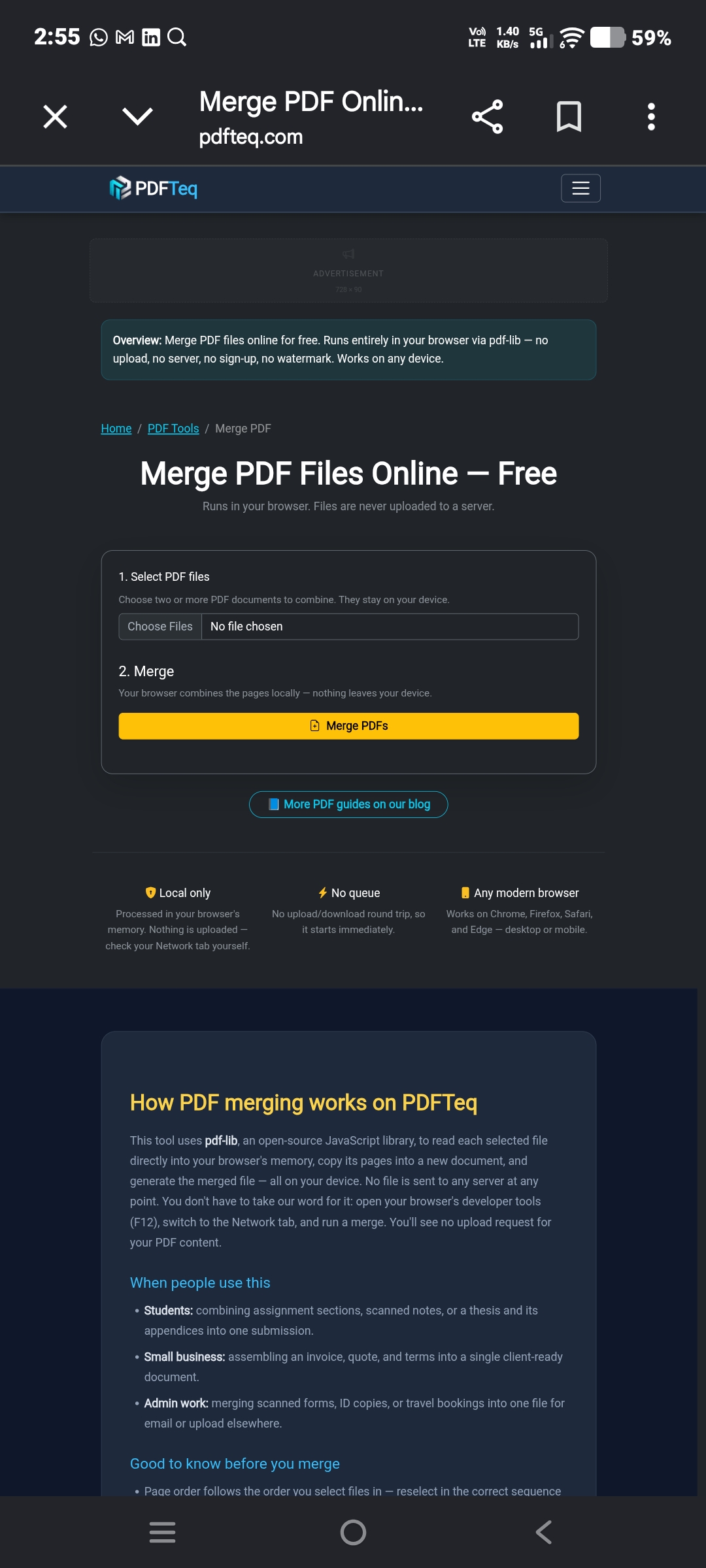
PDFTeq Merge PDF is a productivity tool for combining two or more PDF documents into one file. The submitted page is a single merge tool, not a general shop or multi-product listing.
The page says selected PDFs stay on the user’s device and are merged in browser memory. It uses pdf-lib, an open-source JavaScript library, to read selected files, copy pages into a new document, and generate the merged PDF locally.
The workflow has three steps: select PDF files, merge them, and download the combined file. The page notes that page order follows the order files are selected, because drag-to-reorder is not supported yet.
PDFTeq also states that output quality is unchanged because pages are copied, not recompressed or re-rendered. The tool works on Chrome, Firefox, Safari, and Edge across desktop and mobile.
Features
- Merge multiple PDF files into one document
- Files are processed in browser memory and are not uploaded to a server
- Works on Chrome, Firefox, Safari, and Edge on desktop or mobile
- Output pages are copied as-is instead of recompressed or re-rendered.
- No file-size limit is set by PDFTeq; the practical limit is device memory.
Use cases
- Combines two or more PDF files into one merged PDF
- Arrange PDF files before merging
- Assemble an invoice, quote, and terms document into a single client-ready file.
- Join PDF files without waiting for an upload and download round trip.
Screenshots

Frequently asked questions
Can I combine multiple documents into one PDF?
Yes. PDFTEQ Merge PDF lets you add multiple PDF files and combine them into a single PDF document.
Can I arrange PDF files before merging?
Yes. You can arrange the PDF files in the required order before creating the combined document.
Can password-protected PDFs be merged?
Not currently. The page says users should remove the password first, then merge the unlocked file.
Does merge order support drag-and-drop rearranging?
No. The page says this version follows selection order and does not support drag-to-reorder yet.
Does the merge itself need a network connection?
No. The page says the tool must load once, then the merge runs without a network connection.
0 comments
Sign in to leave a comment.
No comments yet. Say something useful and be the first.