
AI Voice Coach
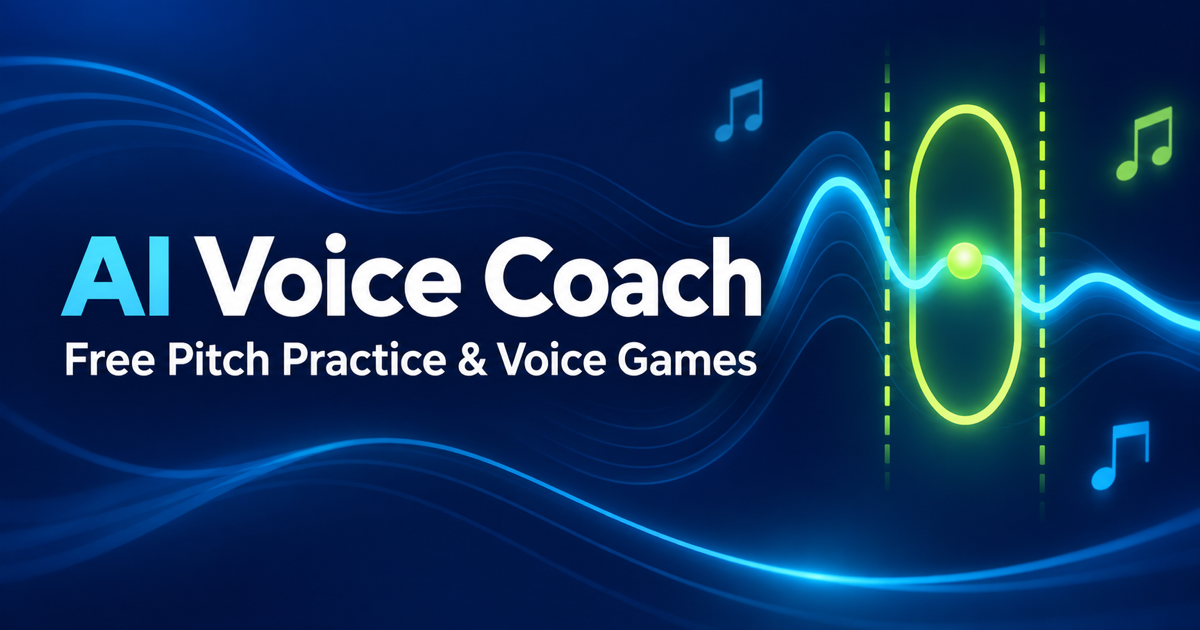
AI Voice Coach provides free browser-based pitch practice for singers using local microphone analysis and visual feedback.
About AI Voice Coach
1. AI Voice Coach is an online pitch detector for singers, beginners, choir members, and music students who want to connect sung sound with visible pitch feedback.
The tool offers short melody, single note, long note, and voice-control game modes. Users listen to a reference, sing “la,” “ah,” or hum into the microphone, then compare the detected pitch against the exercise target.
The page states that analysis happens in the current browser tab. Audio is analyzed only during a take, is never uploaded or kept, and the tool requires no account, payment, ads, or song upload.
AI Voice Coach is intentionally limited to pitch practice. It does not rate a full singing voice, judge tone, assess vocal health, create a personalized curriculum, or replace a human singing teacher.
Features
- Real-time pitch detection with note and frequency display
- Local recording and replay of singing practice takes
- Short melody exercises and voice games
- Pitch Ninja game uses timed pitch gates and unlocks later levels locally after a clear
- Audio is analyzed locally during a take and is not uploaded or kept
Use cases
- Practice singing along with a provided backing track and lyrics
- Use instant pitch feedback to improve note accuracy
- Measure vocal range with a simple test in the browser
- Help beginners connect what they sing with visible note feedback
- Use Pitch Ninja for brief pitch-control training sessions
Screenshots
Frequently asked questions
How do I practise with the song?
Listen to the song, follow the lyrics, and press Start practice to sing with the backing track. The app will ask for microphone access and provide a countdown. Use headphones to keep the backing track out of your recording. After singing, replay your take or try again.
Is my voice recorded or uploaded?
Core pitch analysis and practice recording run locally in the browser.
Is this a voice tuner or a pitch detector?
It functions as a pitch detector, showing the note your voice produces without altering the sound. It does not retune or correct recordings.
What does “No reliable pitch yet” mean?
It means the browser has not detected a stable pitched sound clear enough to use
Is progress stored online?
No. Level unlocks may stay in local browser storage, not a public profile.
What we verified
- Public API?
- Not stated
- Self-hostable?
- Not stated
- Free tier without a credit card?
- Yes, the page says Free, no account, no charge, and no payment
- Pricing model?
- Free
- Price?
- Free
- Data region / hosting location?
- Not stated
- Named integrations?
- Not stated
Could not be verified
- The site does not state API access, self-hosting, source-code availability, supported browser list, microphone permission details by platform, exact pitch detection algorithm, accessibility support, or whether offline use is available.
0 comments
Sign in to leave a comment.
No comments yet. Say something useful and be the first.