
Active Dictionary
Learn languages using texts, videos, and PDFs with tools to understand content and practice speaking and writing.
About Active Dictionary
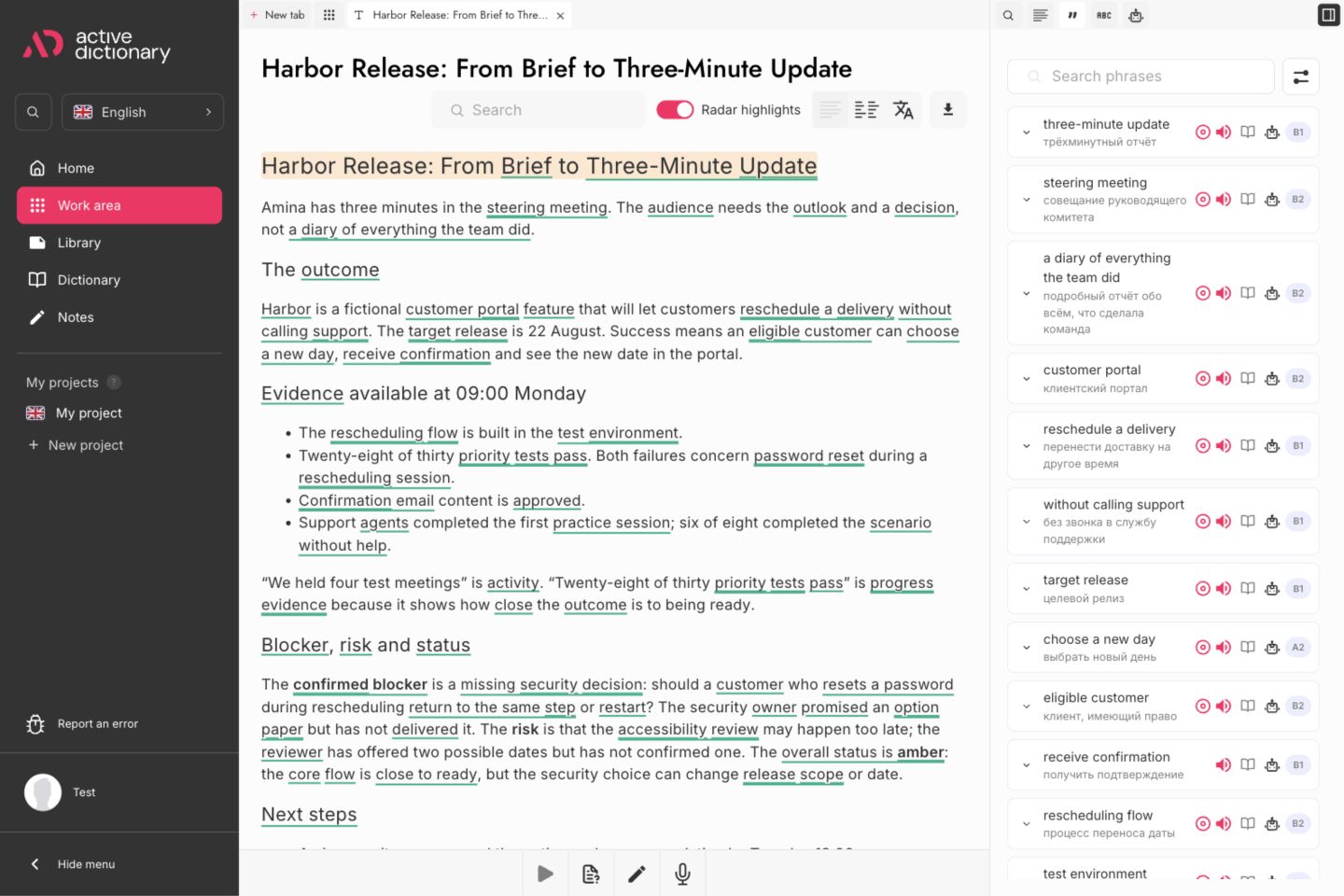
Active Dictionary is a web-based language learning platform designed to help intermediate and advanced students expand their vocabulary through immersion. Traditional flashcard utilities often present isolated words, making natural phrasing difficult to grasp. Active Dictionary overcomes this by placing language acquisition inside authentic articles, uploaded PDFs, and captioned video content.
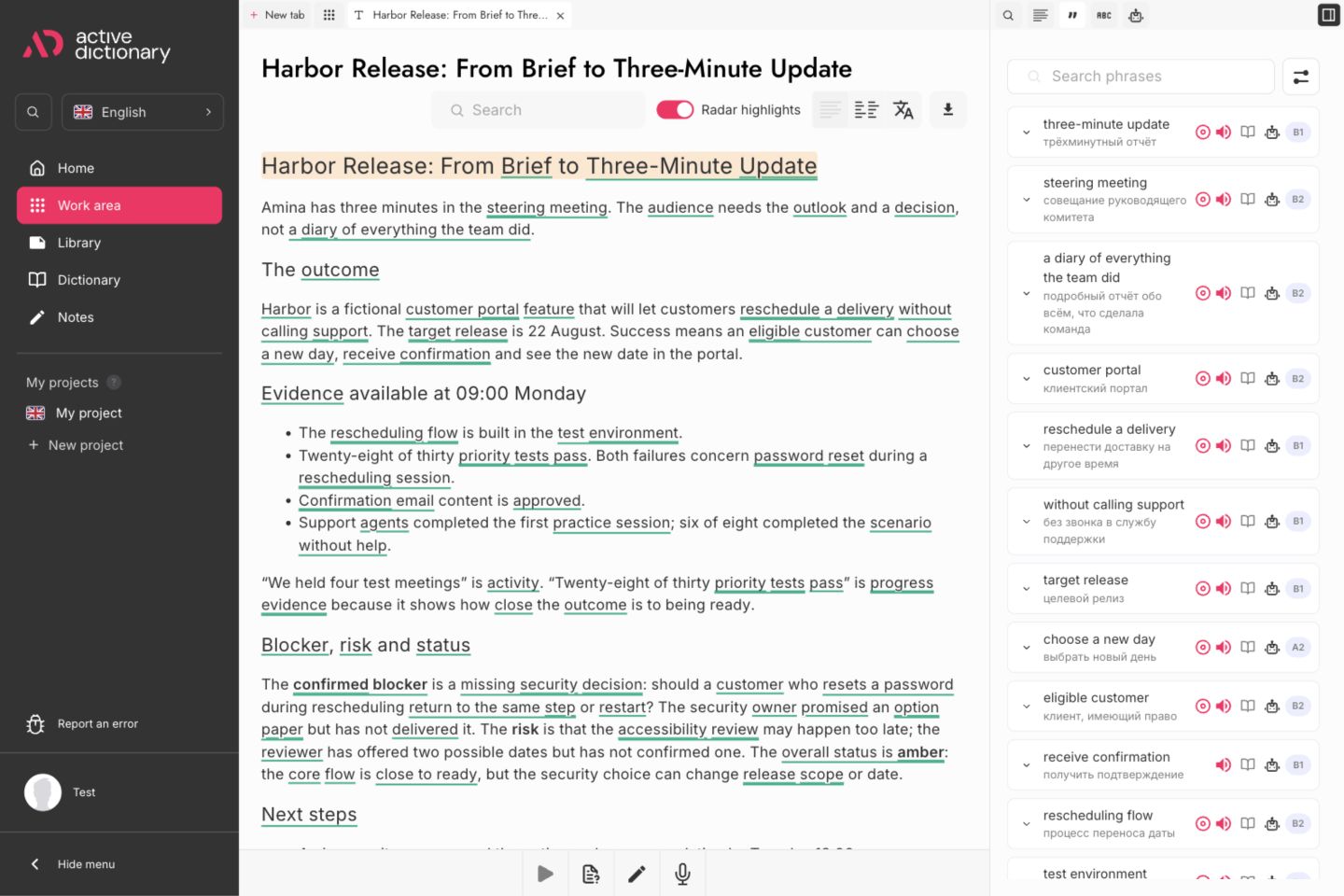
The platform aligns with the Common European Framework of Reference for Languages, focusing on learners at the B1 tier and above. When encountering unfamiliar words or idioms while reading, users can click to reveal instant translations and CEFR difficulty ratings. Each saved expression enters a personal vocabulary notebook alongside its original source sentence.
Memory retention is reinforced through a built-in spaced repetition system. The engine schedules daily practice sessions to transition passive vocabulary into active recall over time. Learners can also utilize integrated AI discussion tools to explore article topics, test comprehension, and practice writing with newly acquired expressions.
Students can access a public catalog of graded reading exercises without creating an account or providing billing details. With browser extension support and multi-language capabilities covering English, German, French, and Spanish, the platform offers a practical study tool for self-directed language education.
Features
- Save contextual vocabulary to a personal dictionary
- Review saved vocabulary with spaced repetition
- AI conversation assistant that generates discussion questions, evaluates reading comprehension, and supports writing practice
- Personal dictionary builder that stores target vocabulary alongside original sentence context for structured language review
- Automated spaced repetition review engine designed to schedule vocabulary recall sessions at scientifically optimized intervals
Use cases
- Build vocabulary while reading texts and supported PDFs
- Study captioned YouTube videos and save useful vocabulary
- Practicing written composition and conversational skills by discussing reading materials with an interactive AI tutor
- Curating a personalized lexicon of domain-specific terminology across English, German, French, and Spanish texts
Screenshots


Frequently asked questions
Can I try Active Dictionary without signing up?
Public library materials require no signup. Personal features require an account.
What language level is Active Dictionary intended for?
It is mainly for learners at B1 level and above who can work with articles, videos, and documents, with support for difficult words and passages.
What types of materials can I use with Active Dictionary?
Texts, supported PDFs and captioned YouTube videos. YouTube captions are required, PDF compatibility depends on the document, and AI usage limits apply.
Do learners need to sign up to try out reading materials?
No. Active Dictionary features a public library demo that allows visitors to browse graded reading texts and test dictionary lookups without creating an account.
Does the platform include a browser extension for external reading?
Yes. A dedicated browser extension is available, enabling users to highlight words and capture vocabulary directly while browsing external news sites and blogs.
What we verified
- Public API
- No (Public developer API is not stated on the website)
- Self-hostable
- No (Hosted web application)
- Free tier without a credit card
- Yes (Free access to the public reading library and vocabulary builder without credit card details)
- Pricing model
- Free / Freemium (Free access with public library demo; terms reference third-party processors for optional paid features)
- Price
- Free (No subscription fees or pricing tiers currently listed on the public platform)
- Data region / hosting location
- Not stated
- Named integrations
- YouTube (Captioned video player), PDF reader, Google Chrome extension
Could not be verified
- Physical server datacenter location and underlying cloud infrastructure provider
- Public developer REST API or export integrations for external flashcard apps like Anki
- Published subscription tier pricing details for future premium capabilities
0 comments
Sign in to leave a comment.
No comments yet. Say something useful and be the first.