
Brisk Audio: Online Audio Editing Tools in One Place
Edit, clean up, and transcribe your audio files directly in your browser using a powerful suite of professional sound and AI tools.
About Brisk Audio: Online Audio Editing Tools in One Place
If you have ever needed to quickly edit a sound clip or clean up a podcast recording, you know how frustrating it is to download and learn complex desktop software. Brisk Audio solves this by putting a powerful and professional grade audio editing suite right inside your web browser.
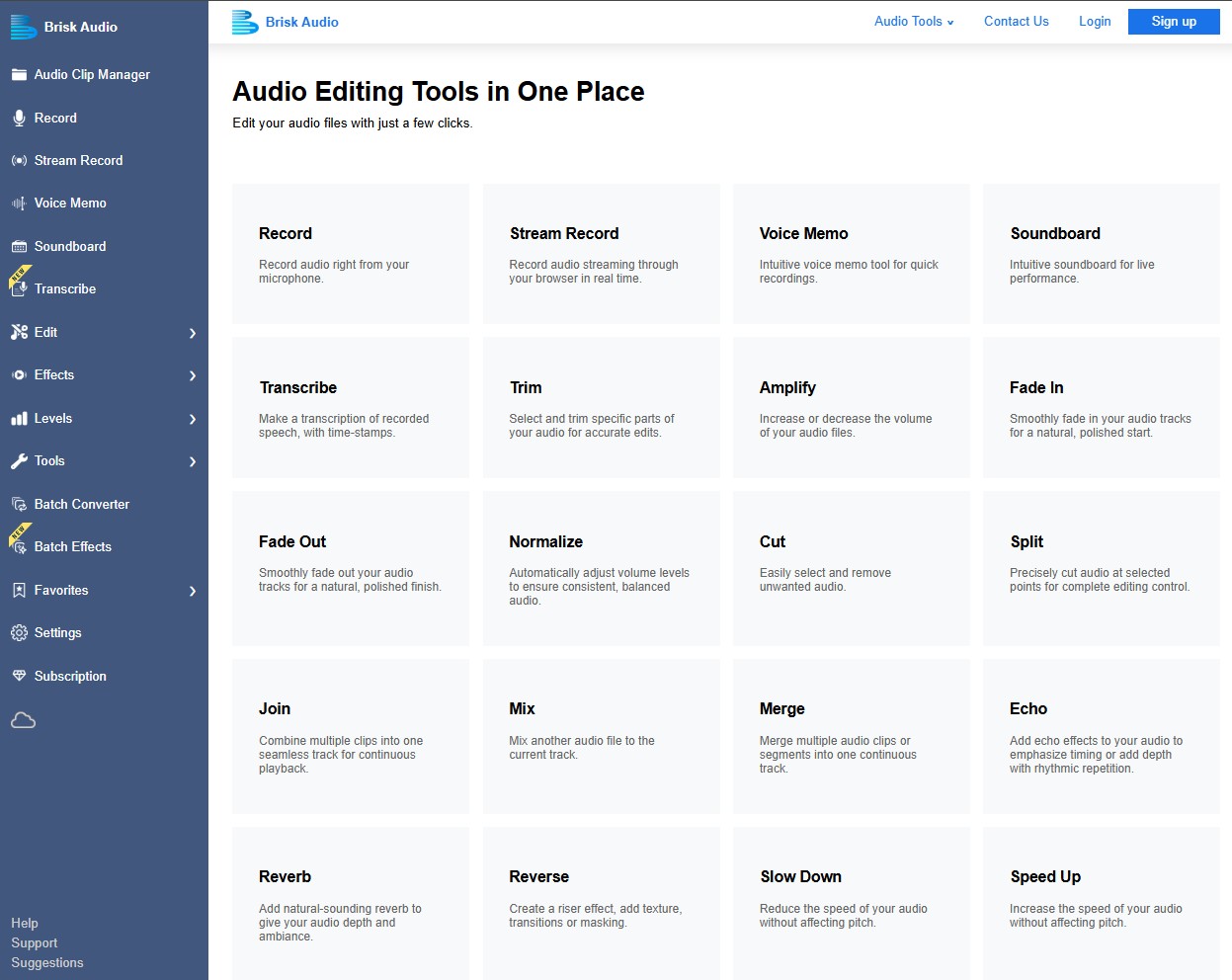
At its core, the platform allows you to record directly from your microphone or capture system audio in real time. Once your audio is captured, you get access to a massive toolkit. You can easily cut, mix, and merge tracks, or make subtle adjustments like fading audio in and out. For creators who want to polish their sound, the platform offers built in equalizers, noise reduction, and voice enhancement tools that make your recordings sound like they were recorded in a professional studio. It even includes advanced features like dereverb to remove annoying room echoes.
Where Brisk Audio truly shines is in its modern AI features. You can upload a track and instantly isolate the vocals, strip them away entirely to create a karaoke instrumental, or generate highly accurate text transcriptions complete with timestamps.
If you are dealing with a large library of files, the platform handles the heavy lifting with batch converters and bulk effect processing. It also supports lossless MP3 editing to ensure your files never drop in quality during export. Whether you need a quick custom ringtone, on hold messaging for your business, or a full podcast edit, Brisk Audio is a surprisingly robust solution that keeps everything entirely online.
Screenshots
0 comments
Sign in to leave a comment.
No comments yet. Say something useful and be the first.