
Gamepad Tester
Gamepad Tester checks controller buttons, sticks, triggers, drift, range, vibration, and browser-reported controller data
About Gamepad Tester
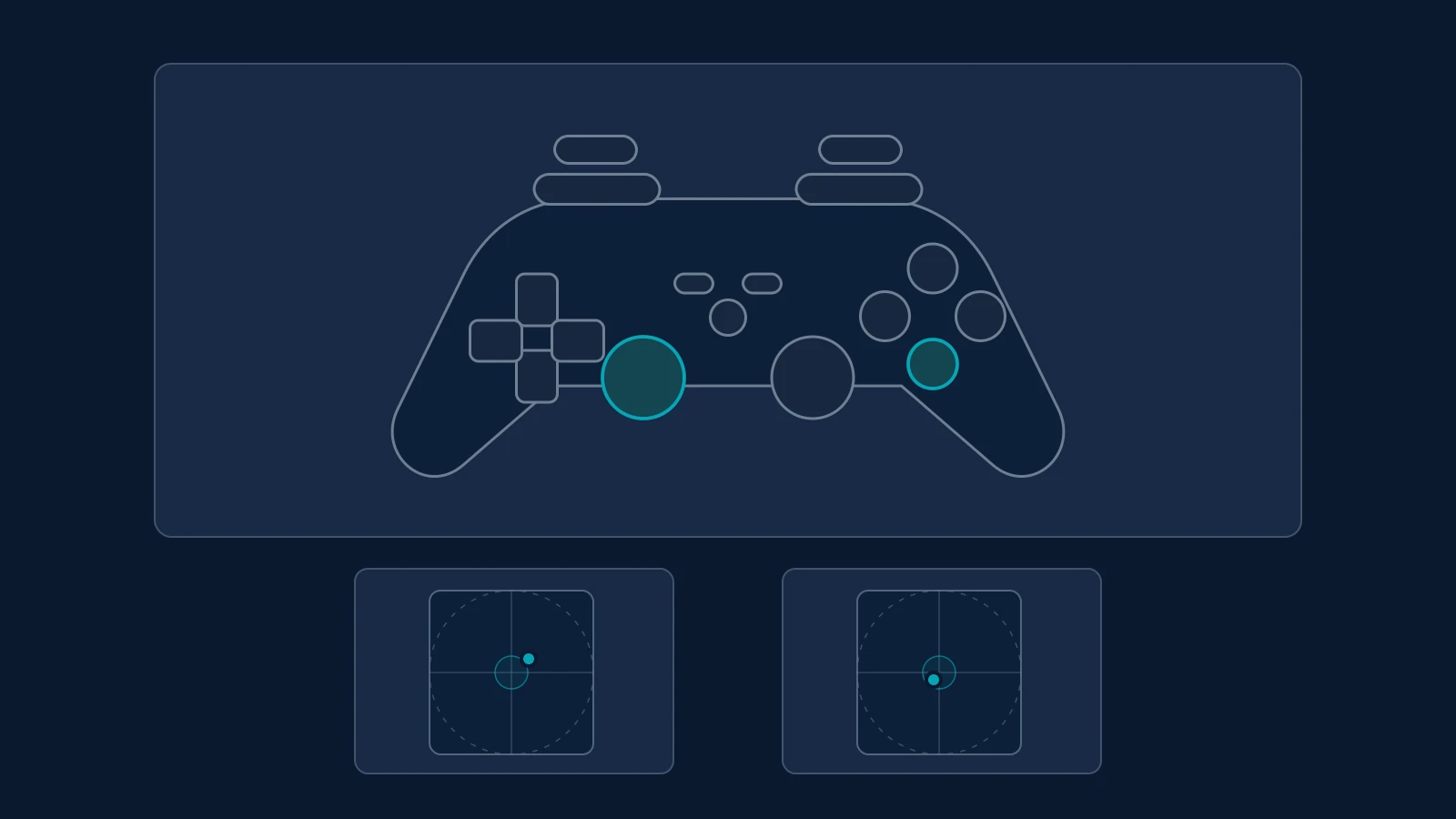
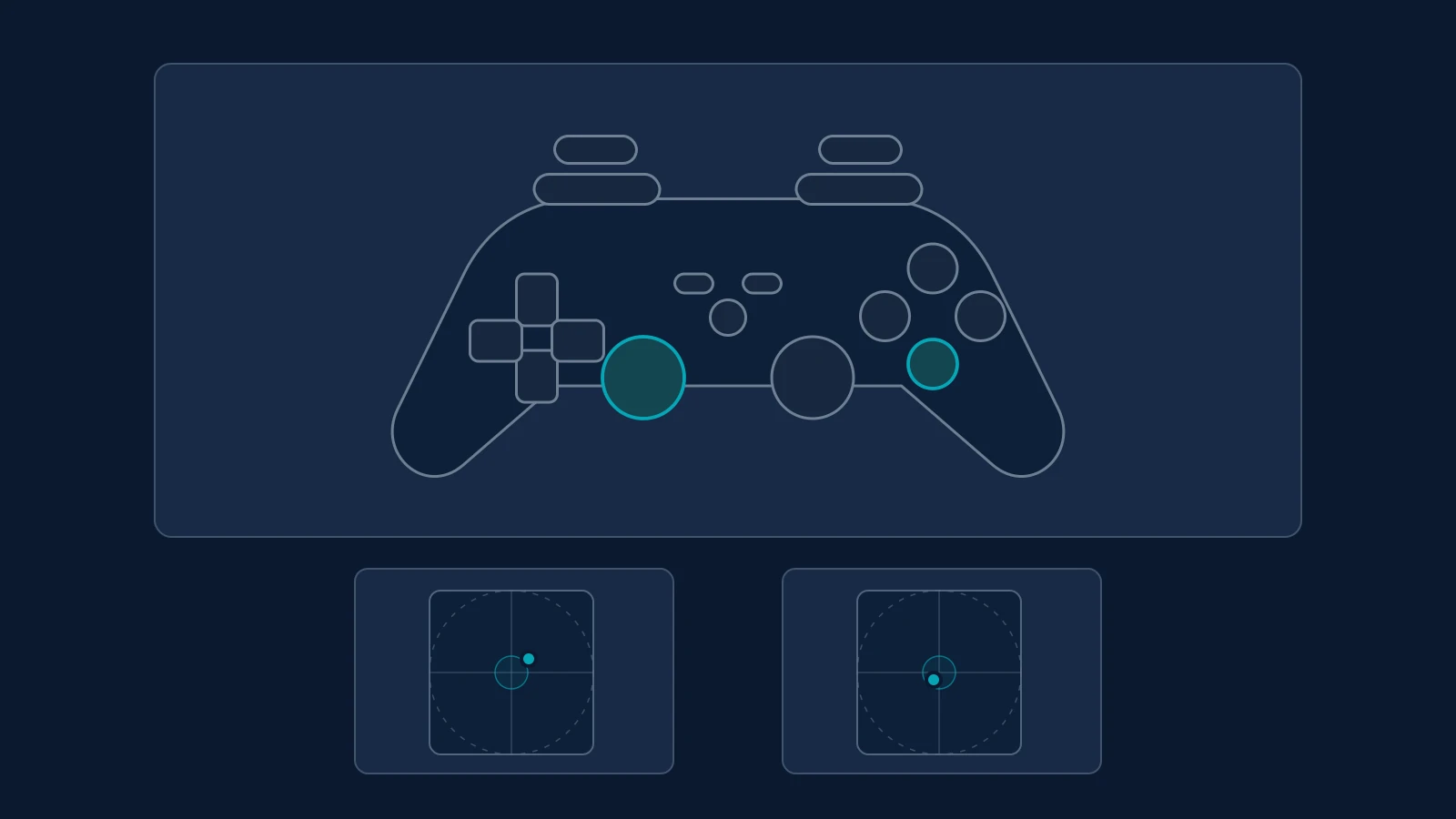
Gamepad Tester is a browser-based controller diagnostic tool from Elegant Machines. It tests buttons, analog triggers, stick movement, stick drift, outer stick range, vibration support, and raw gamepad data directly in the browser.
The tool starts after a controller is connected and a button or stick is moved while the page is visible. It can auto-detect controller layout from the browser-reported device name, with manual visual layouts for PlayStation, Xbox, Nintendo, and generic controllers.
Its stick drift test records both sticks for five seconds while they are released. Results include center offset, 95% neutral envelope, and maximum observed movement, but the page notes that there is no universal pass/fail threshold because games and firmware use different deadzone rules.
The page also includes a full-range and circularity sweep that records stick reach across 24 directions. Controller input is processed in the browser, and the page states that the tool does not send controller input to Elegant Machines.
Features
- Tests live stick positions, buttons, analog triggers, vibration, and browser-reported controller details
- Stick drift test records both released sticks for 5 seconds
- Drift results include center offset, 95% neutral envelope, and maximum observed movement
- Full-range sweep records outer stick reach in 24 directions
- Controller input is processed in the browser and is not sent to Elegant Machines
Use cases
- Check whether controller buttons and triggers are registering correctly
- Diagnose potential stick drift by measuring resting stick position and movement
- Check analog stick range and circularity
- Verify controller vibration when supported by the browser and device
Screenshots
Frequently asked questions
How does the stick drift test work?
The test records stick positions for five seconds while the stick is at rest, then reports center offset, neutral movement and movement range to help identify possible drift.
Why might the vibration test not work on my controller?
Browser support for controller vibration varies by operating system, controller and connection method. Some setups expose controller inputs through the Gamepad API but do not expose haptic feedback.
Does this tool change or calibrate my controller’s deadzone?
No. The deadzone display is a diagnostic reference only. It does not change the controller's firmware, calibration or the deadzone settings used by individual games.
Which controllers can work?
Xbox, PlayStation, Nintendo, and many generic USB or Bluetooth controllers can work through the browser Gamepad API
What happens with non-standard controller mappings?
As per the website, raw button numbers remain the most trustworthy reference when the browser does not report standard mapping
0 comments
Sign in to leave a comment.
No comments yet. Say something useful and be the first.