

FileOnTap
Converts and compresses image and PDF files locally in the browser without uploading source files.
About FileOnTap
1. FileOnTap is a browser-based file converter for everyday image, compression, and PDF tasks. It focuses on local processing so selected files stay on the user’s device during conversion.
The homepage lists tools for HEIC, JPG, PNG, WebP, PDF conversion, image compression, PDF merging, PDF splitting, and PDF compression. Popular conversions include HEIC to JPG, HEIC to PNG, WebP to PNG, PNG to JPG, and JPG to PDF.
The site says each converter runs in the browser and does not upload files to a conversion server. The privacy page adds that file contents and file names are not sent to Google Analytics.
The About page describes FileOnTap as a small collection of focused browser tools. It also warns that converted files may not retain all EXIF metadata, Apple-specific HEIC features, or Live Photo motion.
Features
- Convert HEIC, WebP, JPG, and PNG images locally in browser
- Create PDFs from images with no upload required
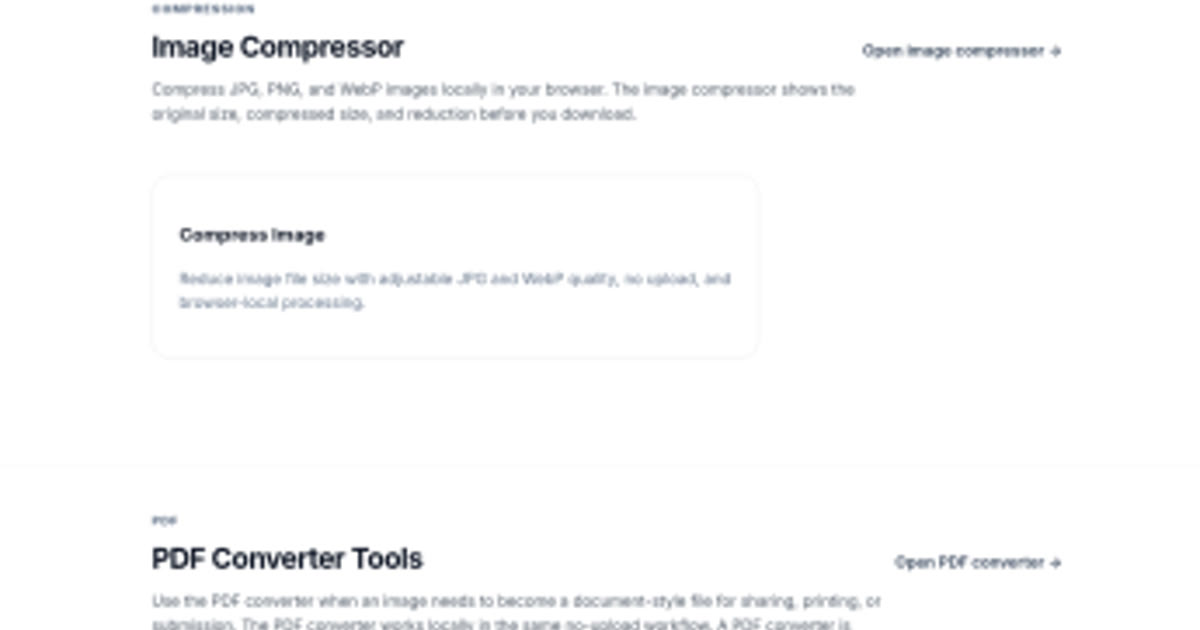
- Compress JPG, PNG, and WebP files with adjustable quality
- PDF tools include PDF to JPG, PDF to PNG, merge PDF, split PDF, and compress PDF
- Privacy page says selected files are not uploaded to FileOnTap’s server
Use cases
- Converting iPhone HEIC photos to widely compatible JPG files
- Turning images into PDF documents for easy printing or sharing
- Reducing image file sizes for faster uploads or storage
- Compress JPG, PNG, or WebP images before upload
- Split, merge, compress, or render PDF files locally in the browser
Screenshots
Frequently asked questions
Does FileOnTap upload my files to a server?
No, FileOnTap processes all supported files locally in your browser without uploading them.
Do I need to create an account to use FileOnTap?
No, you can use the converter and download results without any account registration.
Can FileOnTap convert images to PDF?
Yes, it can convert JPG, PNG, WebP, and HEIC images into one-page PDFs locally in the browser.
Does analytics receive file contents?
No. The privacy page says file contents and file names are not sent to Google Analytics
Does conversion preserve every metadata field?
Not always. The About page says converted files may not retain all EXIF metadata
What we verified
- Public API?
- Not stated
- Self-hostable?
- Not stated
- Free tier without a credit card?
- Yes, the homepage says free, no account, and no upload
- Pricing model?
- Free browser tools
- Price?
- Free
- Data region / hosting location?
- Not stated
- Named integrations?
- Not stated
Could not be verified
- The site does not state API access, self-hosting, maximum file sizes for every tool, browser compatibility, offline support, exact PDF page limits, pricing policy permanence, hosting region, or source-code availability.
0 comments
Sign in to leave a comment.
No comments yet. Say something useful and be the first.