
Quick Image Converter
Converts, compresses, resizes, and batch-processes images locally in the browser.
About Quick Image Converter
1. Quick Image Converter is a browser-based image conversion tool for designers, photographers, developers, and content creators who need fast format changes.
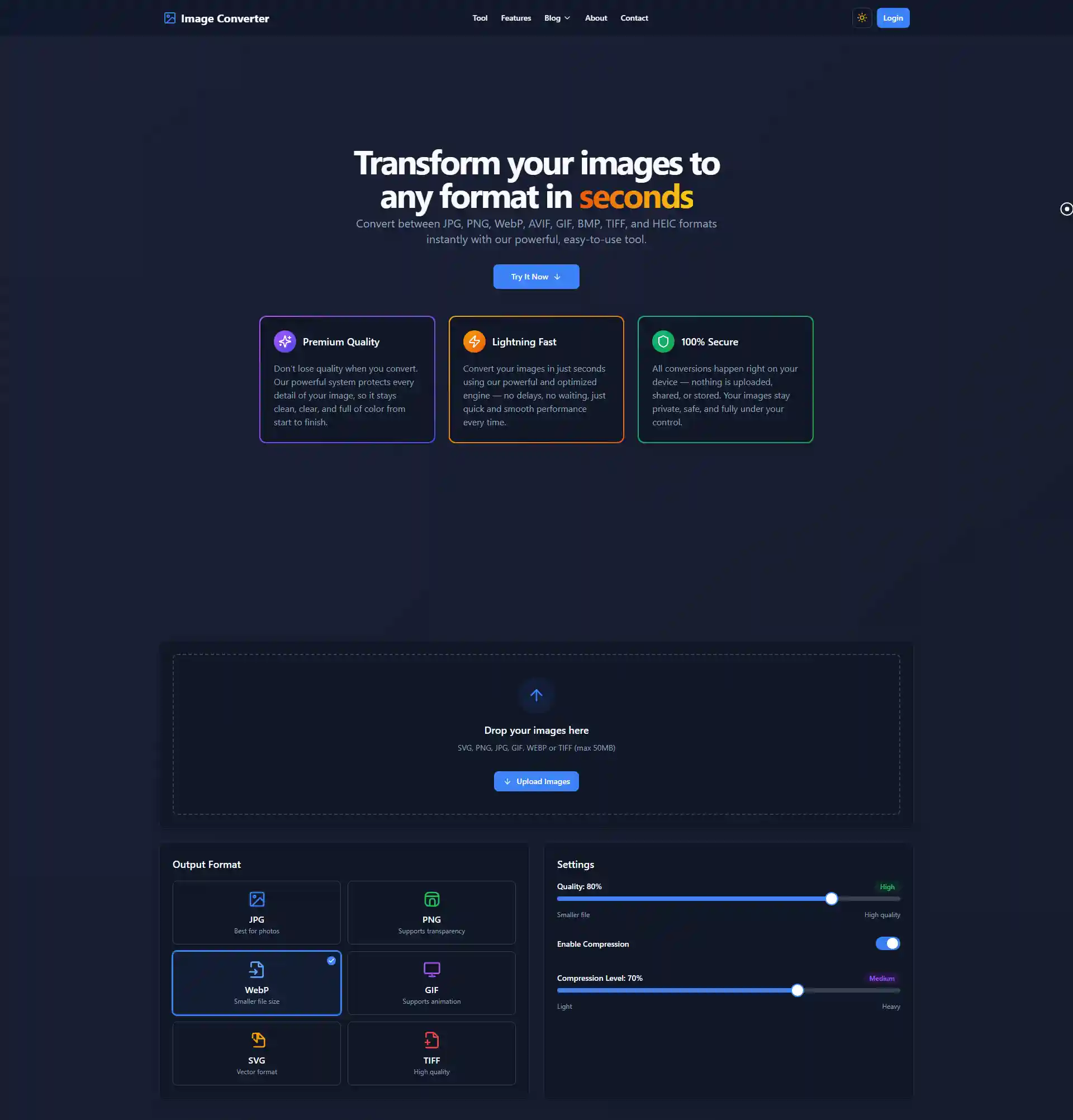
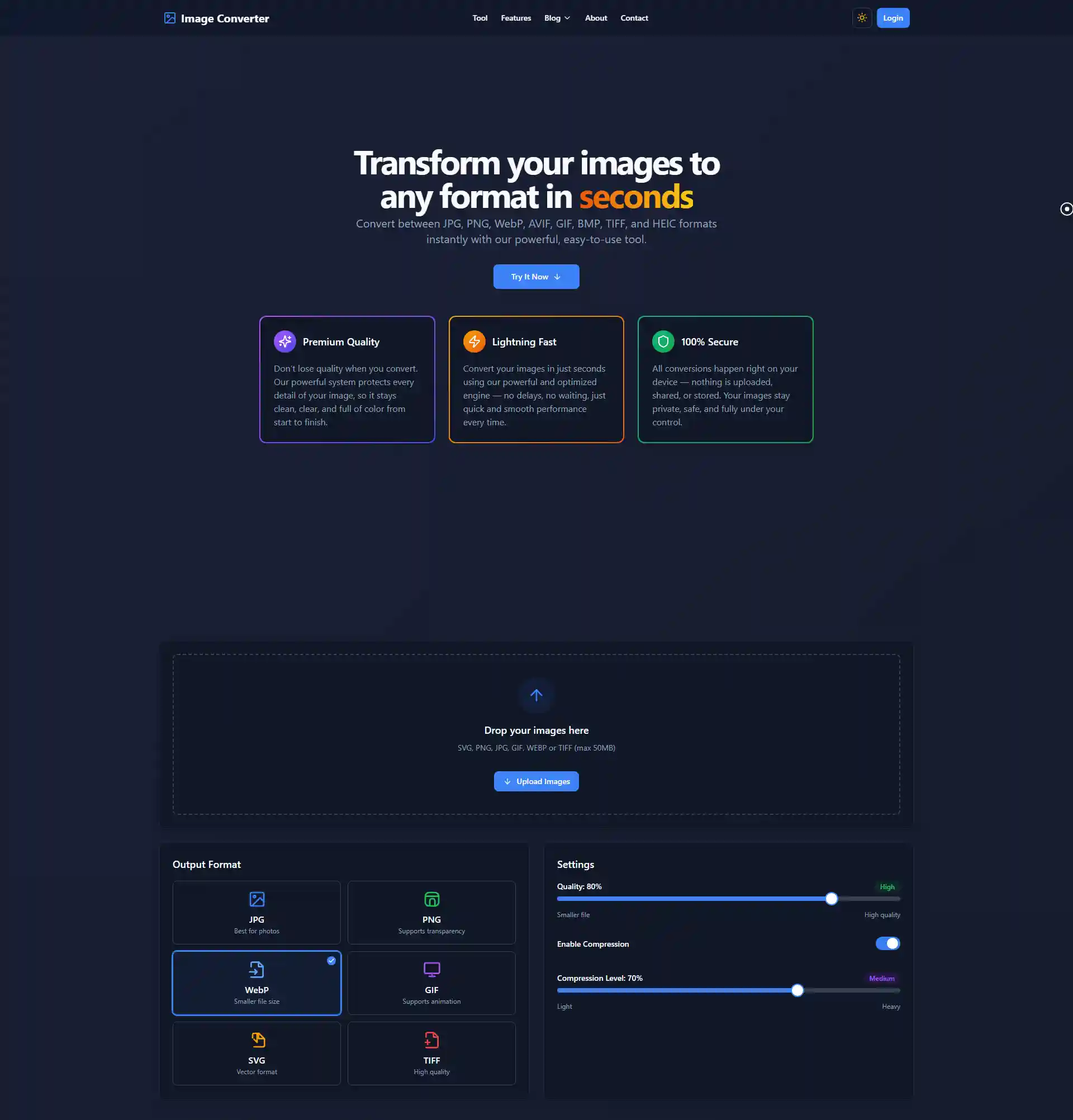
The homepage says users can upload images, convert formats, control quality and compression, resize images, and download outputs. It supports drag-and-drop upload and standard downloads without registration.
The site states that images are processed locally in the browser using WebAssembly. It says images never leave the user’s device, with zero uploads and zero storage during conversion.
The About page says the service is completely free with no hidden costs. It also says the platform supports batch operations and works across devices and browsers without downloads or installation.
Features
- Local browser processing with WebAssembly for privacy
- Batch conversion of hundreds of images with ZIP download
- Custom quality adjustment and image resizing options
- Resize tools support custom dimensions, percentages, and aspect-ratio preservation
- Upload accepts SVG, PNG, JPG, GIF, WebP, or TIFF files up to 50 MB
Use cases
- Converting HEIC photos to JPG for easier sharing and editing
- Optimizing images for website use with compression and format changes
- Batch resizing and converting large photo collections quickly
- Prepare images without sending files to a server
- Compress images before uploading them to websites or marketplaces
Screenshots
Frequently asked questions
How do I convert my first image?
Simply upload your image via drag and drop or file selector, choose your desired output format and settings, then click convert to process it locally in your browser.
Can I convert multiple images at once?
Yes, the batch processing feature lets you upload and convert hundreds of images simultaneously, with options to download them individually or as a ZIP archive.
Are my images safe and private during conversion?
Absolutely. All image processing happens directly on your device using WebAssembly technology, ensuring your images never leave your browser or servers.
What maximum file size is shown?
The upload area shows a 50 MB maximum
Does it work on mobile?
Yes. The site says it works across desktop, tablet, and mobile browsers
What we verified
- Public API?
- Not stated
- Self-hostable?
- Not stated
- Free tier without a credit card?
- Free use is stated; credit card requirement is not stated
- Pricing model?
- Free
- Price?
- Free
- Data region / hosting location?
- Not stated
- Named integrations?
- Chrome Extension is listed as a resource
Could not be verified
- The site does not state public API access, self-hosting, exact browser support, source-code availability, paid support, offline use, file-size limits for every format, or whether the Chrome extension has separate privacy terms.
0 comments
Sign in to leave a comment.
No comments yet. Say something useful and be the first.