
Image Convert
Free browser-local tools to convert, compress, resize, crop, watermark, and combine supported images without sign-in.
About Image Convert
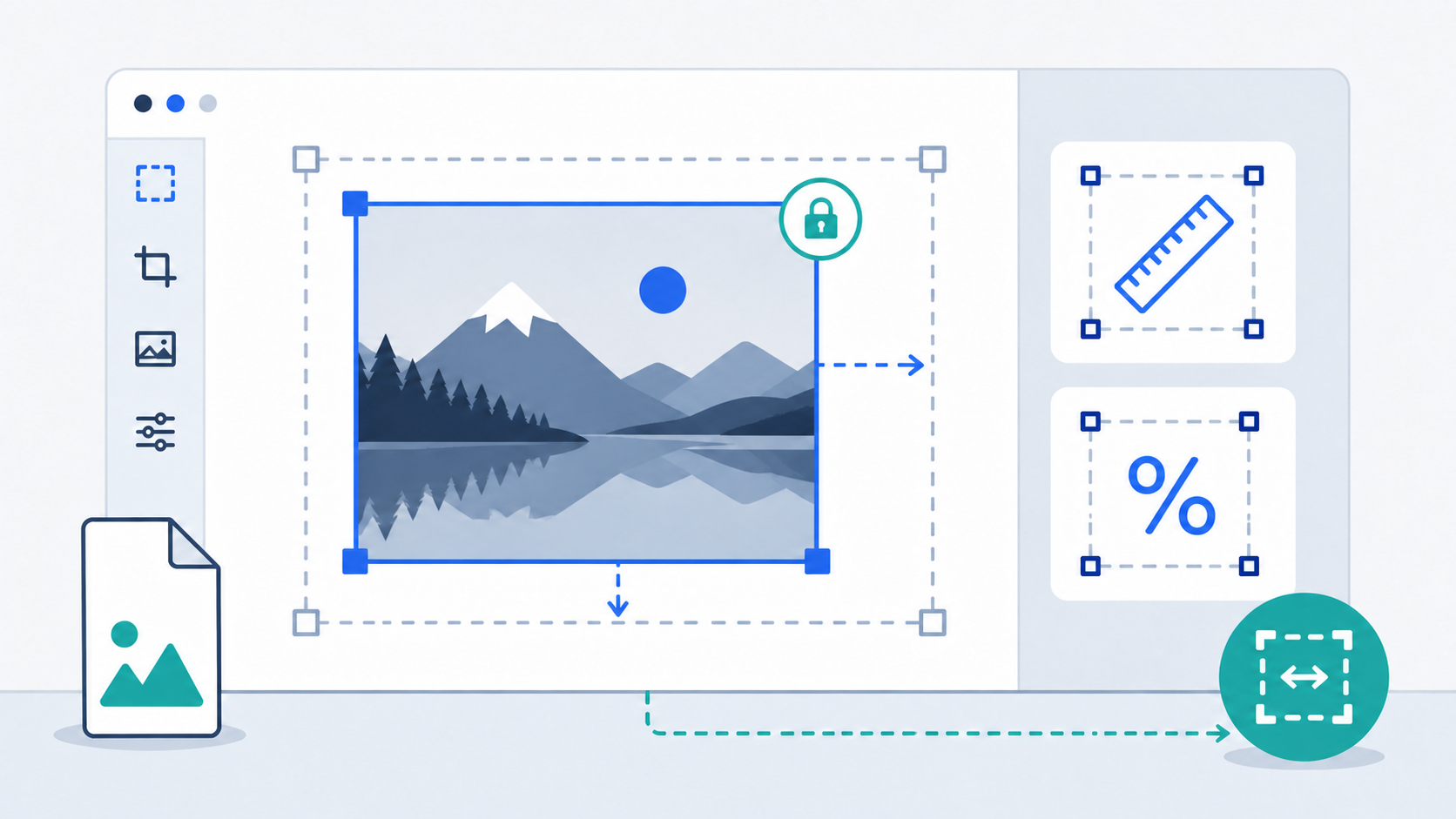
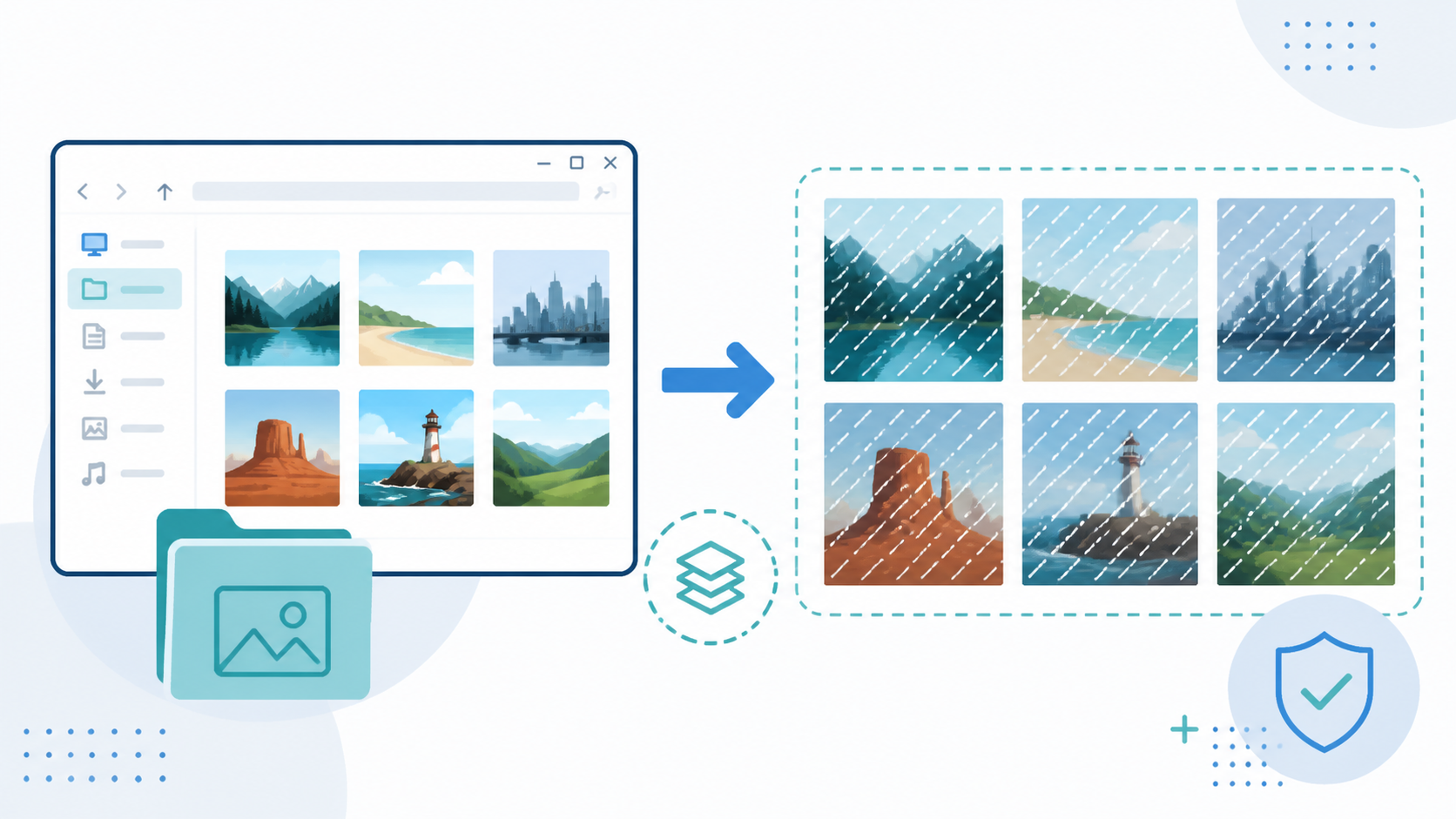
Image Convert is a free English-language suite of seven image tools that run supported file processing in the browser. It converts HEIC and HEIF photos to separate JPG files or one ordered PDF, converts JPEG, PNG, and WebP between supported formats, compresses images to a chosen size limit, resizes images, crops a single image, and applies tiled Unicode text watermarks to batches.
Selected source files, full file names, decoded content, intermediate images, generated images, PDFs, and ZIP files stay on the device and are not uploaded for processing. Batch tools preserve successful results if another file fails, and users can download individual outputs or a ZIP where supported.
The public tools are free and require no sign-in. Image Convert is useful for preparing iPhone photos, meeting upload size or dimension requirements, creating PDFs from HEIC images, cropping graphics, and adding text watermarks before sharing. Format, animation, metadata, transparency, and browser limits are documented on each task page.
Features
- Convert HEIC and HEIF to JPG or combine them into one PDF
- Convert, compress, and resize JPEG, PNG, and WebP files
- Crop one image or apply tiled text watermarks to batches
- Local browser processing with no sign-in required
Use cases
- Convert iPhone HEIC photos to JPG without uploading them for processing
- Meet image file-size or dimension requirements
- Create one ordered PDF from multiple HEIC or HEIF photos
- Add repeated privacy watermarks to images
Screenshots
Frequently asked questions
Is Image Convert free to use?
Yes. All seven public image tools are free and require no sign-in.
Do I need to install software to use Image Convert?
No. The tools run in a compatible browser without desktop or mobile app installation.
Are my images uploaded for processing?
No. Supported file processing happens on your device, and selected or generated files are not uploaded for processing.
Which image formats are supported?
HEIC and HEIF are supported for HEIC to JPG and HEIC to PDF. JPEG, PNG, and WebP are supported for conversion, compression, resizing, cropping, and text watermarking.
What files can users download?
Users can download individual JPEG, PNG, or WebP images, ZIP files containing batch results, or an ordered PDF created from HEIC and HEIF photos.
0 comments
Sign in to leave a comment.
No comments yet. Say something useful and be the first.