
ReWords AI
ReWords AI replaces existing text inside finished images while trying to match the original font, color, and background.
About ReWords AI
ReWords AI is a browser-based design tool for editing text already embedded in finished images. Users upload a PNG, JPG, or WebP file, select detected text or draw a box around missed words, enter replacement text, and generate an edited image.
The homepage positions it for flat images where the original design file is unavailable. It is built for replacing existing text rather than adding a new overlay, with best-effort matching of font, size, color, style, and surrounding background.
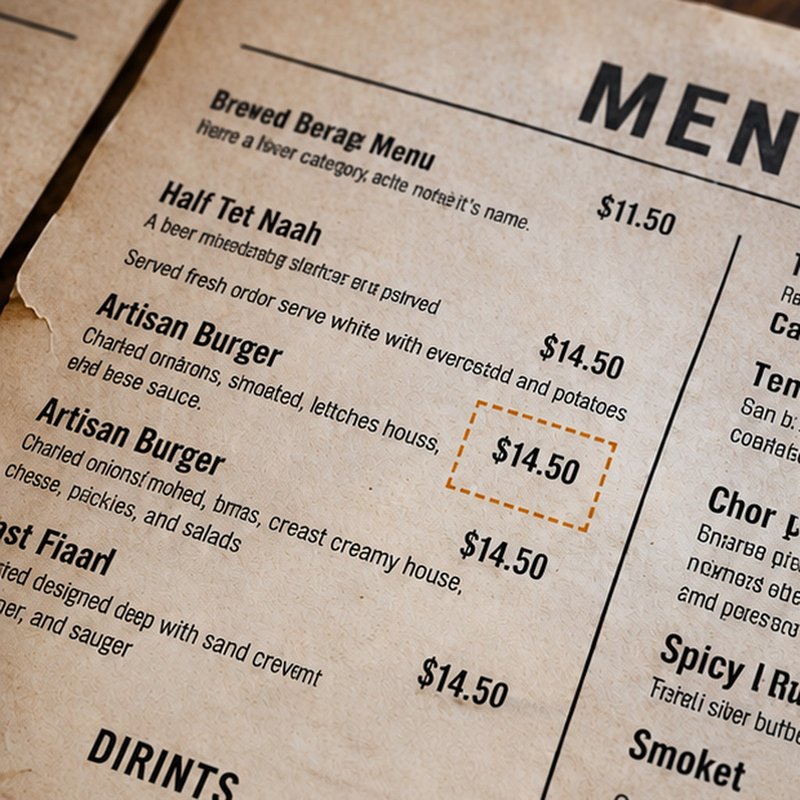
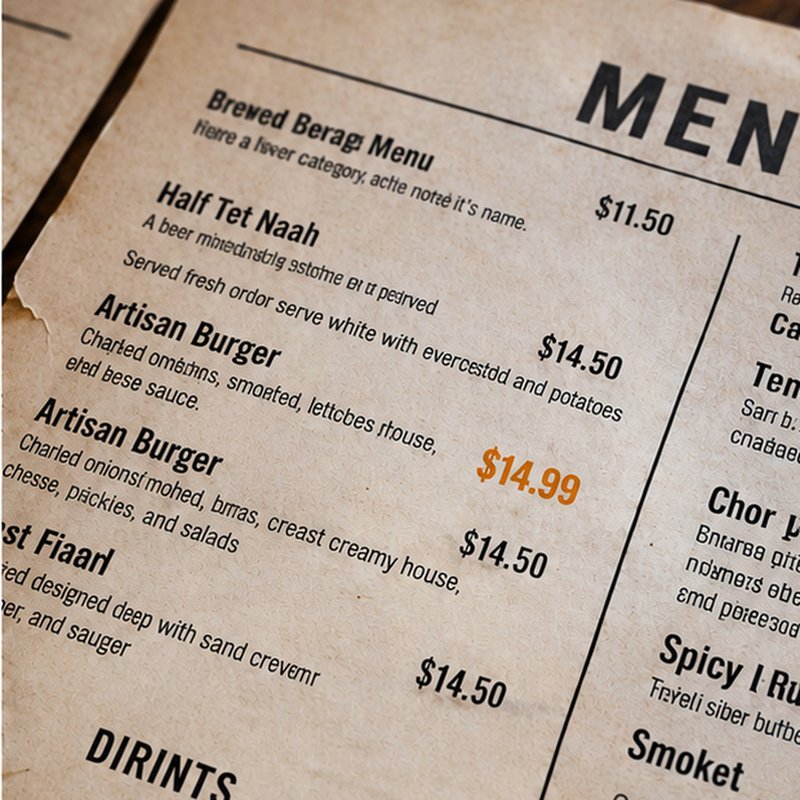
Common workflows include fixing typos in screenshots, changing prices or dates in posters and flyers, updating product labels, replacing captions in social graphics, and correcting misspelled text in AI-generated images. Results vary depending on image quality, background complexity, and text length.
Pricing uses credits and subscriptions. A standard 1K image costs 10 credits, while HD 2K and Ultra HD 4K require subscription benefits; one-time credit packs start at $5.99 for 100 credits
Features
- AI rewording and rewriting that keeps the original meaning
- Polish blogs, product pages, emails and everyday writing
- Freemium web app that works in any browser
- Supports replacing multiple text regions per image
Use cases
- Rewrite blog and article drafts into clear natural copy
- Polish product pages and marketing emails
- Re word everyday writing quickly without losing meaning
- Swap text in posters, flyers, invitations, thumbnails, memes, or banners
Screenshots
Frequently asked questions
What is ReWords AI?
ReWords AI is an AI writing assistant for rewording, rewriting, and polishing text while keeping the original meaning.
Does it preserve my meaning and tone?
Yes. It rewrites and polishes for clarity while preserving the original meaning, for blogs, product pages, emails and everyday writing.
Is ReWords AI free to try?
ReWords AI is freemium. Visit https://rewordsai.app/ to get started.
Are uploaded images processed by third parties?
The FAQ says uploaded images may involve third-party AI and storage providers
Does ReWords AI have a browser extension?
- Yes. The privacy policy describes a ReWords AI “Edit Image Text” browser extension workflow
What we verified
- Public API?
- Partly stated — the homepage says the Edit Text in Image API is in beta and users should contact support for access details
- Self-hostable?
- Not stated
- Free tier without a credit card?
- Yes — the FAQ says users can sign in to try a free image edit with no credit card required
- Pricing model?
- Credits, one-time credit packs, and subscriptions
- Price?
- 100-credit pack $5.99; 200-credit pack $9.99 sale price; 500-credit pack $19.99 sale price; annual subscriptions start at $59.99/year
- Data region / hosting location?
- Not stated
- Named integrations?
- Stripe, ChatGPT, Perplexity, Claude, Gemini, Grok, Doubao, DeepSeek, Kimi
Could not be verified
- Public API documentation, endpoint details, or beta access terms
- Whether ReWords AI can be self-hosted
- Hosting region, data residency, uptime, SLA, and support response time
- Exact third-party AI and storage providers used for image processing
- Maximum upload size, maximum image dimensions, and batch limits
- Whether monthly subscription pricing differs from annual sale pricing
0 comments
Sign in to leave a comment.
No comments yet. Say something useful and be the first.