

Text Remover - AI-Powered Image Text Removal Tool
Remove text and watermarks from images using AI-powered selection and inpainting.
About Text Remover - AI-Powered Image Text Removal Tool
Text Remover is an online graphic utility engineered to clean up typography, timestamps, watermarks, and graphic overlays from digital imagery. Visual designers and creators frequently work with stock photos, concept art, or media obstructed by distracting captions. Instead of manually cloning pixels in desktop software, users can upload an asset and let neural inpainting algorithms erase unwanted lettering automatically.
The platform balances automatic detection with manual editing control. Users can let the system detect text directly or use an interactive brush with adjustable stroke sizes to paint over specific logos, labels, and subtitle banners. Once selected, the algorithm analyzes adjacent pixels, rebuilding textures, color gradients, and backgrounds without leaving visible blur or artifacts.
Supporting JPG, PNG, and WebP formats, the tool handles image files up to ten megabytes. The application runs on Cloudflare edge infrastructure to deliver fast processing and reliable rendering. To protect creator privacy, uploaded media files are held in temporary storage and deleted automatically once the editing session concludes.
Text Remover provides a free tier granting five edits per hour and ten daily cleanups without requiring a sign-up or credit card. For designers managing high-volume asset libraries, non-recurring credit bundles unlock faster rendering and high-resolution exports. It provides a focused, browser-based solution for retouching imagery across web and marketing projects.
Features
- AI-powered text removal with precise background reconstruction
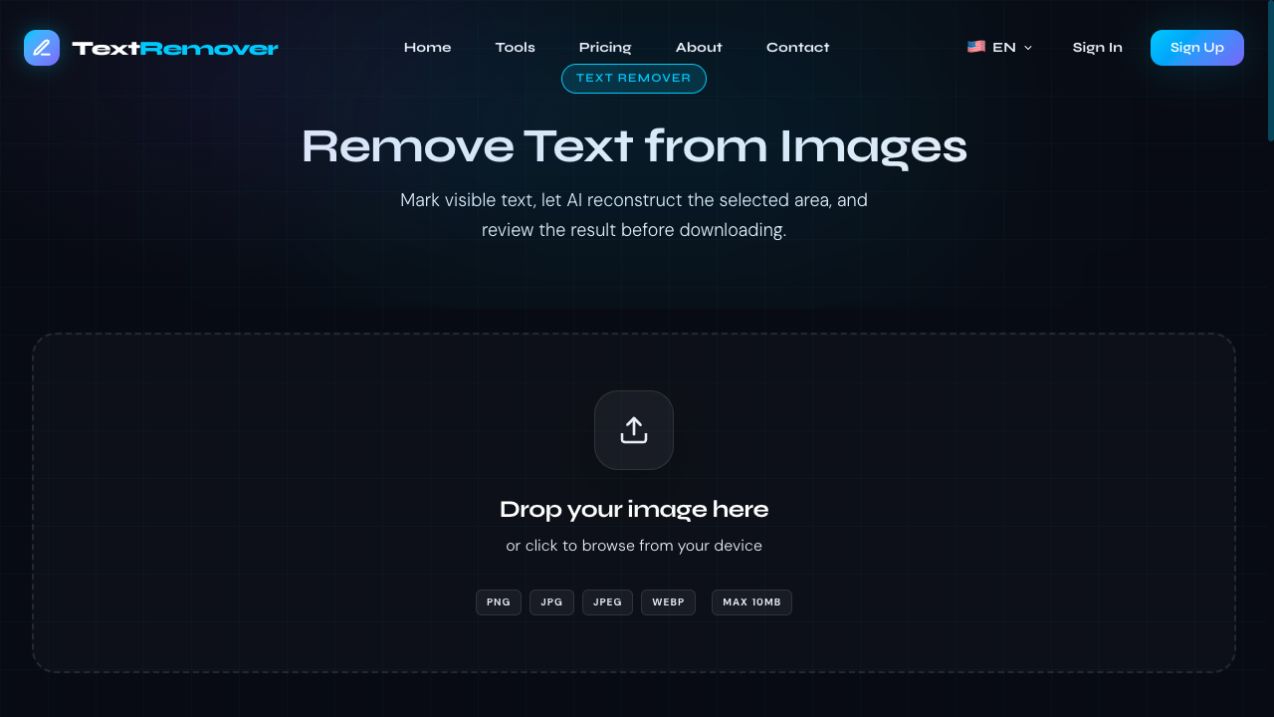
- Supports PNG, JPG, JPEG, and WebP image formats
- Brush tool for selecting areas to remove
- Automated post-processing privacy cleanup that discards uploaded images and rendered results from server storage after editing
Use cases
- Removing watermarks and timestamps from social media images
- Erasing price tags or labels in product photography
- Clearing existing meme text to add new captions
- Retouching AI-generated visual artwork by erasing distorted or hallucinated alphanumeric text artifacts
Screenshots



Frequently asked questions
How accurate is the text removal?
Accuracy depends on the complexity of the background; simple, repetitive backgrounds are easier to reconstruct than detailed textures.
What image formats are supported?
The tool supports PNG, JPG, JPEG, and WebP formats up to 10 MB in size.
Can I remove text from complex backgrounds?
Yes, but results vary as more detailed backgrounds such as faces or fine lines are harder to reconstruct perfectly.
Are uploaded images retained or used for public AI training?
No. Uploaded photos are processed securely in temporary edge storage and automatically deleted after editing, without being permanently archived.
What speed difference exists between the free tier and paid plans?
Paid credit plans route jobs through priority servers delivering up to two times faster rendering and higher completion reliability during peak traffic periods.
What we verified
- Public API
- No (Public developer API is not stated on the website)
- Self-hostable
- No (Hosted web application)
- Free tier without a credit card
- Yes (Free tier offering 5 edits per hour and up to 10 edits per day without payment information)
- Pricing model
- Freemium with non-recurring credit packs (Free tier alongside 30-day prepaid credit bundles)
- Price
- Free tier available; paid credit bundles cost $29.90 for 300 credits and $99.90 for 1,200 credits valid for 30 days
- Data region / hosting location
- Global (Hosted on Cloudflare Workers edge network)
- Named integrations
- Not stated (Standalone web utility)
Could not be verified
- Availability of a developer REST API or batch processing SDK for high-volume automated workflows
- Exact maximum output pixel dimensions for high-resolution exports on paid plans
- Specific refund policy terms for unused credits within the 30-day validity window
0 comments
Sign in to leave a comment.
No comments yet. Say something useful and be the first.