
Google Maps Lead Scraper: Extract Business Leads from
Extracts Google Maps business leads with phones, websites, emails, social links, and CSV export.
About Google Maps Lead Scraper: Extract Business Leads from
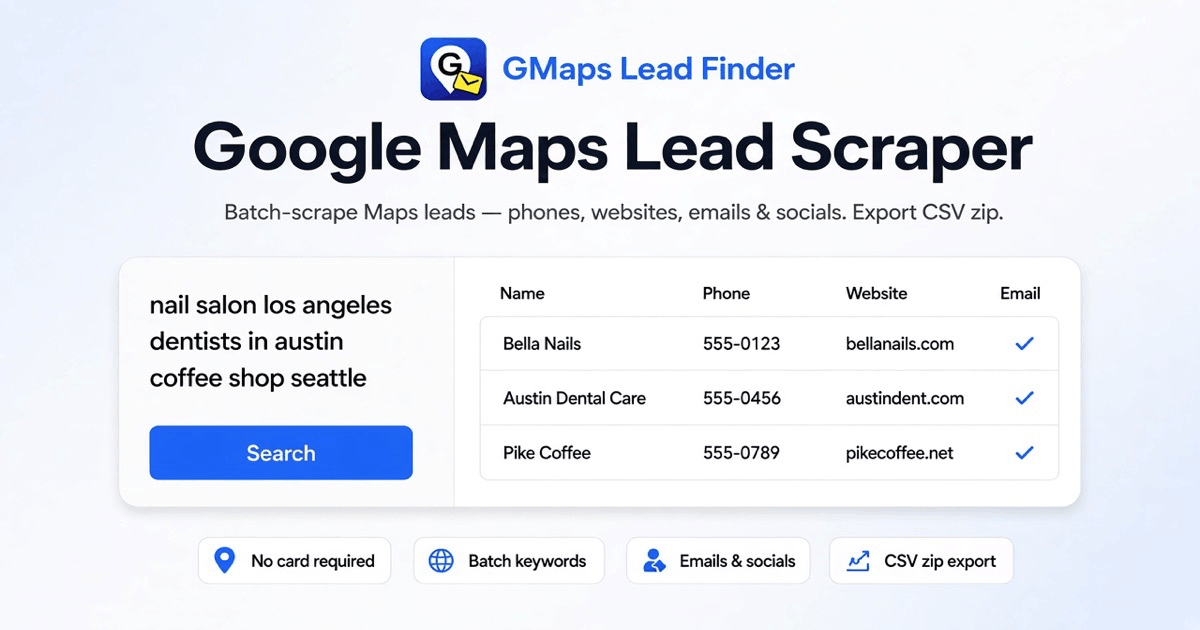
1. GMaps Lead Finder is a Sales & CRM tool for building local prospect lists from Google Maps keyword searches. It is aimed at SDRs, agencies, and teams that need business names, phone numbers, websites, emails, and social profiles for outreach.
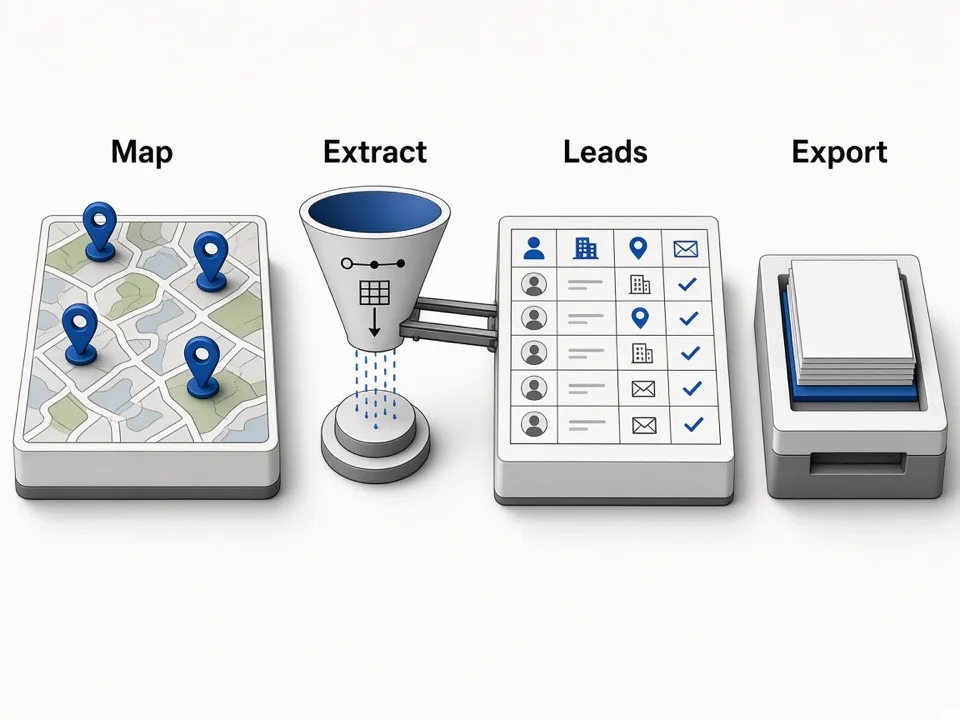
The homepage says users paste one keyword per line, such as a city plus niche, and run the list as one Google Maps Lead Extractor job. The tool paginates Maps results, collects place rows, enriches them with public website emails and social links, then exports the results.
Exports are structured for CRM and spreadsheet workflows. The page lists fields such as name, address, phone, website, categories, rating, review count, claimed status, emails, social links, Place ID, CID, Maps URL, coordinates, opening hours, featured image, and search keyword.
The pricing page lists a free plan and monthly paid plans based on credits, where 1 credit equals 1 Google Maps place. Documentation covers HTTP API access, MCP, agent workflows, SDKs, bearer authentication, job creation, polling, and JSON results.
Features
- Batch keyword scraping with city and category pairs
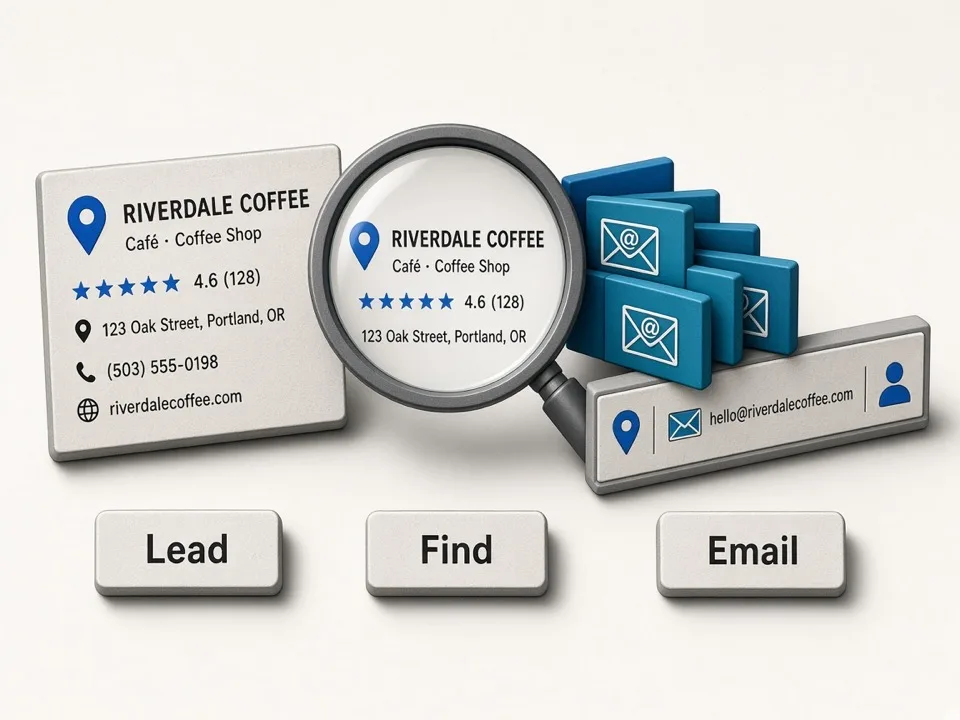
- Extract public emails found on business websites
- Export leads and data as CSV files organized by keyword
- Growth plan starts with 80,000 credits per month and up to 10 keywords per search
- CSV zip export creates one CSV file per keyword
Use cases
- Local agencies building contact lists of businesses in target cities
- Sales representatives gathering outreach-ready leads by niche
- SEO or GBP agencies creating prospect lists for client campaigns
- Find social profile links published on business websites
- Run lead extraction from Claude, Cursor, Codex, or another MCP client
Screenshots
Frequently asked questions
What data do I get from the Google Maps Lead Scraper?
You receive business names, addresses, phone numbers, websites, public emails, social media links, ratings, reviews, place IDs, and map URLs in structured CSV format.
Will every business have an email?
No, the tool only includes public emails found on business websites; if no email is found, the field remains empty.
Can I run batch keyword searches?
Yes, you can paste a list of keywords, each combining a city and category, and run a batch job that queues and scrapes each query automatically.
What SDKs are listed?
The docs page lists Python, TypeScript, Go, Rust, PHP, Ruby, and .NET packages
Are Chrome extensions included in Online pricing?
No. The pricing page says extension plans are separate from Online cloud plans
What we verified
- Public API?
- Yes, documentation covers HTTP API, OpenAPI YAML, bearer auth, jobs, results, MCP, and SDKs
- Self-hostable?
- Not stated
- Free tier without a credit card?
- No card required is stated on the homepage
- Pricing model?
- Monthly credit plans, where 1 credit equals 1 Google Maps place
- Price?
- Free $0, Starter $19/month, Growth $49/month, Enterprise custom
- Data region / hosting location?
- Not stated
- Named integrations?
- Google Maps, Bing Maps, Apple Maps, Claude Code, Cursor, Codex, Claude Desktop, MCP, HTTP API
Could not be verified
- The site does not state self-hosting, data hosting region, credit card requirement for paid trials, exact scraping speed, CRM push integration names, compliance certifications, data retention period, or Google Maps terms handling.
0 comments
Sign in to leave a comment.
No comments yet. Say something useful and be the first.