
IcyZip
Pairs two browsers by QR code for encrypted live text sharing and optional one-file transfer.
About IcyZip
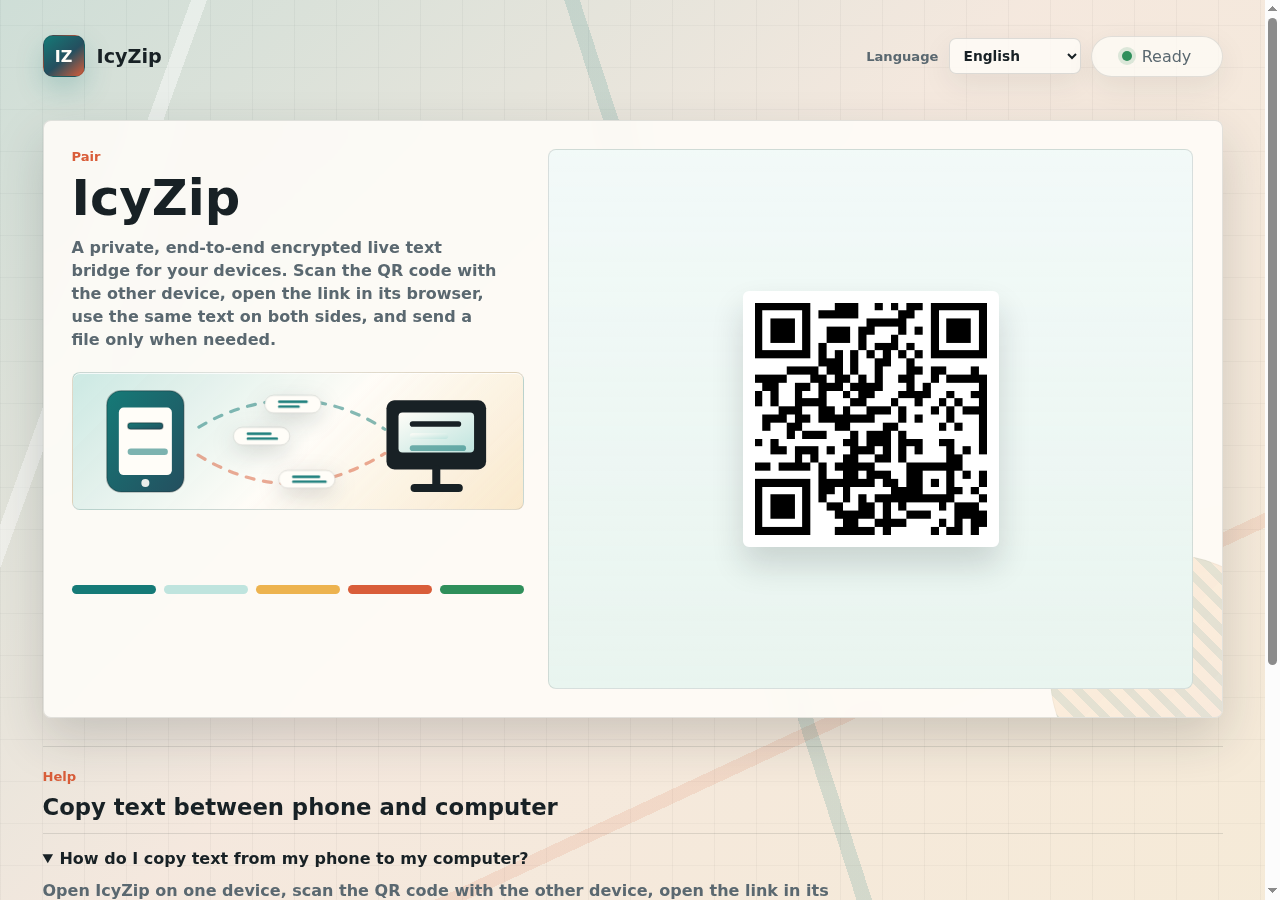
IcyZip is a browser-based tool for short, live handoffs between two devices. Open it in one browser, pair a second browser with the QR code or pairing link, then edit a shared text field or send one selected file of up to 25 MiB at a time. No account or app installation is required.
Text and file bytes are end-to-end encrypted in the browsers before they pass through IcyZip's relay. The service can still see operational metadata such as connection and file-offer details; both browsers must remain open and online for the transfer. A browser may keep the current text draft locally so it can survive a normal reload.
IcyZip is designed for quick phone-to-computer or browser-to-browser exchanges. It is not cloud storage, offline pickup, folder synchronization, LAN/P2P transfer, or automatic/background clipboard sync. The hosted service is proprietary and currently free. The isolated E2EE component and tests are published under Apache-2.0 for independent review.
The homepage describes a live text bridge where both paired browsers can use the same text field. File transfer is available as an optional action when both browsers are connected.
The technical page says current clients generate key material in the browser, derive separate text and file keys, and encrypt payloads before transport. It names P-256 ECDH, HKDF-SHA-256, and AES-GCM as the current cryptographic construction.
Features
- Pair two browsers by QR code or link without an account or app
- Edit a shared live text field while both browsers are online
- Send one selected file up to 25 MiB at a time
- Encrypt text and file bytes in the browsers before relay
- Inspect the Apache-2.0 E2EE component and its tests
Use cases
- Move a typed or pasted address from a phone browser to a computer
- Send one document or photo between two online browsers without an app
- Share a link or short note during a meeting or class
Screenshots
Frequently asked questions
Do I need an account or an installed app?
No. Open IcyZip in two browsers and pair them by QR code or link.
What can the IcyZip service see?
Text and file bytes are end-to-end encrypted before relay. The service can still see operational metadata such as connection and file-offer details.
Do both browsers need to stay open?
Yes. Both browsers must remain open and online during the live exchange or file transfer.
Is IcyZip cloud storage or folder synchronization?
No. It is a live two-browser handoff, not cloud storage, offline pickup, folder sync, LAN/P2P transfer, or background clipboard sync.
What is the file limit?
You can send one selected file at a time, up to 25 MiB. After it finishes, you can select another file.
What we verified
- Public API?
- Not stated
- Self-hostable?
- Not stated
- Free tier without a credit card?
- Not stated
- Pricing model?
- Not stated
- Price?
- Not stated
- Data region / hosting location?
- Controller address is in Austria; hosting location is not stated
- Named integrations?
- Not stated
Could not be verified
- The site does not state pricing, credit card requirements, public API access, self-hosting, exact server hosting region, uptime, maximum text size, every file-size configuration, or whether enterprise support is available.
0 comments
Sign in to leave a comment.
No comments yet. Say something useful and be the first.