
SEAL
Sends encrypted files and folders through self-destructing links with expiry, passwords, download limits, audit logs, and agent support.
About SEAL
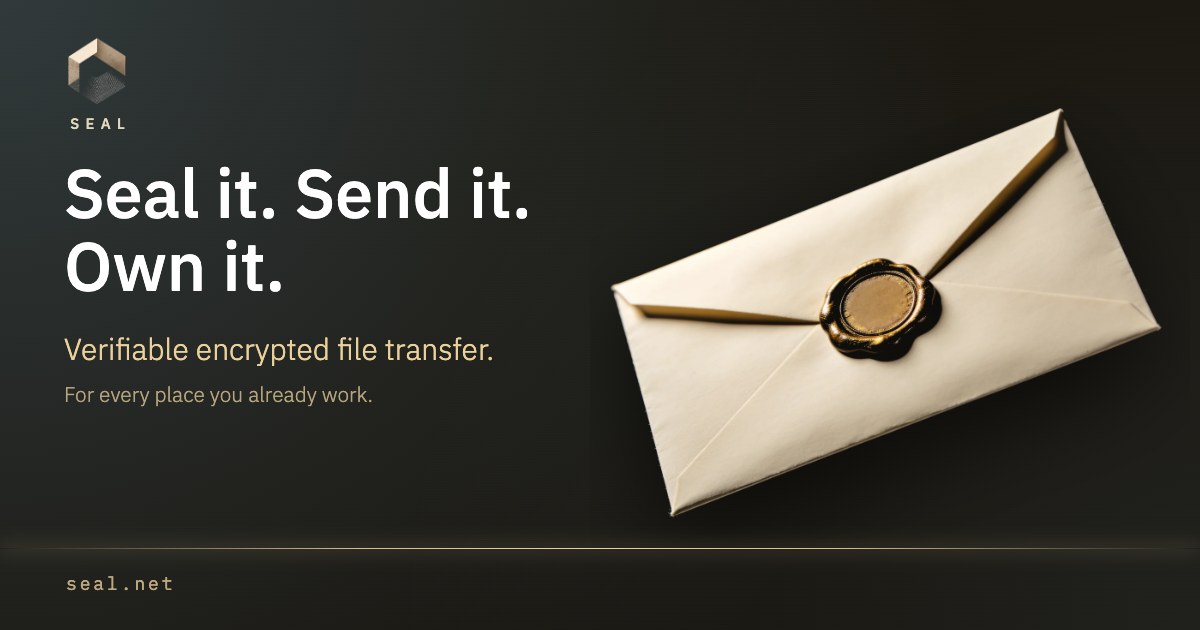
SEAL is a browser-based file transfer service for people and AI workflows that need a link, not another shared drive or recipient account. Open seal.net, choose a file or folder, and create a temporary delivery link. The browser encrypts the contents before upload, and the recipient opens the link in a browser without registering.
The free tier supports a seal of up to 1 GB for up to seven days. Senders can add a password, make access single-use, limit the number of openings, set expiry, add an encrypted message, and revoke future access from the management link. Larger transfers use one-time paid tiers rather than a recurring subscription.
For agent workflows, SEAL also provides SDK, CLI and MCP access so an agent can arrange file delivery without pasting the file contents into a model conversation. Revoking a seal stops future access; it cannot remove copies that a recipient has already downloaded.
Features
- Browser encryption before upload
- Password, single-use, opening limits, expiry and revocation
- SDK, CLI and MCP access for agent workflows
- Access rules include password, single-use, download caps, geo rules, NDA gates, and revocation
- Signed access logs record opens and downloads with time and country
Use cases
- Send a file or folder without requiring either side to register
- Deliver files from AI workflows without placing file contents in chat
- Share time-limited files with controlled future access
- Export signed access logs as JSONL for delivery evidence
- Share a folder through a self-destructing link with expiry and access rules
Screenshots
Frequently asked questions
Do I need an account to send or receive a file?
No. A sender can create a seal in the browser, and the recipient can open the delivery link without registering.
What access controls are available?
You can use a password, single-use access, opening limits, expiry and revocation of future access.
How much can I send for free?
The free tier supports a seal of up to 1 GB for up to seven days. Larger transfers use one-time paid tiers.
Can a seal be revoked?
Yes. The homepage says users can revoke at any moment, deleting the ciphertext
What we verified
- Public API?
- Yes, documentation covers the HTTP API, public send endpoints, OpenAPI JSON, SDK, CLI, and MCP
- Self-hostable?
- Not stated
- Free tier without a credit card?
- Free tier stated; homepage says no sign-up and no account, but credit card wording is not stated
- Pricing model?
- Free seals plus one-time paid upgrades per seal for more storage and longer expiry
- Price?
- Free seal includes 1 GB and up to 7 days; 5 GB costs $9 once for 3 months; 50 GB costs $29 once for 6 months; 500 GB costs $99 once for 12 months
- Data region / hosting location?
- Not stated
- Named integrations?
- CLI, MCP, SDK, Telegram, Slack, browser, HTTP API, Claude, Cursor, Cline
Could not be verified
- The site does not state self-hosting, exact hosting region, long-term free-tier rate limits, enterprise pricing, SOC 2 or ISO certification, paid bug bounty availability, or whether Slack support is fully live beyond the documentation status.
0 comments
Sign in to leave a comment.
No comments yet. Say something useful and be the first.