
NeuralSound
AI music source separation tool that isolates vocals, removes instrumentals, and extracts multi-track audio stems using deep learning neural networks.
About NeuralSound
NeuralSound is an AI audio processing platform designed to separate musical elements, isolate vocals, and extract individual instrument stems from recorded tracks. Remix artists, DJs, producers, and karaoke enthusiasts often need to unmix finalized stereo tracks. Rather than relying on basic phase cancellation or graphic filtering, the system uses deep learning algorithms to cleanly deconstruct complex audio waveforms.
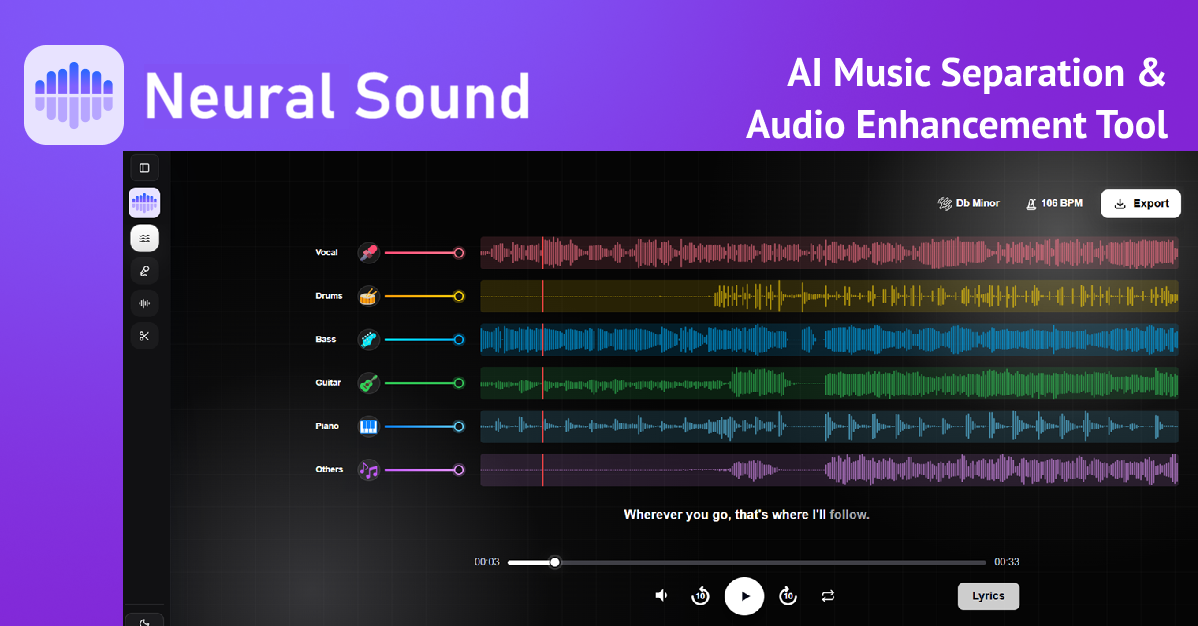
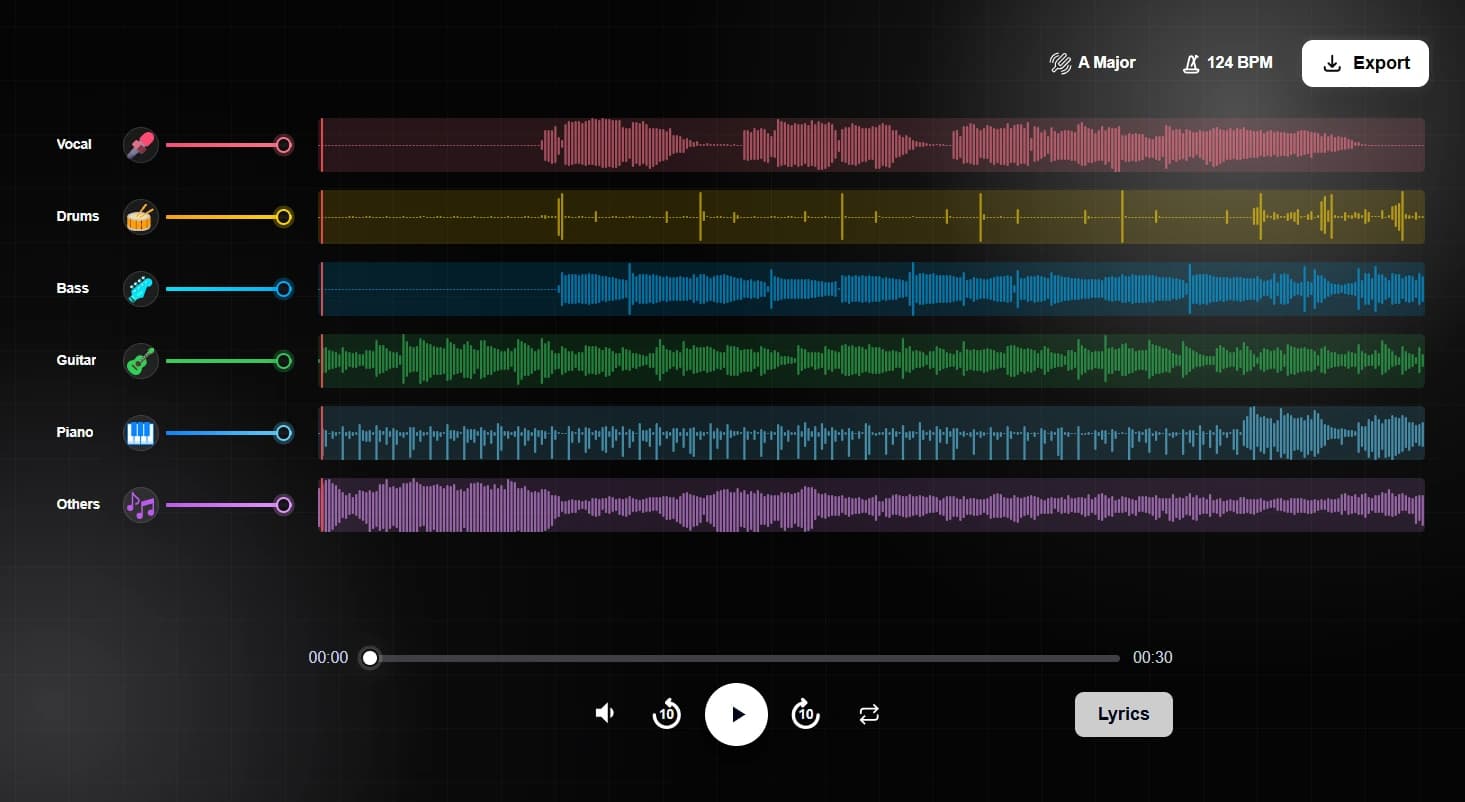
The core separation engine employs neural architectures like Mel-Band RoFormer models trained on extensive multitrack audio libraries. These models analyze harmonic structures and acoustic transients to cleanly isolate lead vocals while minimizing background bleed. Beyond basic vocal removal, the platform supports multi-stem splitting to extract drums, basslines, guitars, and piano parts into distinct tracks.
Producers and creators can access the tool directly through web browsers and mobile apps without configuring complex audio workstation plugins. The system processes standard compressed and lossless formats including MP3, WAV, and FLAC. Content creators can also utilize dialogue cleanup modes to remove background music from podcasts and video voiceovers.
NeuralSound provides a free tier allowing users to test vocal removal and stem extraction without entering credit card details. Creators needing higher processing volumes can purchase prepaid minute packages ranging from 120 to 600 minutes without recurring subscription fees. It delivers a fast and practical tool for sampling, remixing, and backing track production.
Features
- AI stem splitter separates vocals, drums, bass, and instruments
- Practice mode with synchronized lyrics and adjustable pitch and tempo
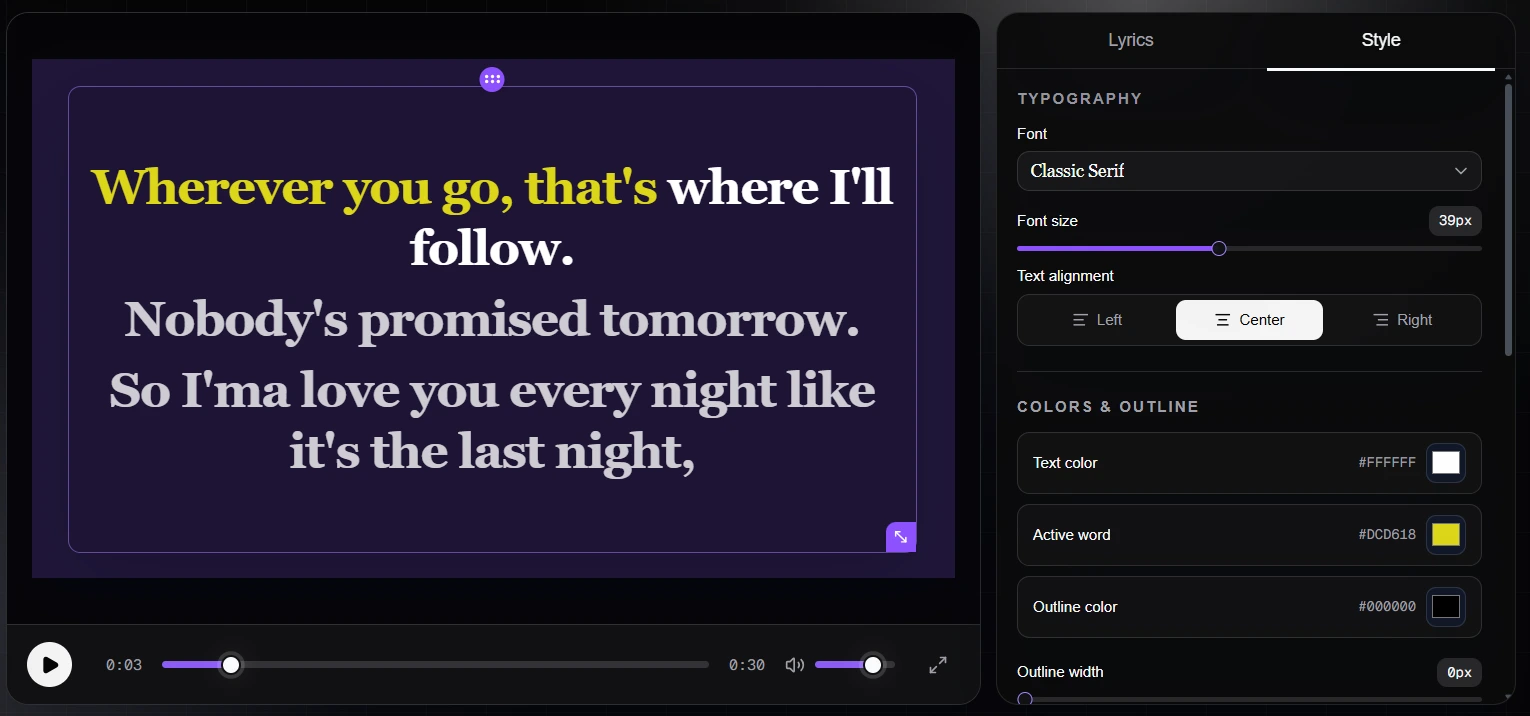
- Karaoke video maker with editable timed lyrics
- Background music remover designed to strip underlying musical tracks from spoken dialogue, podcasts, and video voiceovers
Use cases
- Extract clean vocal and instrumental stems for remixes or covers
- Practice singing or instrument parts with slowed tempo and key changes
- Create karaoke videos from any audio or video file with timed lyrics
- Transcribing specific instrumental solos by muting surrounding instruments like rhythm guitars and percussion
Screenshots
Frequently asked questions
How does the AI music separation tool work?
The AI engine is trained on thousands of mixed songs to recognize vocals, drums, guitars, and other instruments, separating your audio into clean stems automatically when you upload any file.
Can I download individual stems after separation?
Yes, after processing, you can download stems like vocals, drums, guitars, or instruments separately depending on your chosen separation mode.
Can I change the pitch and tempo of separated tracks?
Yes, NeuralSound allows you to adjust pitch and playback speed while listening to separated tracks for easier practice.
Is mobile access supported alongside desktop browsers?
Yes. Users can access NeuralSound via modern web browsers on desktop and mobile devices, as well as dedicated mobile applications available for iOS and Android.
Do free users need to provide billing information to test the tools?
No. The free tier allows users to test audio extraction and vocal removal without submitting credit card or billing details.
What we verified
- Public API
- No (Public developer API is not stated on the website)
- Self-hostable
- No (Hosted cloud audio platform)
- Free tier without a credit card
- Yes (Free access to test vocal remover and stem separation tools without credit card details)
- Pricing model
- Freemium with prepaid minute packages (Free trial tier plus pay-as-you-go minute bundles)
- Price
- Free tier available; paid packages cost $9.99 for 120 minutes, $19.99 for 240 minutes, and $29.99 for 600 minutes
- Data region / hosting location
- Not stated
- Named integrations
- Not stated (Standalone web and mobile applications)
Could not be verified
- Cloud hosting infrastructure provider and server physical datacenter regions
- Maximum upload file size in megabytes for individual audio file submissions
- Availability of a developer REST API or batch command-line interface
0 comments
Sign in to leave a comment.
No comments yet. Say something useful and be the first.