
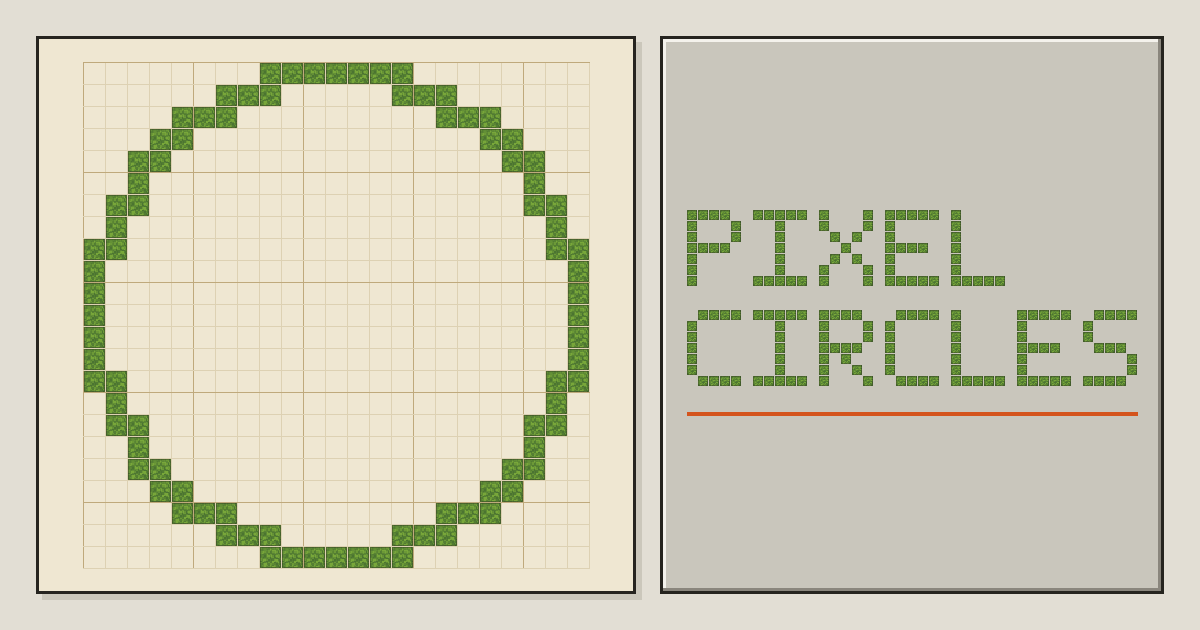
PixelCircles: Minecraft Circle, Sphere and Dome Generator
Browser-based Minecraft design generators for creating block plans, pixel art, gradients, structures, PNG references, and Litematica schematics.
About PixelCircles: Minecraft Circle, Sphere and Dome Generator
PixelCircles is a browser-based collection of design and planning tools for Minecraft builders. It generates block-by-block layouts for geometric structures, decorative patterns, pixel art, and color gradients that users can reproduce inside Minecraft Java or Bedrock Edition.
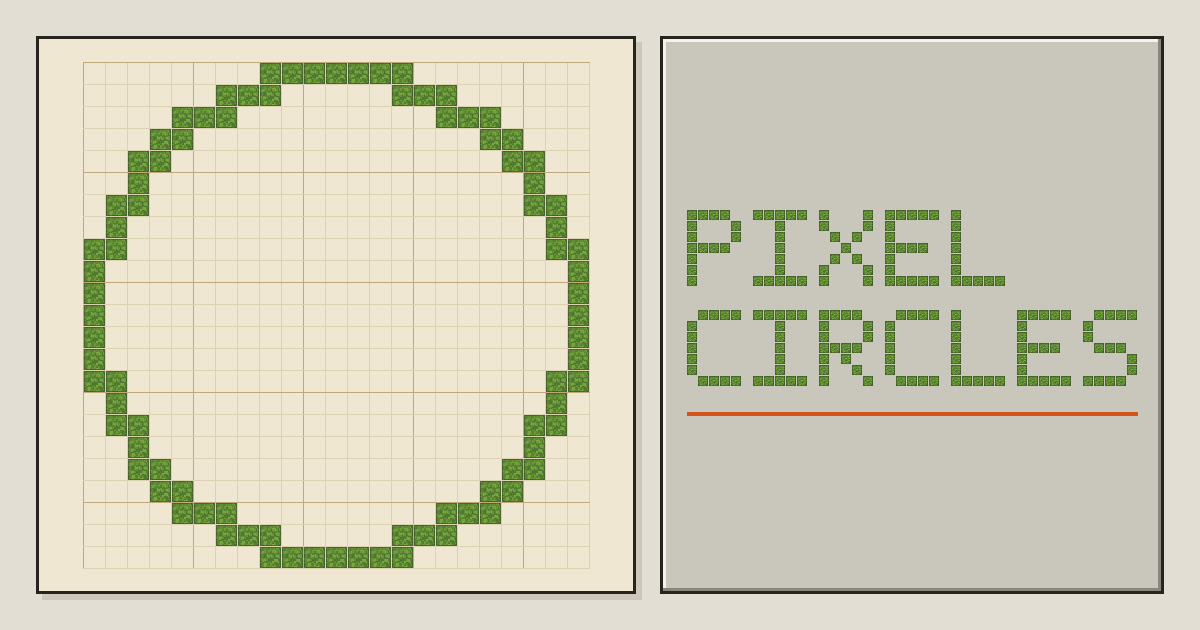
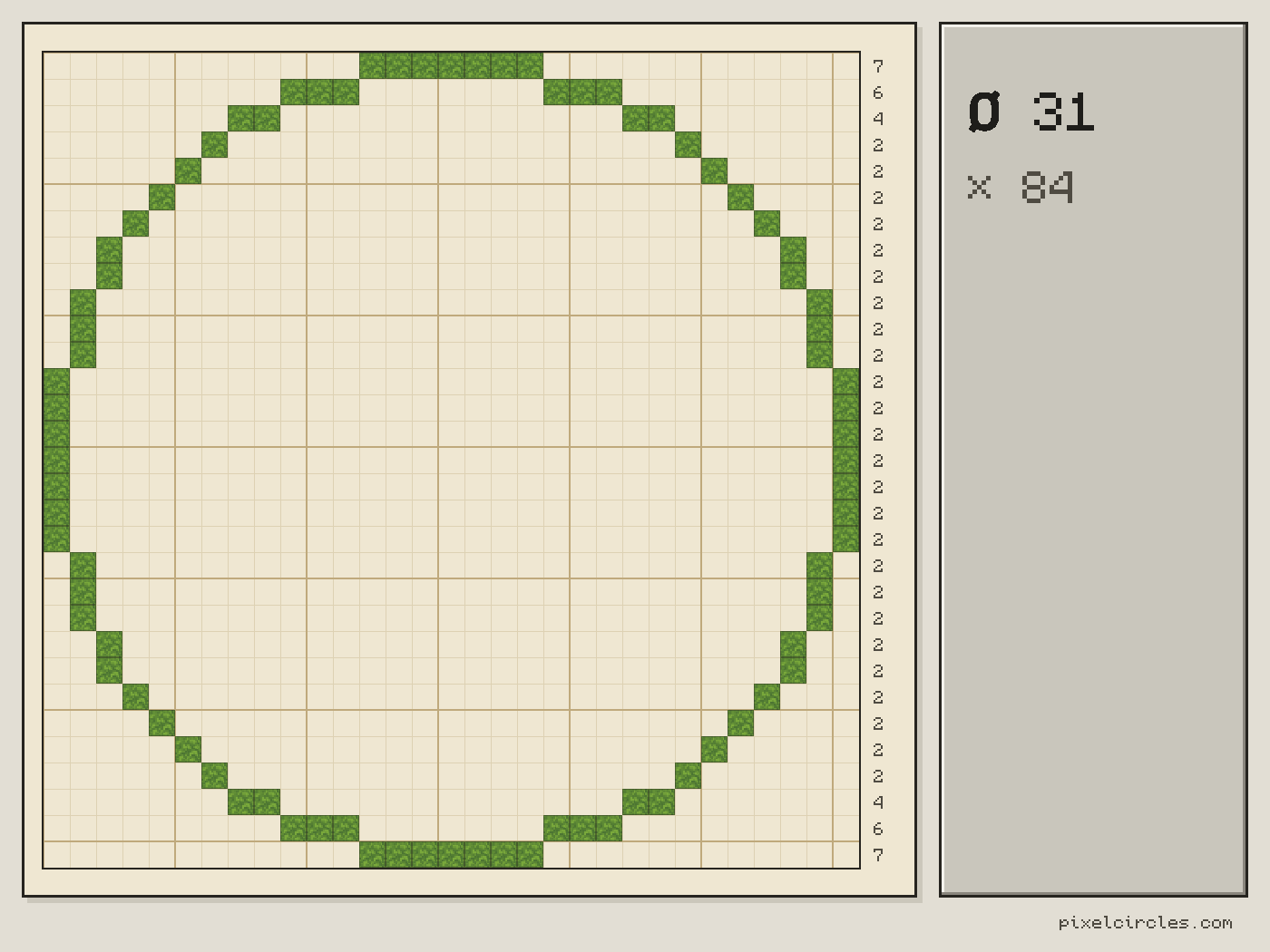
The circle generator creates thin, thick, or filled circles and ovals up to 1,000 blocks wide. Related generators cover spheres, domes, cones, roofs, hexagons, stars, spirals, staircases, hearts, and beacons. Plans include measurements, block totals, stack calculations, and placement tracking.
Its pixel art generator converts uploaded pictures into Minecraft block layouts. Users can control the output width, color palette, and dithering, then review a materials list based on wool, concrete, terracotta, or a combined 65-block palette.
The gradient generator creates transitions containing between 2 and 32 block steps. It compares Minecraft block colors using CIEDE2000 color differences and displays the color change between neighboring blocks. Designs can be saved as PNG images, printed, copied through a shareable configuration, or exported as Litematica schematics.
Features
- Generates circles, ovals, spheres, domes and cones from a diameter
- Export PNG references or Litematica schematics with block totals and materials lists
- Counts blocks per row and in total, with a stack-of-64 calculator
- Produce gradients containing 2 to 32 steps using CIEDE2000 color comparisons
- Create layered sphere and dome plans up to 256 blocks
Use cases
- Planning tower floors, walls and domed roofs
- Making pixel art and bead patterns from a grid
- Counting the blocks needed before gathering materials
- Print construction plans or keep a PNG reference open while building
- Import generated schematics into supported Minecraft Java installations
Screenshots
Frequently asked questions
Can I import this build directly into Minecraft?
Yes, with Minecraft Java Edition using the Litematica mod. Place the .litematic file in .minecraft/schematics and load it in-game.
Does it export for Bedrock?
No. The only export is .litematic, which needs Java Edition with the Litematica mod. The block grid itself can be followed by hand on any edition.
How accurate are the circles produced by the generator?
Minecraft circles are approximations made of full blocks. The generator picks a consistent rounding so shapes stay symmetric.
Which Minecraft version supplies the gradient colors?
The gradient generator uses average colors calculated from vanilla Minecraft 1.20.2 block textures.
Can generated schematics be pasted into a multiplayer server?
Creative-mode schematic pasting requires operator permission, while survival players can use the schematic as a placement guide.
What we verified
- Public API?
- Not stated
- Self-hostable?
- Not stated
- Free tier without a credit card?
- Yes
- Pricing model?
- Free
- Price?
- $0
- Data region / hosting location?
- Calculations and uploaded images are processed locally in the browser; hosting region not stated
- Named integrations?
- Minecraft Java Edition, Minecraft Bedrock Edition, Litematica, Fabric, and MaLiLib
Could not be verified
- No public API, self-hosting option, hosting region, supported browser list, uptime commitment, commercial-use policy, or long-term pricing policy was stated.
0 comments
Sign in to leave a comment.
No comments yet. Say something useful and be the first.