
PhotoTextEdit
AI-powered design tool that detects, replaces, and matches text directly inside flat images and screenshots without source design files.
About PhotoTextEdit
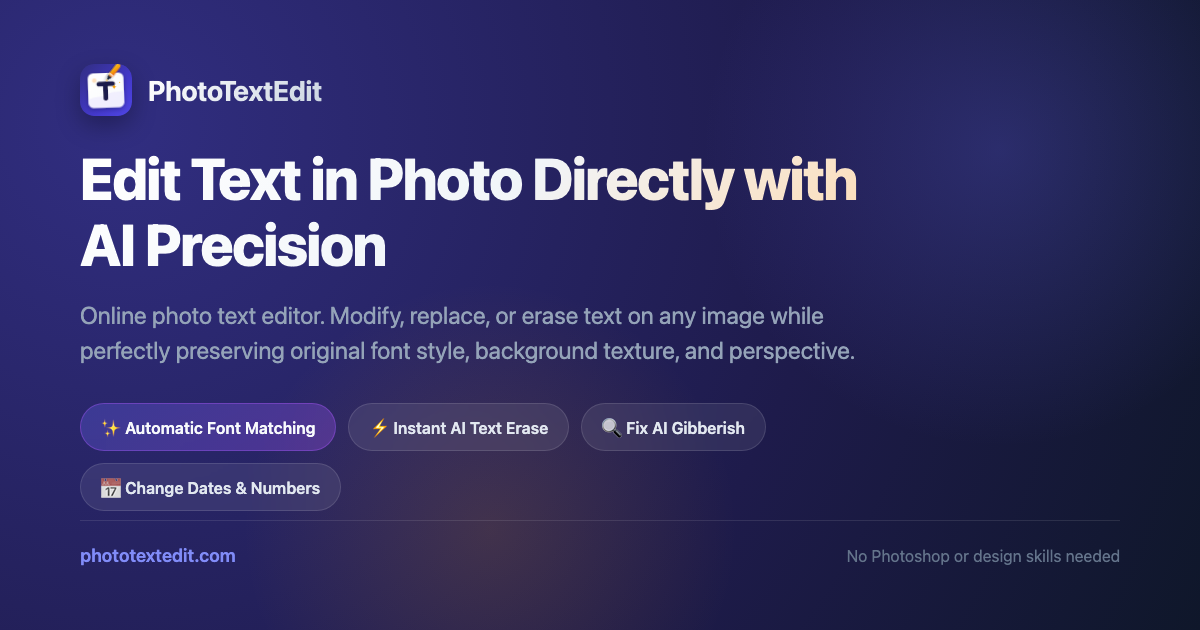
PhotoTextEdit is an AI-powered graphic design tool created to edit, replace, or repair typography embedded in flat images. Revising text in finished graphics or screenshots traditionally requires accessing original layered files or cloning background pixels. PhotoTextEdit streamlines this by letting users swap words directly within exported bitmap images right in their browser.
The platform uses neural vision models to inspect surrounding typography. When a user highlights lettering and enters replacement text, the algorithm identifies the underlying font style, weight, color gradient, and perspective angle. It then renders the replacement text in matching geometry while synthesizing background textures to eliminate visual artifacts.
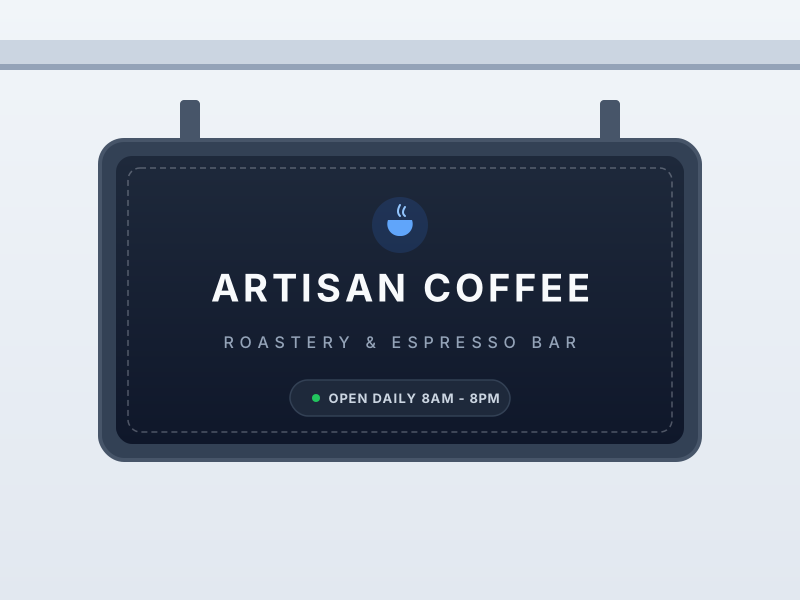
Supporting PNG, JPEG, and WebP files up to ten megabytes, the tool handles diverse graphic workflows. Designers use it to fix typos in interface mockups, update seasonal pricing banners, localize marketing assets into foreign languages, and repair garbled lettering in AI-generated artwork. Automated compliance filters block alterations to official IDs and bank statements.
PhotoTextEdit operates on a non-expiring credit model without recurring subscription fees. New users receive trial credits to test the editor without entering payment details, while paid credit packs unlock high-definition 2K exports and commercial rights. To protect privacy, uploaded source images are deleted from encrypted servers within twenty-four hours.
Features
- Pixel-perfect text replacement preserving background details
- Automatic font, lighting, and perspective matching
- High-resolution export ready for print and digital
- File format compatibility supporting PNG, JPEG, and WebP image uploads up to 10MB per graphic
- Automated privacy protection that purges uploaded input images from encrypted servers within 24 hours
Use cases
- Update product packaging labels without reshooting photos
- Localize app store screenshots by swapping text into multiple languages
- Change headlines and CTA buttons on promotional banner ads swiftly
- Repairing distorted or hallucinated alphanumeric text inside AI-generated concept art and digital illustrations
- Erasing distracting caption overlays, timestamps, and sample watermarks from stock photos and graphic mockups
Screenshots

Frequently asked questions
Can I edit text on an image without the original design file?
Yes, you can upload any flattened image and replace text directly without needing the source design files.
What image formats are supported and is there a file size limit?
The editor accepts PNG, JPG, and WebP images up to 10 MB in size.
Is the tool suitable for creating new graphics from scratch?
No, it's intended only for editing existing text within images rather than designing new graphics.
Can users edit multi-page PDF documents directly in PhotoTextEdit?
No. Multi-page PDF files are not supported directly, so individual pages must first be converted into PNG, JPEG, or WebP image formats before uploading.
Do purchased credit bundles expire after a monthly billing cycle?
No. Purchased credit packs operate on a permanent balance without expiration dates, eliminating recurring monthly membership charges.
What we verified
- Public API
- No (Public developer API is not stated on the website)
- Self-hostable
- No (Hosted web application)
- Free tier without a credit card
- Yes (Free trial credit provided upon sign-up without entering payment details)
- Pricing model
- Pay-as-you-go credit packs (One-time purchase model; credits never expire)
- Price
- Free trial credit; paid credit packs cost $14.90 for 40 credits, $26.90 for 100 credits, and $39.90 for 180 credits
- Data region / hosting location
- Not stated (Encrypted cloud storage with automatic 24-hour input deletion)
- Named integrations
- Not stated (Standalone web application)
Could not be verified
- Specific cloud hosting provider and physical server geographic datacenter regions
- Official developer REST API documentation for automated batch image processing pipelines
- Interactive brush selection tools for irregularly curved or angled text baselines
0 comments
Sign in to leave a comment.
No comments yet. Say something useful and be the first.