
Ricebowl AI
Ricebowl AI generates ecommerce videos and images from prompts, product photos, references, and model-specific settings.
About Ricebowl AI
Ricebowl AI is an AI creation workspace for ecommerce teams that need product demos, paid social ads, lifestyle b-roll, seasonal refreshes, packshots, and thumbnails. Users can start from a text prompt or upload product imagery, then choose a video or image model.
The homepage positions Ricebowl around one login and one credit balance across multiple AI models. It lists video models such as Veo 3.1, Seedance 2, Kling 3, MiniMax H3, Gemini Omni, HappyHorse, Grok Imagine 1.5, and PixVerse V6.
The generation workflow supports text-to-video and image-to-video. Users can choose duration, resolution, aspect ratio, quantity, and model, with estimated credit cost shown before generation.
Pricing uses credits across subscriptions and one-time packs. New accounts start with 20 free credits with no card required, while paid plans include watermark-free output, commercial use, and access to all models.
Features
- Generates ecommerce videos from text prompts or uploaded product photos
- Supports landscape and portrait outputs, with exports up to 4K depending on model and plan
- Every submit can return up to four variants for comparison
- Credit costs appear beside each model before generation
- - Paid plans include commercial use, watermark-free outputs, and access to all models
Use cases
- Turn an existing product photo into a moving product-page loop
- Create 16:9 product videos for ecommerce pages and 9:16 cuts for paid social
- Generate product demos, lifestyle b-roll, seasonal refreshes, and ad concepts
- Use lower-cost models for catalog-scale video generation
- Store finished image and video outputs in the asset library for later download
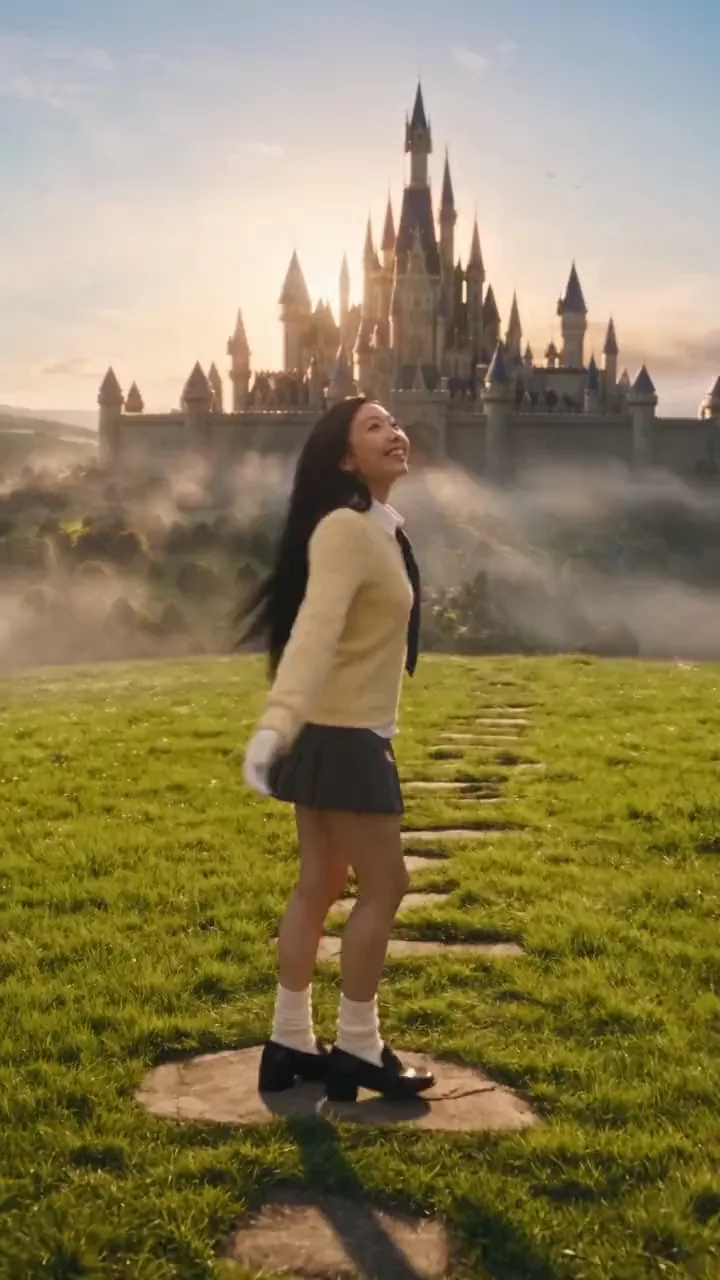
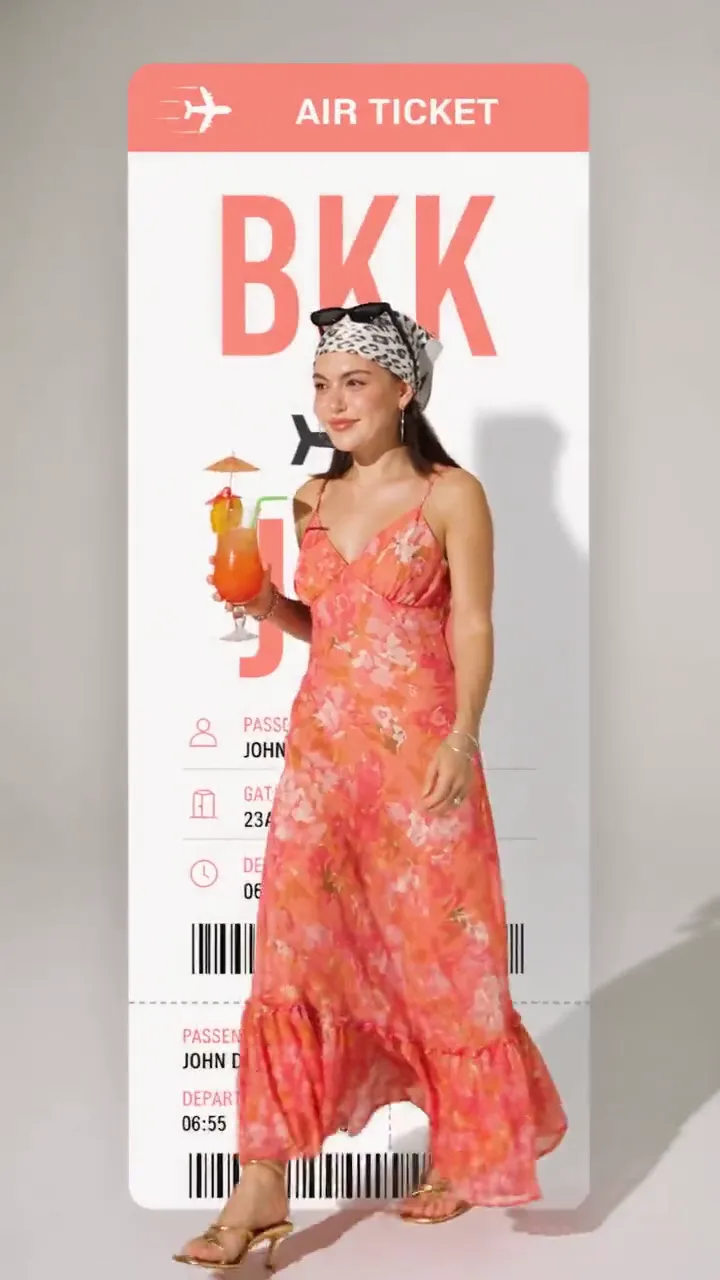
Screenshots
Frequently asked questions
What distinguishes this AI video generator for ecommerce?
It produces outputs tailored for ecommerce needs, starting from product photos and exporting in retail-standard aspect ratios like 16:9 and 9:16, with pricing based on usage per clip rather than flat fees.
Can existing product photos be turned into moving videos?
Yes, you upload your product photos and then specify the desired motion; the AI animates them while keeping the product's look consistent, especially with reference images added.
Are the generated videos watermarked?
No, videos output on any plan, including the free trial credits, come without watermarks and can be downloaded in HD or 4K.
Does Ricebowl train its own video models?
No. The terms say Ricebowl routes generation requests through third-party model providers.
Who owns generated content?
Terms state that users retain ownership and commercial usage rights for generated videos.
0 comments
Sign in to leave a comment.
No comments yet. Say something useful and be the first.