
Table to Chart Maker: Free Online Excel to Chart Generator
Free browser data visualization tool that turns spreadsheet tables and Excel files into 11 interactive statistical charts.
About Table to Chart Maker: Free Online Excel to Chart Generator
Table to Chart is a free web-based data visualization tool created to transform tabular spreadsheets into clear statistical charts without complex graphic software. Analysts, students, and business professionals frequently need to illustrate raw metrics for presentations and reports. Table to Chart simplifies this workflow by allowing users to import tables and generate visual charts instantly in their browser.
The platform offers flexible data input options. Users can upload Microsoft Excel spreadsheets in XLS or XLSX formats, paste tab-delimited data directly from their clipboard, or input values manually into a built-in grid editor. An integrated right-click context menu lets users insert rows, remove columns, sort entries, and reorder data series before rendering visual plots.
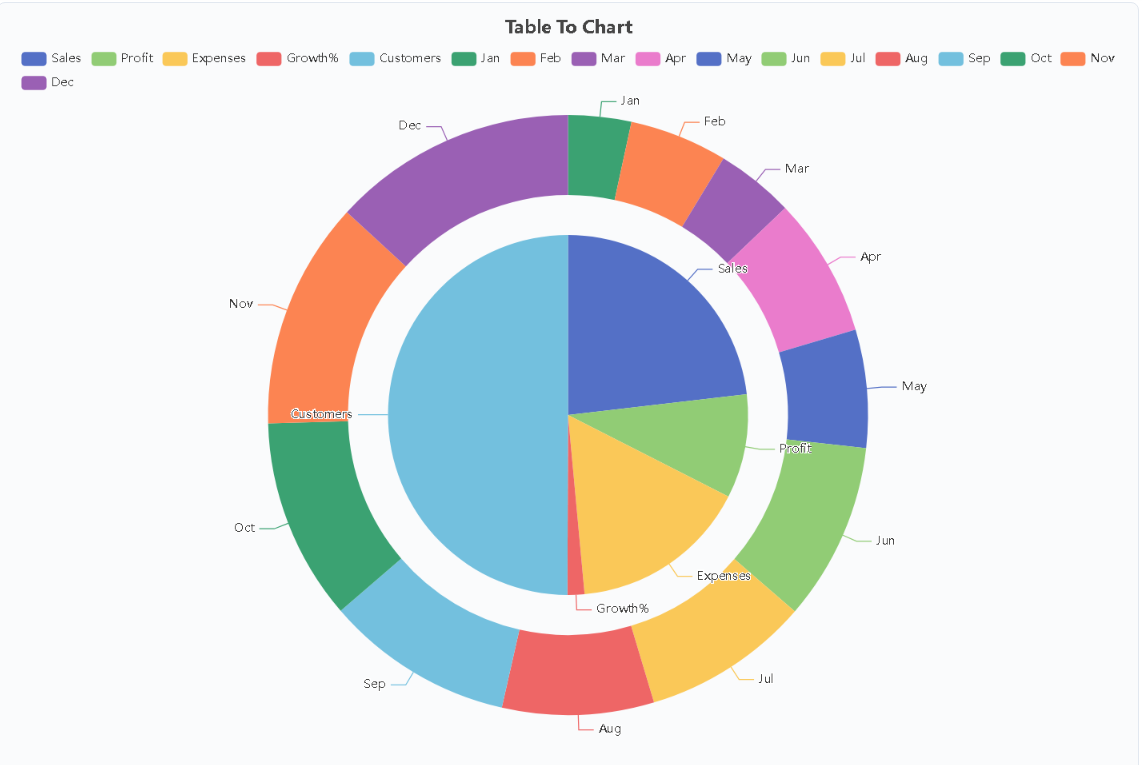
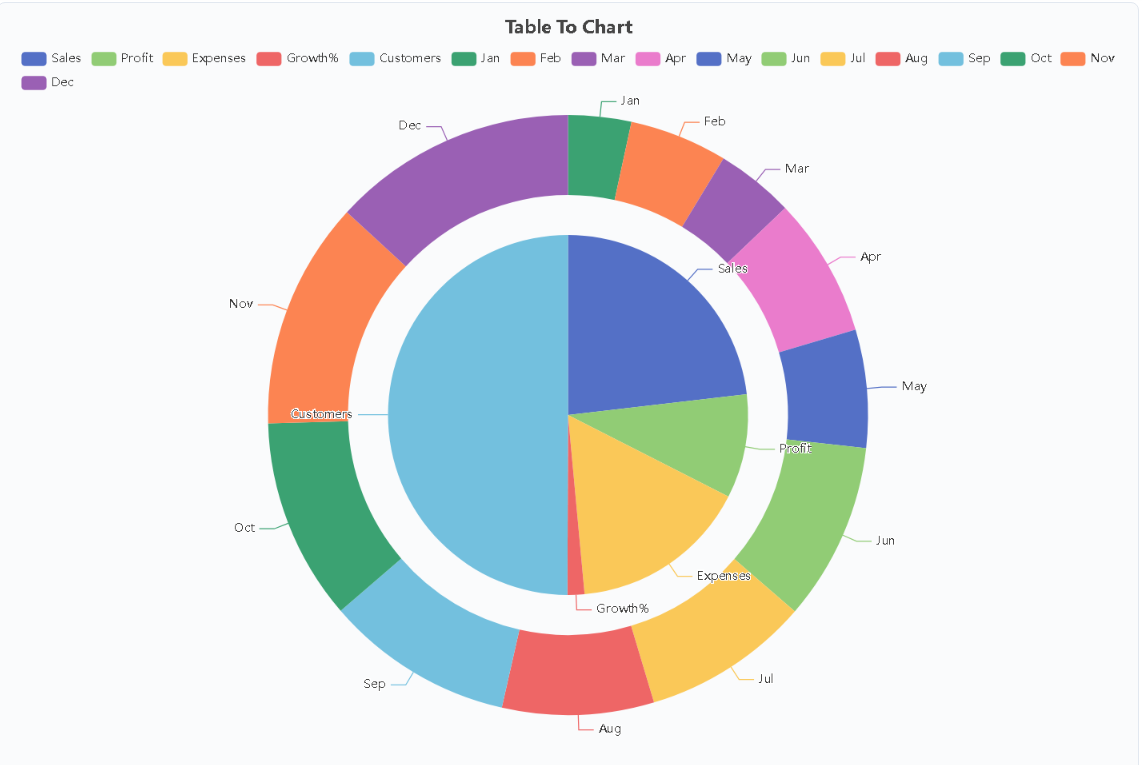
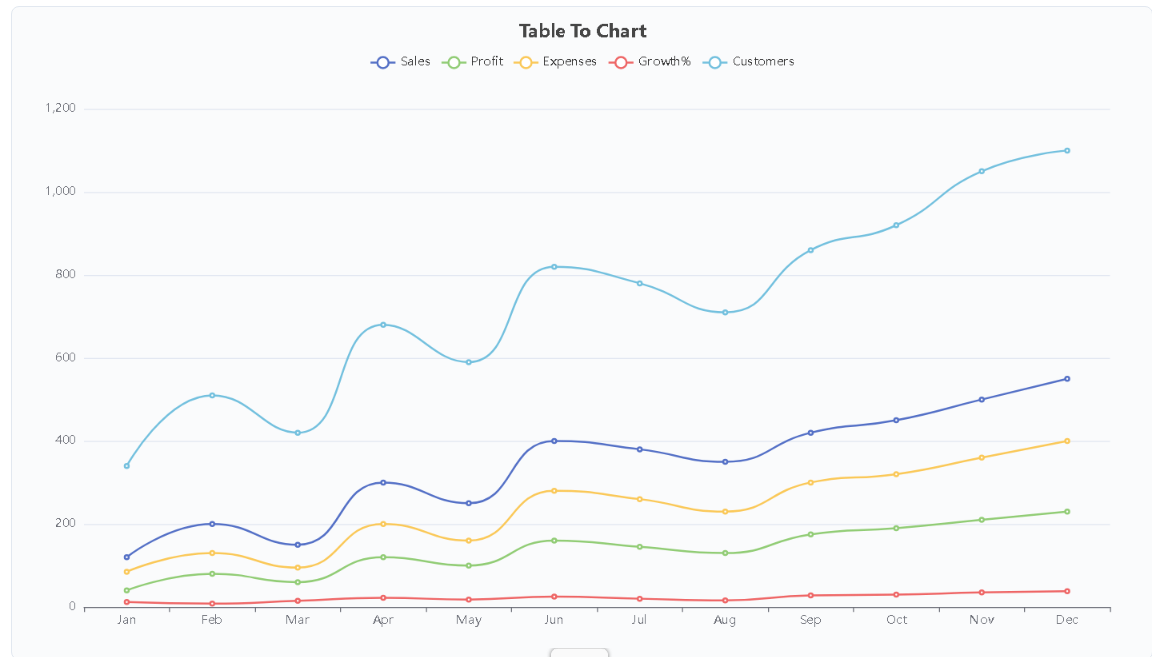
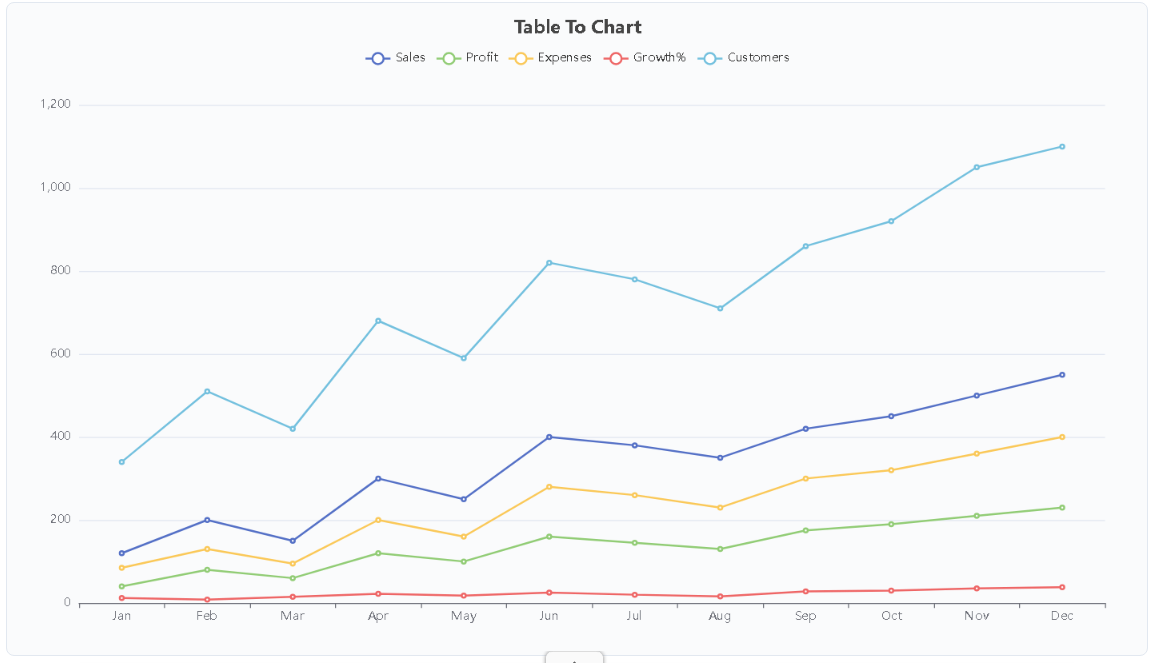
Visualizations span eleven distinct statistical formats to accommodate diverse analytical requirements. Available choices include line charts, spline curves, column graphs, horizontal bars, pie charts, area graphs, scatter plots, dual ring diagrams, radar charts, heatmaps, and funnel representations. The system detects data columns automatically to assign categorical axes and numerical series without tedious configuration.
Table to Chart operates entirely free of charge with no user account registration, watermarks, or subscription tiers. Visualizations export directly to local storage as clean image files ready for slide decks and research summaries. By eliminating software installations and paywalls, it provides a fast and accessible utility for everyday data communication.
Features
- Multiple data import workflows supporting Excel file uploads (.xls and .xlsx), direct clipboard pasting, and manual grid entry
- Generate charts from 11 different statistical types
- Edit table rows and columns within the browser
- Automatic data series detection that maps categorical headers and numerical values to chart axes without manual mapping
- Unwatermarked image export pipeline delivering immediate graphic downloads for academic reports and business decks
Use cases
- Creating sales trend charts from monthly revenue data
- Comparing departmental performance metrics across multiple teams
- Analyzing sales conversion drop-offs and marketing pipelines
- Creating quick, unwatermarked statistical graphics
- Visualizing multi-variable laboratory test results
Screenshots
Frequently asked questions
What chart types can I create with this tool?
You can create spline, line, column, bar, pie, area, scatter, dual ring, radar, heatmap, and funnel charts.
How do I input data for chart generation?
Data can be pasted, typed directly, or uploaded via Excel files (.xlsx/.xls), with table editing available in the browser.
Is my data stored on the server when I upload it?
No, table data is processed locally in your browser and is not sent to the website's servers.
Is an account or email signup required to generate and download charts?
No. All eleven chart formats and export functions are accessible immediately without creating an account or logging in.
Which chart types are best suited for comparing multiple performance metrics?
Radar charts and dual ring diagrams on the platform are specifically designed to compare multi-dimensional data points and relative performance scores across parallel categories.
What we verified
- Public API
- No (Public developer API is not stated on the website)
- Self-hostable
- No (Hosted web application)
- Free tier without a credit card
- Yes (Completely free access to all 11 chart types and spreadsheet imports without credit card or registration)
- Pricing model
- Free (Free browser utility)
- Price
- Free ($0; no subscription fees or paid tiers)
- Data region / hosting location
- Not stated (Browser-based execution)
- Named integrations
- Microsoft Excel (.xls, .xlsx), CSV and clipboard data
Could not be verified
- Specific cloud hosting provider and physical server geographic datacenter regions
- Direct programmatic developer REST API or command-line scripting integration
- Vector export format options such as SVG or EPS alongside standard raster image downloads
0 comments
Sign in to leave a comment.
No comments yet. Say something useful and be the first.