

WorkClockCalc
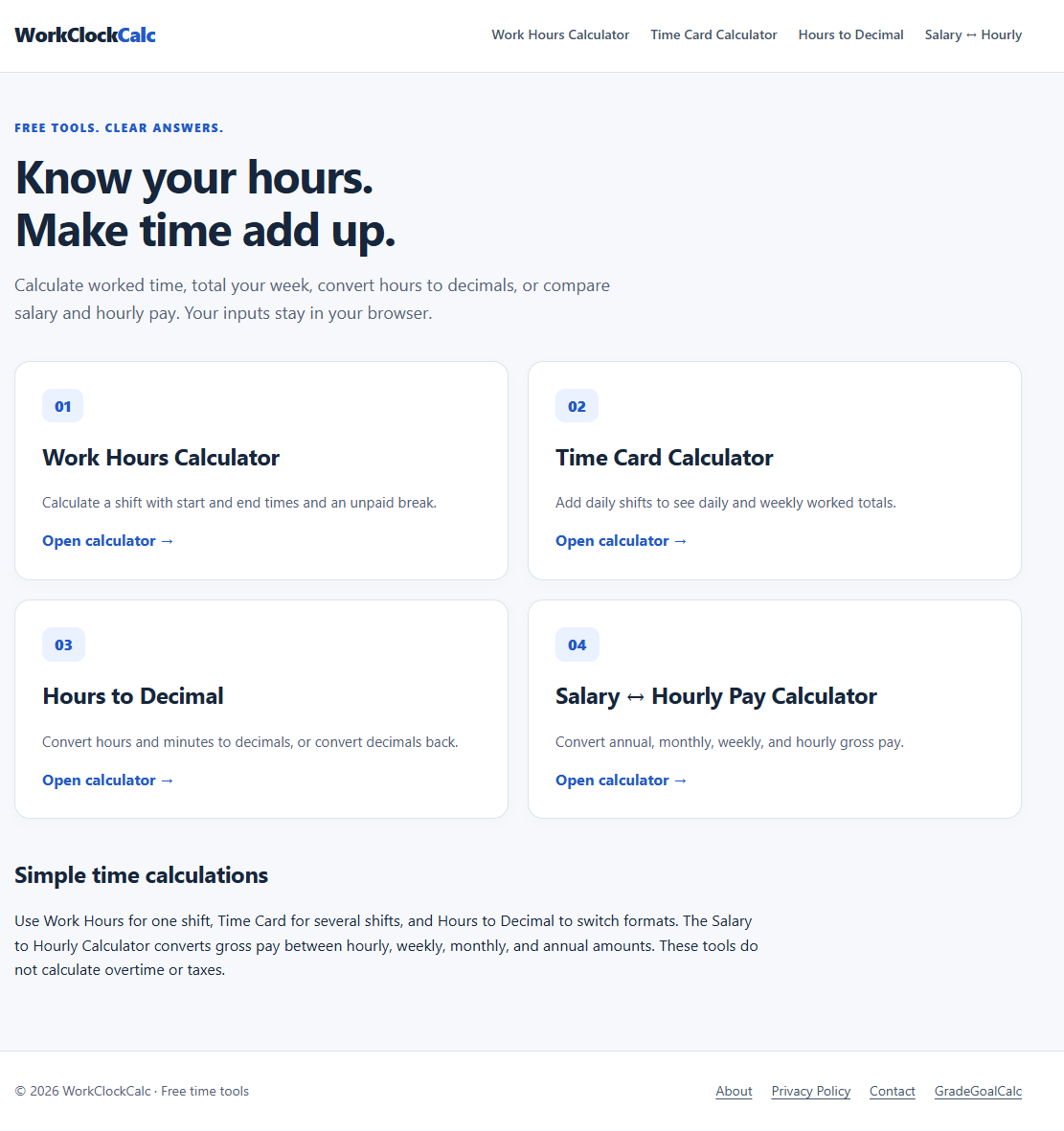
Calculate work hours, total time cards, convert hours to decimals, and compare salary with hourly pay.
About WorkClockCalc
WorkClockCalc is a free browser-based suite of time tracking and wage conversion calculators designed to simplify payroll calculations. The platform provides dedicated tools for measuring daily shifts, adding up weekly time cards, converting minutes to decimal hours, and comparing salary rates. Because all computations run locally in the web browser, numbers update instantly without registration or data uploads.
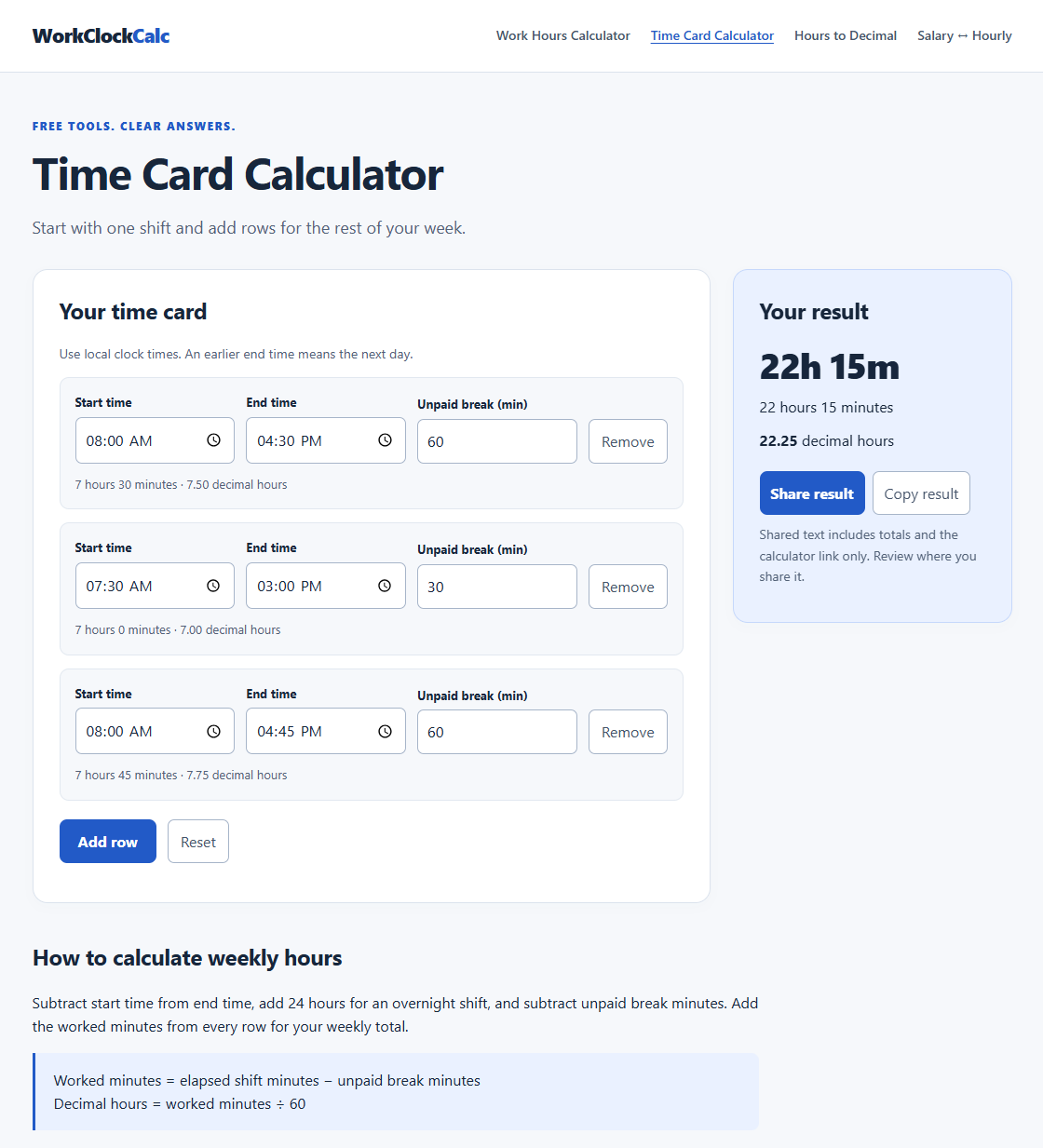
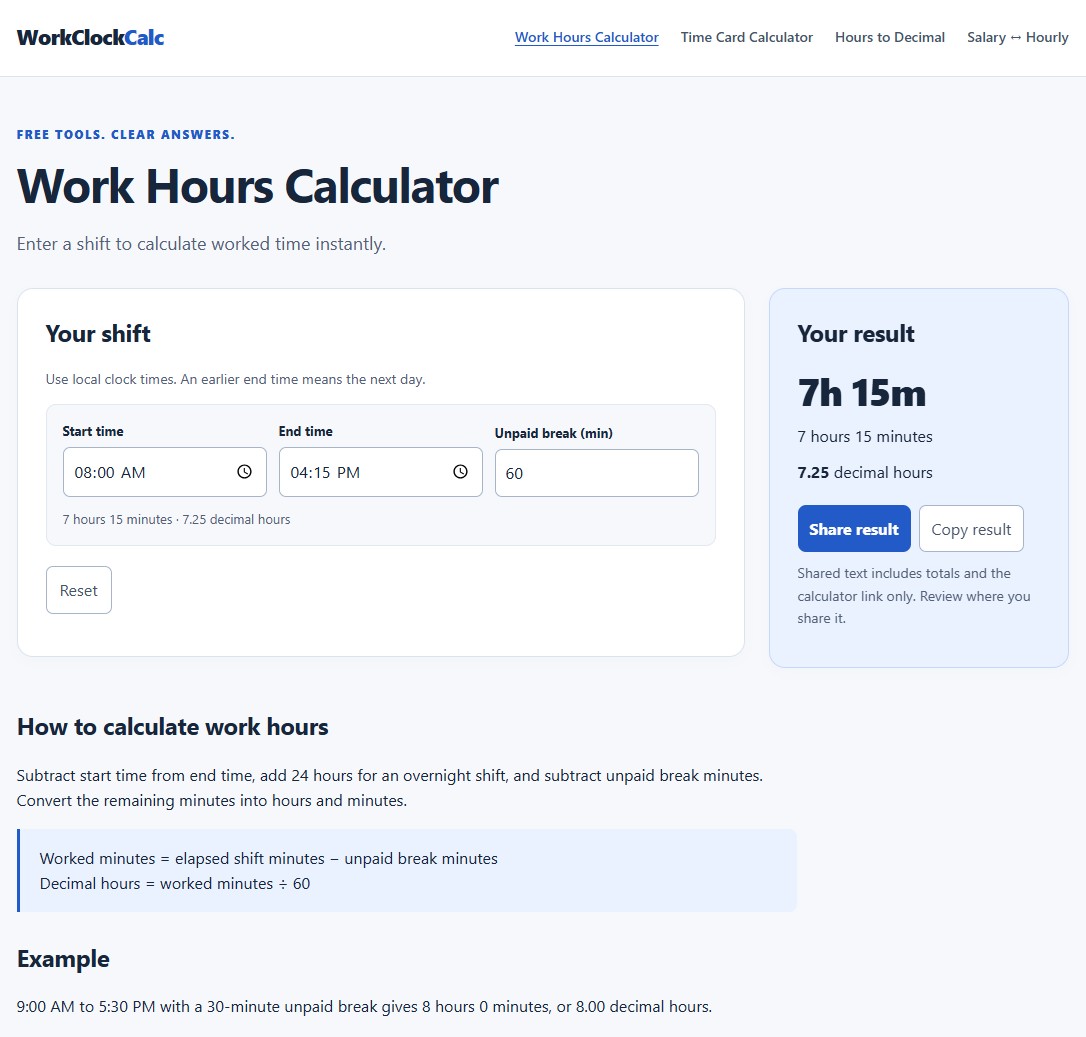
The work hours and time card tools record start times, end times, and unpaid breaks. Unlike simple math tools that fail across midnight, the calculator automatically detects overnight shifts and computes exact elapsed durations. Users can total multiple workdays across an entire week, viewing cumulative results in both hours and minutes and two-decimal time card values.
The decimal hours converter helps workers and payroll clerks translate clock time into hundredths of an hour for invoicing systems. Users can convert in either direction, moving between minutes and decimals with clear rounding rules. This eliminates manual conversion errors when entering billable time into accounting software.
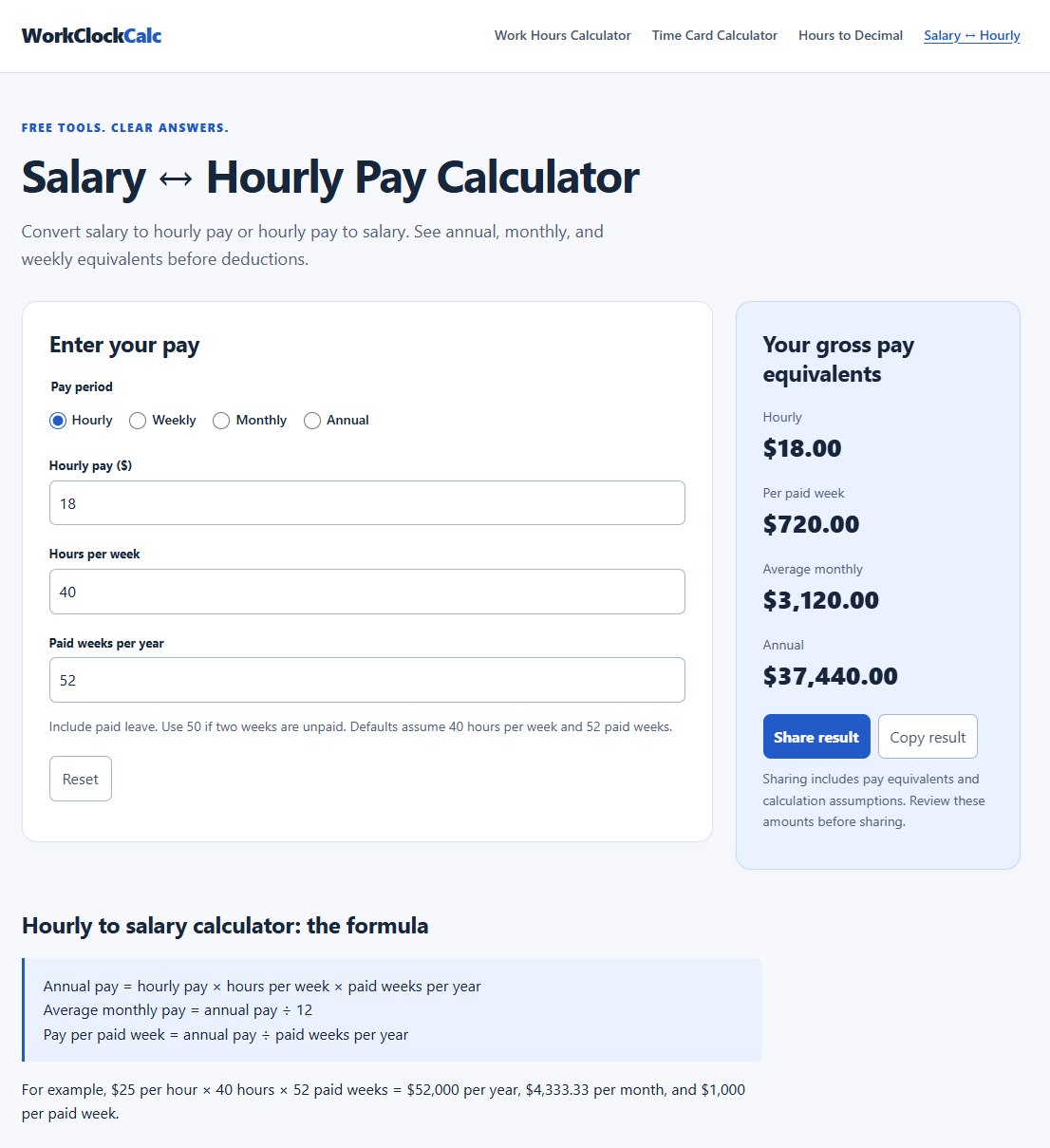
WorkClockCalc also features a gross pay converter that translates earnings across hourly, weekly, monthly, and annual equivalents. Users can customize expected hours per week and paid weeks per year to see realistic pay breakdowns. Results can be copied or shared directly with coworkers or employers through one-click summary buttons.
Features
- Calculate work hours with start/end times and unpaid breaks
- Add daily shifts to total weekly worked hours
- Convert hours and minutes to decimals and vice versa
- Convert salary and hourly pay across annual, monthly, weekly, and hourly amounts
Use cases
- Determine total worked hours for a single shift including break time
- Calculate total weekly hours from multiple daily shifts
- Convert salary between hourly, weekly, monthly, and annual amounts
- Compare salary and hourly pay when evaluating a job or pay rate
Screenshots
Frequently asked questions
Can WorkClockCalc calculate overtime or taxes?
No, the calculators do not handle overtime or tax calculations.
Where is my input data stored when using these tools?
All inputs stay within your browser; no data is sent or stored externally.
Does the tool support converting time between formats?
Yes, it converts hours and minutes to decimals and decimals back.
What we verified
- Public API
- No (Client-side web application running local JavaScript calculations without a public API)
- Self-hostable
- No (Hosted web service on workclockcalc.com without downloadable source packages)
- Free tier
- Yes (All calculators and tools are completely free to use without registration)
- Pricing model
- Free (No paid subscription plans, upgrade tiers, or usage caps)
- Price
- $0 (Free)
- Data region
- Not specified (All time card calculations process locally inside the user's browser; hosting server location is unlisted)
- Integrations
- Web Share API, Clipboard API, Google Analytics (GA4: G-NN6J0RWVDQ)
Could not be verified
- Physical server hosting provider and geographic server data center location (computations occur entirely client-side)
- Exact company or legal entity name behind WorkClockCalc beyond the website domain and support contact form
0 comments
Sign in to leave a comment.
No comments yet. Say something useful and be the first.