
ImageLayered - AI Image Layer Decomposition Tool
ImageLayered uses AI to split flat images into editable transparent layers for moving, recoloring, replacing, or exporting objects.
About ImageLayered - AI Image Layer Decomposition Tool
ImageLayered is an AI image layer separation tool that turns flat images into editable RGBA layers. Instead of manually selecting objects or masking areas in design software, users can upload an image and let AI separate visible elements such as subjects, objects, backgrounds, and details into named transparent layers.
The tool is useful for creators who want more control over existing images without starting from scratch. Once an image is decomposed, individual layers can be moved, recolored, replaced, resized, or exported for further editing. ImageLayered also includes smart background reconstruction, helping rebuild the space behind extracted objects so edits look more natural.
It is especially helpful for ecommerce visuals, social media variations, design mockups, object removal, content repurposing, and quick creative editing. For users who do not have advanced Photoshop skills, ImageLayered offers a faster way to break images apart and work with each element independently.
Features
- Automatic separation of images into named RGBA layers
- Intelligent background reconstruction behind extracted objects
- Supports setting layer count and describing extraction targets
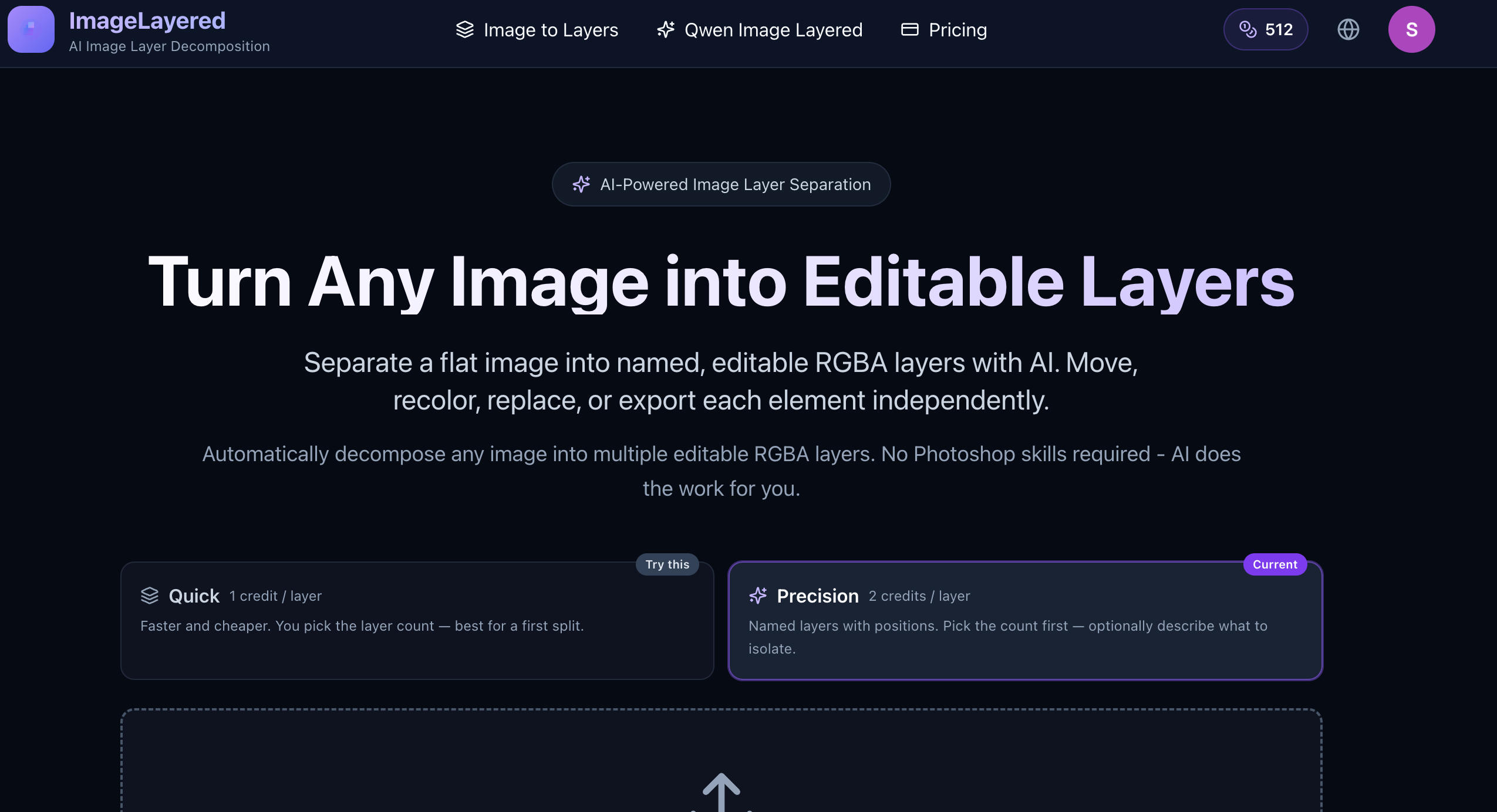
- Quick and precision modes for layer control
Use cases
- Creating multiple product image variations from one photo
- Swapping or recoloring specific objects for social media content
- Extracting individual people or items from a photo for editing
- Prepare layered assets for further design editing
Screenshots
Frequently asked questions
What is ImageLayered?
ImageLayered is an AI tool that separates a flat image into named, editable RGBA layers, allowing independent editing of subjects, text, objects, and backgrounds.
How is ImageLayered different from Photoshop?
ImageLayered performs automatic layer separation using AI without manual work, while Photoshop requires manual selection, masking, and retouching.
Can I pick how many layers to separate my image into?
Yes, users can select the number of output layers and optionally describe what to extract in Precision mode.
What images work best with ImageLayered?
Clear images with distinct subjects, objects, and backgrounds usually produce the most useful separated layers.
0 comments
Sign in to leave a comment.
No comments yet. Say something useful and be the first.