

ImageNow: Free Browser-Based Image Editing and Conversion
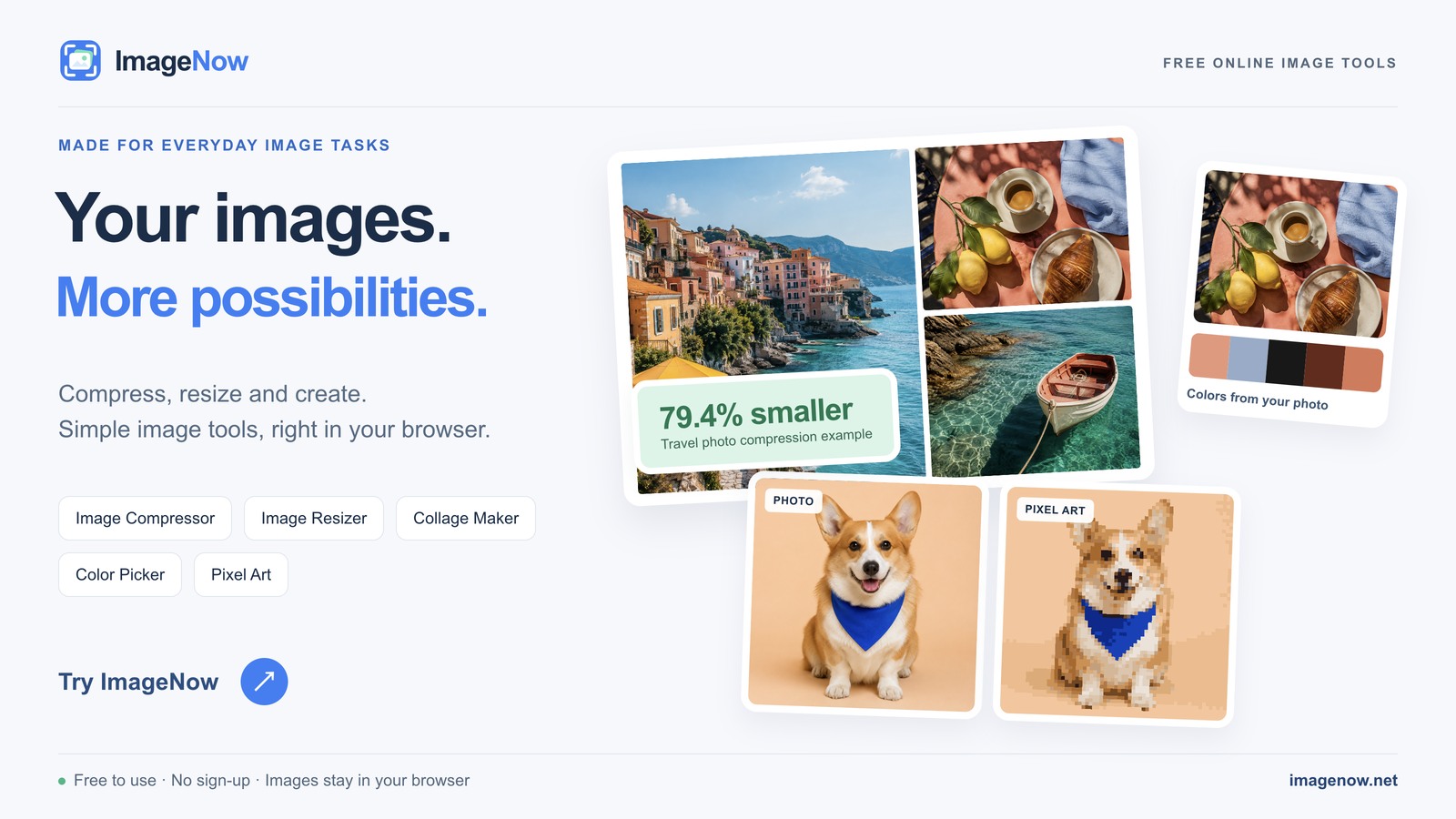
ImageNow provides a collection of free online image tools. You can compress, resize, and convert images, or make GIFs, collages, and pixel art directly in your browser.
About ImageNow: Free Browser-Based Image Editing and Conversion
Finding a reliable, free tool to perform a simple image edit can be surprisingly frustrating. Too often, online editors require you to create an account or upload sensitive photos to an unknown server. ImageNow is a practical collection of browser based image tools designed to solve this exact problem. It allows users to quickly compress, convert, resize, and edit images entirely locally, ensuring that your source files never leave your device.
The platform offers a streamlined interface that works across desktops, tablets, and mobile browsers. Whether you need to batch convert HEIC photos into JPG format, compress heavy PNG files for a website, or resize an image for social media, ImageNow provides a dedicated, focused tool for the job. Because all processing is done locally via your browser, the service is fast and respects your privacy.
Key Features:
- Format Conversion: Convert various file types like WebP, SVG, and HEIC into compatible JPGs or combine them into a PDF.
- Image Compression: Reduce the file size of your images for faster web loading without noticeable loss in visual quality.
- Local Processing: Process files directly within your browser without uploading them to external servers, guaranteeing privacy.
- Creative Tools: Easily generate custom memes, animated GIFs, photo collages, and pixel art mosaics.
Common Use Cases:
- Web Optimization: Compress heavy images and convert them into efficient formats to improve website load times.
- Social Media Prep: Resize images to fit specific aspect ratios and dimensions required for various platforms.
- Quick Edits: Pick specific colors from an image, pixelate sensitive information, or generate a GIF without opening heavy software.
ImageNow is the ideal utility for both professional designers and casual users. It requires no installation or user accounts, making it a highly accessible and secure toolkit for any quick image manipulation task.
Screenshots
0 comments
Sign in to leave a comment.
No comments yet. Say something useful and be the first.