

AI Image Extender for Expanding Photos Without Cropping
Expand photos with AI to create wider, taller, or square layouts without cropping, stretching, or losing the original composition.
About AI Image Extender for Expanding Photos Without Cropping
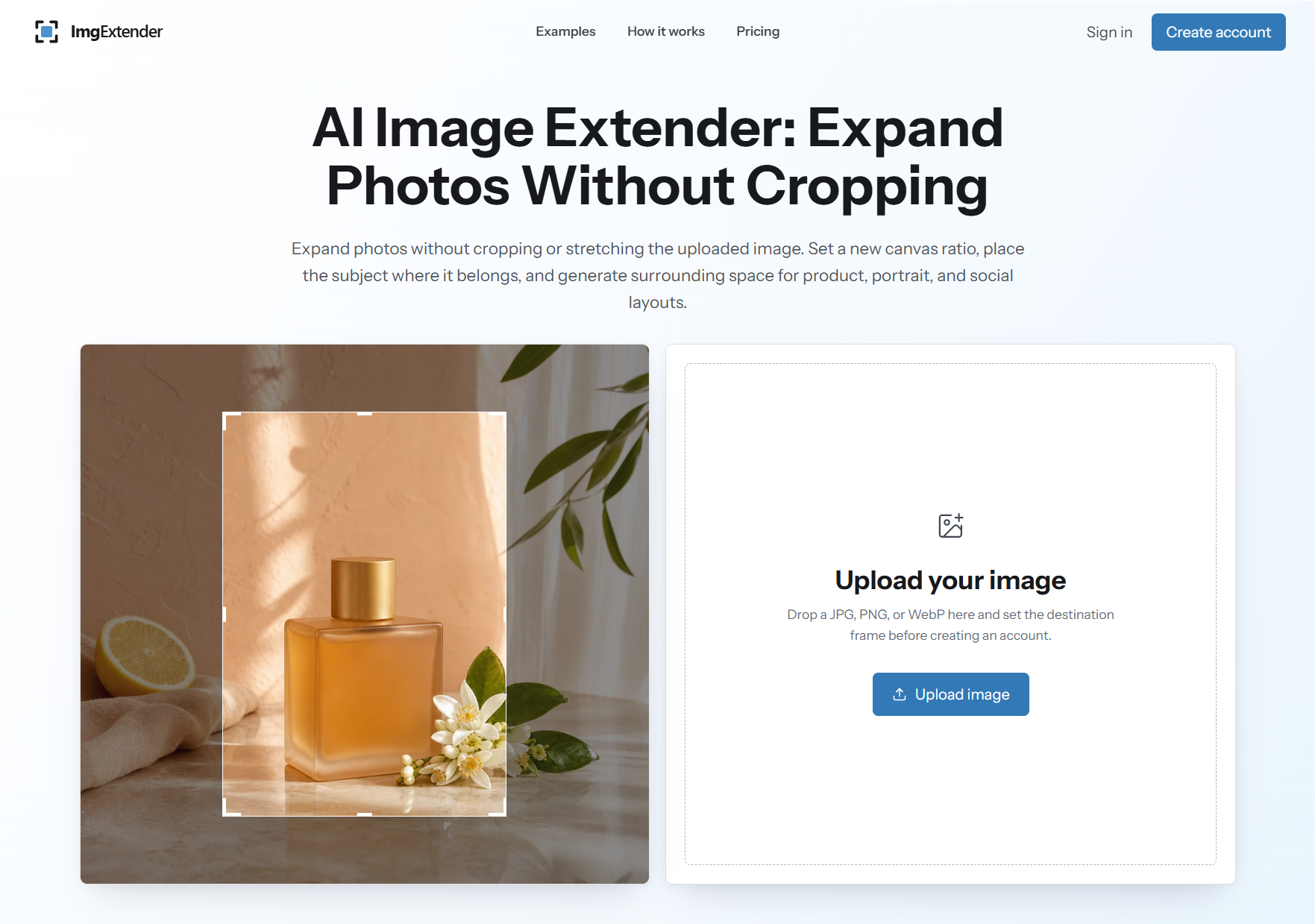
ImgExtender is an AI image extender for creators, designers, marketers, and ecommerce teams that need to adapt existing photos into new layouts. Instead of cropping away important details or stretching an image, users upload a JPG, PNG, or WebP file, choose a target canvas ratio, position the subject, and let AI generate natural surrounding space.
The tool is especially useful when one strong image needs to work across several formats, such as product listings, social posts, website banners, ads, presentations, and editorial layouts. ImgExtender keeps the original frame visible during the workflow, helping users compare the uploaded image with the expanded result before downloading or publishing.
Its focused editor makes image outpainting more accessible than a full design suite, while still giving users control over framing, scale, and composition. It is a practical option for quickly turning tight crops into flexible visuals for digital campaigns and content production.
Features
- AI image extension without cropping or stretching
- Support for JPG, PNG, and WebP uploads
- Square, portrait, and landscape canvas framing
- Before-and-after review with original frame comparison
Use cases
- Expand product photos for ecommerce listings and ads
- Create social media formats from one image
- Add background space for banners, headlines, and covers
- Widen portraits, interiors, and editorial images for layouts
Screenshots
Frequently asked questions
What does ImgExtender do?
ImgExtender uses AI to expand the canvas around an image, generating new surrounding space while keeping the original photo visible.
Is ImgExtender useful for social media?
Yes. It can adapt one image into square, portrait, or landscape formats for posts, stories, thumbnails, and banners.
Does ImgExtender stretch the original image?
No. It expands the image by generating new background content instead of simply stretching or distorting the uploaded photo.
What file types does ImgExtender support?
ImgExtender supports common image formats including JPG, PNG, and WebP.
0 comments
Sign in to leave a comment.
No comments yet. Say something useful and be the first.