

RemoveMate
AI background removal and image cleanup tools for product photos, portraits and everyday images.
About RemoveMate
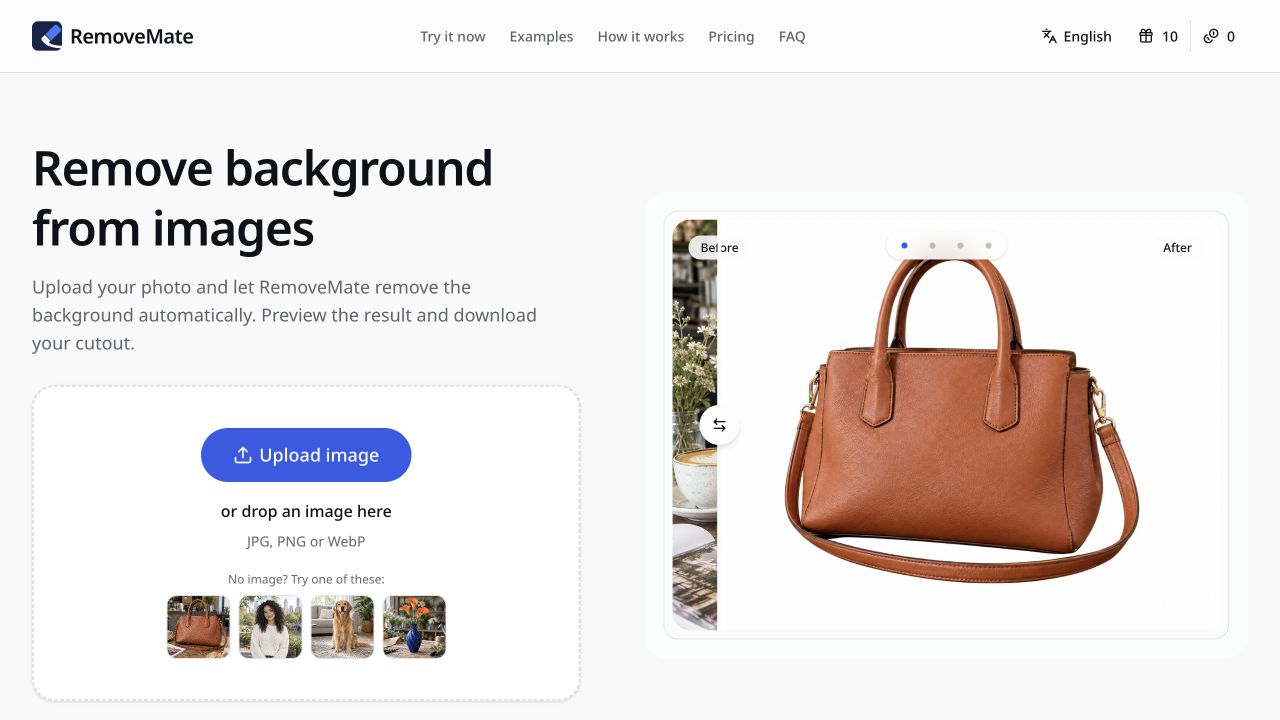
RemoveMate helps users remove backgrounds from images directly in the browser. Users can upload a JPG, PNG, or WebP photo, drop an image into the upload area, or start with sample photos for products, portraits, pets, and objects. Processing begins automatically after upload, with no prompt required, and the finished cutout can be previewed before download.
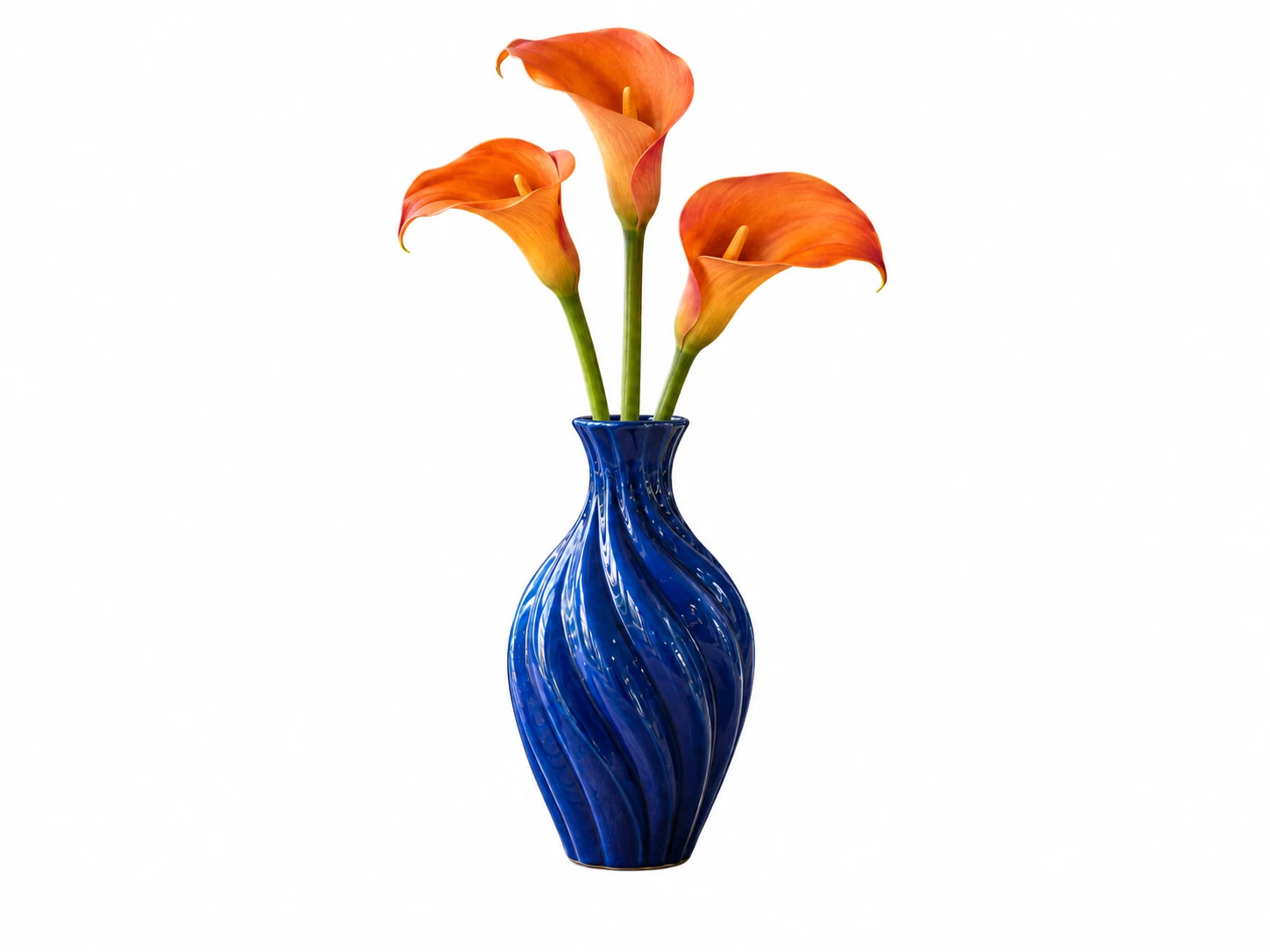
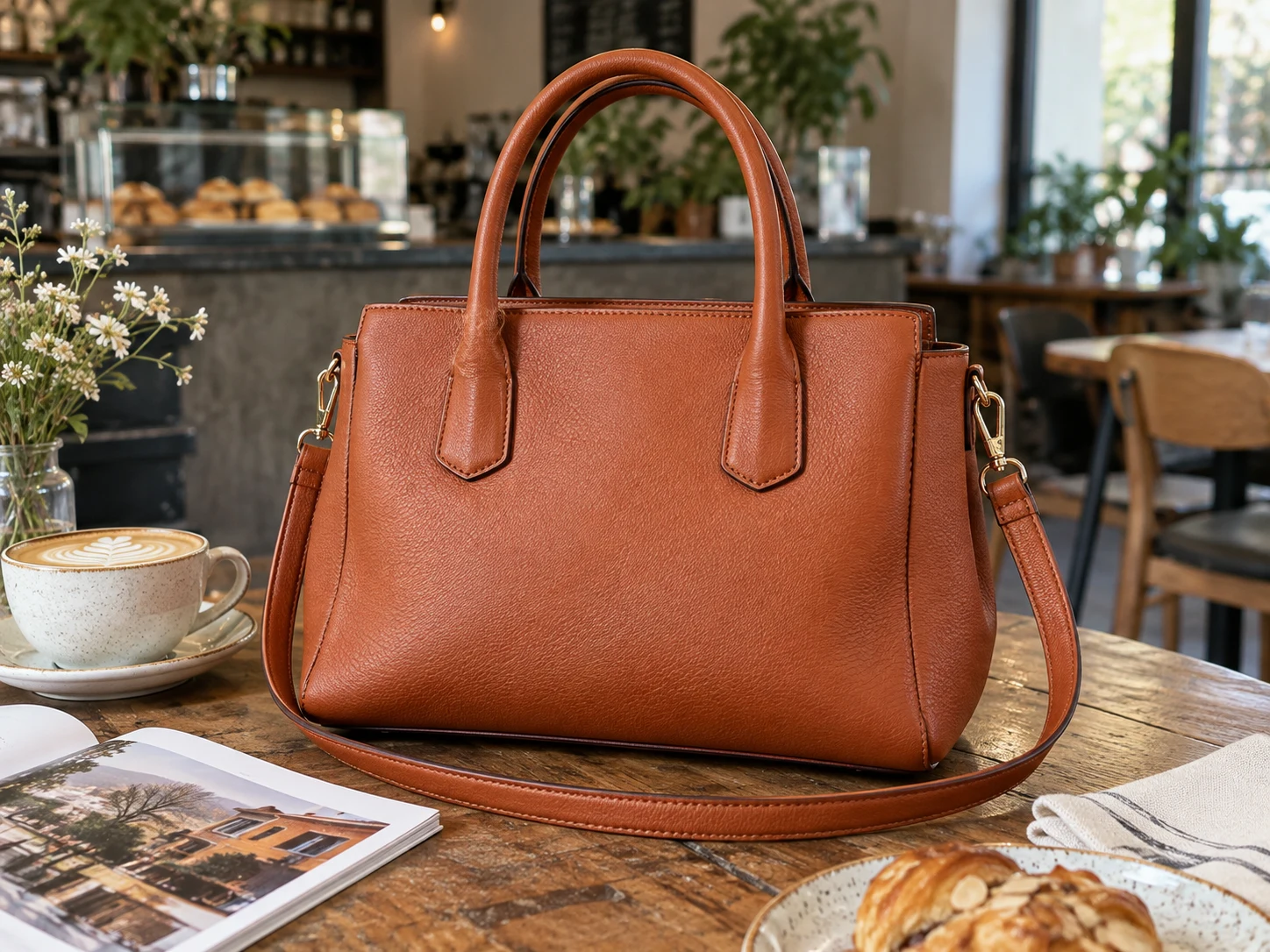
The workflow focuses on keeping the main subject while removing the surrounding scene. Example results show product photos against a clean background, portraits with busy backgrounds removed, pet cutouts, and handmade objects such as vases separated from a workbench. Before-and-after sliders help users compare the original image with the background-removed result and inspect important edges before saving.
RemoveMate is built for everyday photos where details matter, including product straps, portrait hair and clothing edges, pet fur, paws and ears, flower stems, gaps, and object outlines. The site also provides pricing, privacy, terms, acceptable use, copyright information, and support contact.
Features
- Automatic background removal upon photo upload
- Supports JPG, PNG, and WebP image formats
- Preview result before downloading
- Sample product, portrait, pet, and object photos
Use cases
- Remove backgrounds from product photos for online stores
- Isolate portraits from busy backgrounds
- Cut out objects such as vases or handmade items
- Separate pets from room backgrounds
Screenshots

Frequently asked questions
How do I remove a background?
Upload a photo and RemoveMate automatically removes the background. You can preview and download the result afterwards.
Do I need to write a prompt?
No prompt is needed; simply upload your image and the background removal starts automatically.
Can I use the tool on mobile devices?
Yes, RemoveMate works in your browser on both desktop and mobile without needing a separate app.
Can users preview the result before downloading?
Yes. Users can preview the cutout and compare before-and-after results.
Can users test RemoveMate without uploading their own photo?
Yes. Sample product, portrait, pet, and vase photos are available to try.
0 comments
Sign in to leave a comment.
No comments yet. Say something useful and be the first.