

SkaleAgents: DevOps and infrastructure reviews inside your AI assistant
An MCP server that lets Cursor, Claude or ChatGPT review your Terraform, Kubernetes and app code for security, reliability and cost issues.
About SkaleAgents
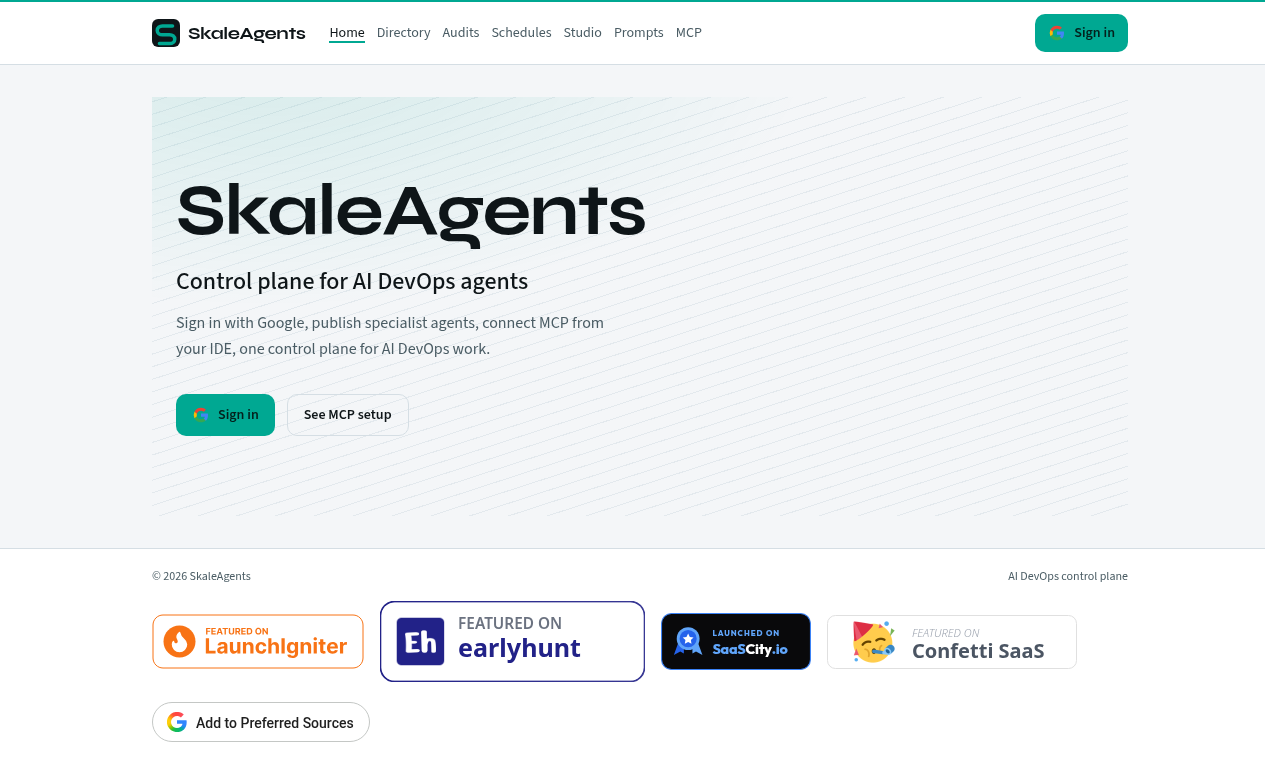
SkaleAgents adds infrastructure review to the AI assistant you already use. It is an MCP server: you add its hosted URL to Cursor, Claude Code, Claude Desktop, ChatGPT or Codex, approve access through Google, and then ask your assistant for an architecture review. The findings come back in the same conversation.
Reviews are grouped into four areas: security (DevSecOps), reliability (SRE), AI workloads (MLOps) and scaling and cost. The homepage example shows the idea. Given a Terraform snippet, the review flags that SSH on port 22 is open to every IPv4 address and that a database instance is publicly accessible, then suggests the smallest fix for each.
A lot of it can be used without an account. There is a public directory of specialist bots, a prompt library you can copy into any assistant, free checklists, and a page explaining what each review check looks for. You only need to sign in to save your own work and connect your tools.
For teams, the pricing page lists Starter, Pro and Max organization plans for scheduled audits and monitoring, which an organization owner chooses. Organization audits started on 17 October 2026. Current plan prices are on its pricing page.
Features
- Hosted MCP server for Cursor, Claude Code, Claude Desktop, ChatGPT and Codex
- Security, reliability, MLOps and cost reviews of code and infrastructure
- Public bot directory and prompt library, no account needed
- Organization plans with scheduled audits and monitoring
Use cases
- Checking a Terraform change for open ports and public resources before merging
- Asking for a reliability review of a Kubernetes setup from inside the editor
- Running a repeatable infrastructure audit across an organization
Screenshots
Frequently asked questions
Which AI clients does it work with?
The site lists Cursor, Claude Code, Claude Desktop, ChatGPT and Codex, connected through MCP.
Do I need an account?
Not to browse the public bots, prompts and checklists. You sign in with Google to connect your tools and save your work.
Checked by Shoaib on
What we verified
- How it connects?
- Hosted MCP server, Google sign-in
- AI clients?
- Cursor, Claude Code, Claude Desktop, ChatGPT, Codex
- Review areas?
- Security, reliability, AI workloads, scaling and cost
- Account needed?
- Not for the public bots, prompts and checklists
- Team plans?
- Starter, Pro and Max organization plans
Browsed the public bots and prompt library and went through the MCP setup steps for Cursor and Claude.
0 comments
Sign in to leave a comment.
No comments yet. Say something useful and be the first.