
StencilMaker.app
Turn photos into editable stencil layers for printing and cutting, with free PNG/PDF downloads and optional Pro vector exports.
About StencilMaker.app
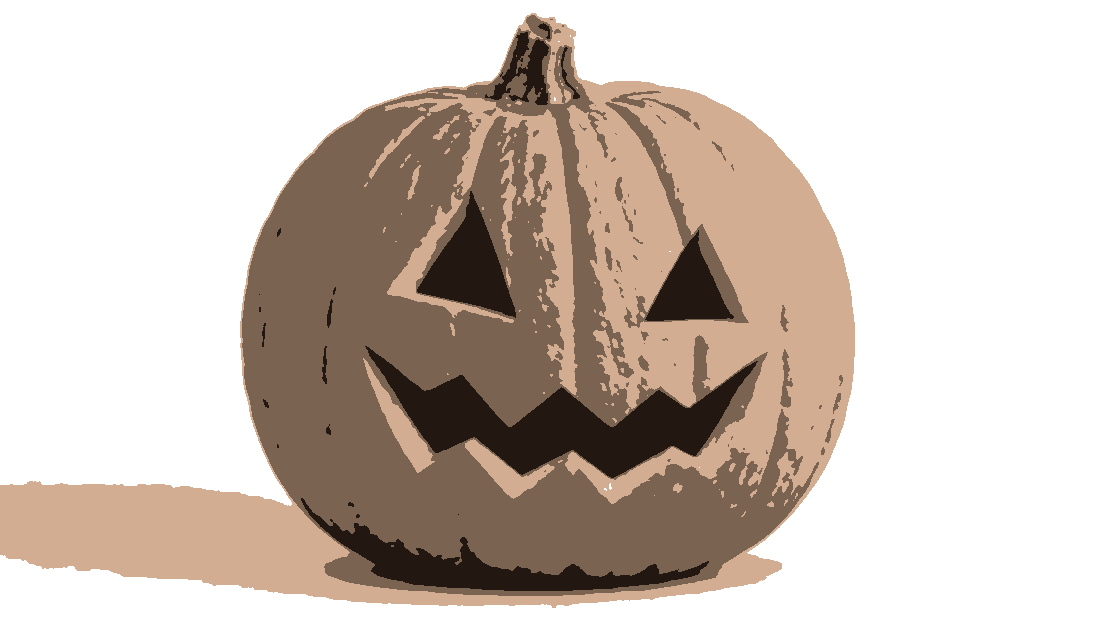
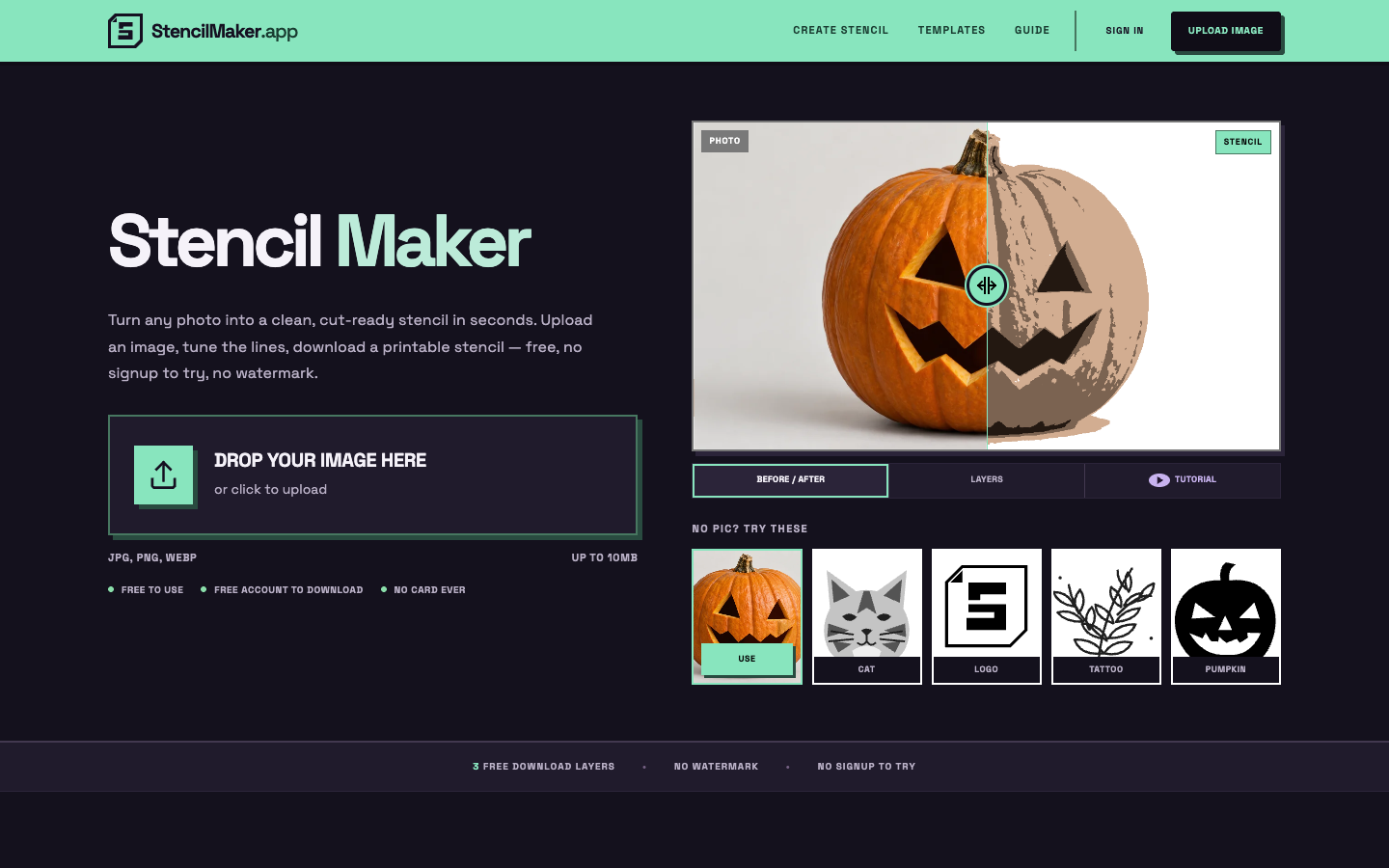
StencilMaker is an online graphic design utility created to transform standard photographs, illustrations, and sketches into production-ready physical stencils. Converting complex imagery into cutting patterns traditionally requires manual tracing or advanced photo manipulation skills in desktop software. StencilMaker automates this preparation by converting continuous tonal images into clear, distinct contrast bands directly in your browser.
The platform features multi-layer decomposition that separates images into discrete tonal values for highlights, midtones, and shadows. This layered breakdown is built for multi-color spray painting, screen printing, and vinyl cutting. An integrated island detection engine flags floating enclosed shapes that would detach during cutting, allowing creators to insert structural bridges before cutting.
Working with the tool requires no software installation or immediate account creation. Users can adjust threshold sliders, toggle smoothing, and inspect real-time layer previews across desktop and mobile devices. The application exports print-ready PDF and PNG files for home printing, as well as vector SVG and DXF files for laser cutters, CNC machines, and vinyl plotters.
StencilMaker provides a free tier for hobbyists, while premium upgrades unlock full vector exports, unlimited layers, and multi-sheet tiled printing for large-format wall murals. It delivers an intuitive digital workspace for woodworkers, muralists, tattoo artists, and DIY makers.
Features
- Generate up to three printable stencil layers from any photo
- Free PNG/PDF downloads; Pro SVG, DXF and Cricut exports
- Edit stencils with bridging, touch-up layers, and registration marks
- Printing multi-sheet tiled wall mural stencils and pumpkin carving templates on standard home printers
Use cases
- Create tattoo transfer stencils from personal photos
- Design layered spray paint or vinyl stencils for wall art
- Prepare cut files for Cricut and laser cutting machines
- Multi-page tiled printing enabling oversized stencil layouts to be assembled across standard home printer sheets
Screenshots

Frequently asked questions
Is this stencil maker really free?
Editing is free to try without signup. Free accounts can download PNG and PDF stencils with up to three layers on one page. Vector exports, additional layers and tiled printing require Pro.
Do I need to sign up to use the stencil maker?
No signup is required to create and edit stencils; free accounts are only needed to save projects or download the final stencil files.
Can I make a stencil from a picture on my phone?
Yes, the full editor runs in a mobile browser with no app installation needed, allowing photo uploads, editing, and printing from your phone.
Do free downloads include watermarks?
No, StencilMaker does not place watermarks on your exported stencil files even on the free tier.
Which file formats are available for cutting machines?
Pro users can export vector SVG and DXF files, which are natively compatible with Cricut Design Space, Silhouette Studio, laser cutters, and CNC milling machines.
What we verified
- Public API
- No (Web-based design application, no public developer API available)
- Self-hostable
- No (Hosted web service)
- Free tier
- Yes (Free access to browser editing, up to 3 layers, and unwatermarked PNG and single-page PDF downloads without requiring an account)
- Pricing model
- Freemium / Subscription & Lifetime
- Price
- Free tier ($0), with Pro upgrades around $7.99 to $10/month, ~$90/year, or a ~$99 one-time lifetime license
- Data region
- Global / Cloud (Web-hosted infrastructure with client-side image rendering in the browser; optional cloud storage for registered user accounts)
- Integrations
- Cricut Design Space, Silhouette Studio, Laser Cutters, CNC Routers, HTML5 Canvas, SVG, DXF, PDF
Could not be verified
- Direct webhook or REST API integration for automated graphic processing pipelines
- Official list of cloud server hosting regions and underlying data storage providers
- Exact maximum image upload resolution or file size limit on free vs pro tiers
0 comments
Sign in to leave a comment.
No comments yet. Say something useful and be the first.