
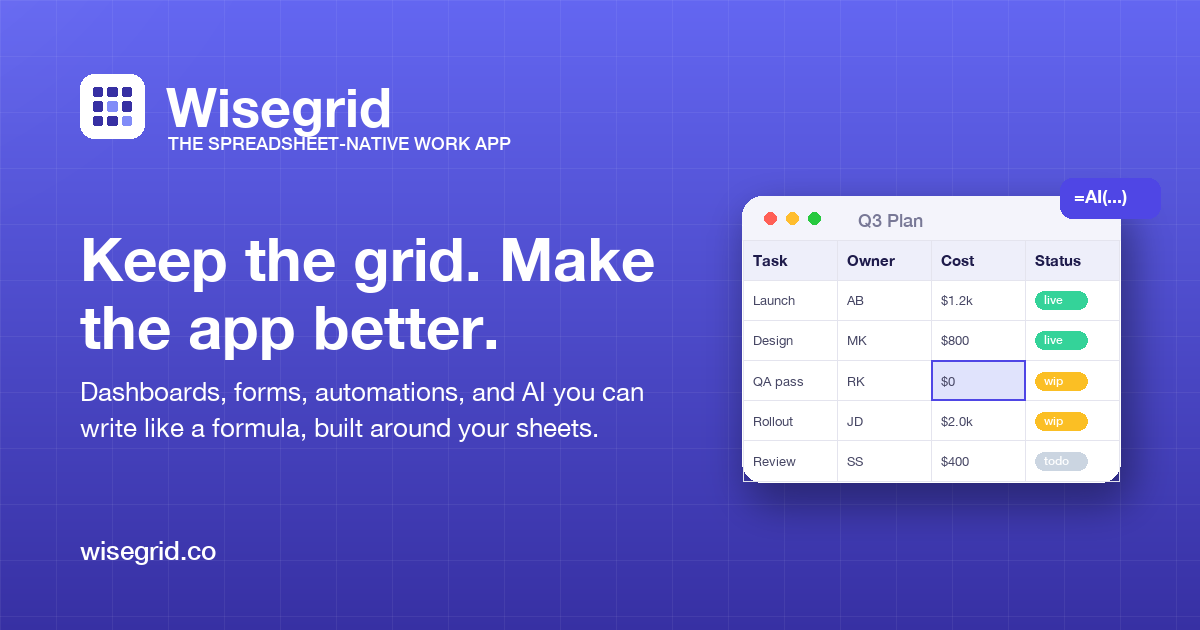
Wisegrid: the spreadsheet that runs the work
Wisegrid is a spreadsheet-native work app with dashboards, forms, reports, automations, AI formulas, and API access
About Wisegrid: the spreadsheet that runs the work
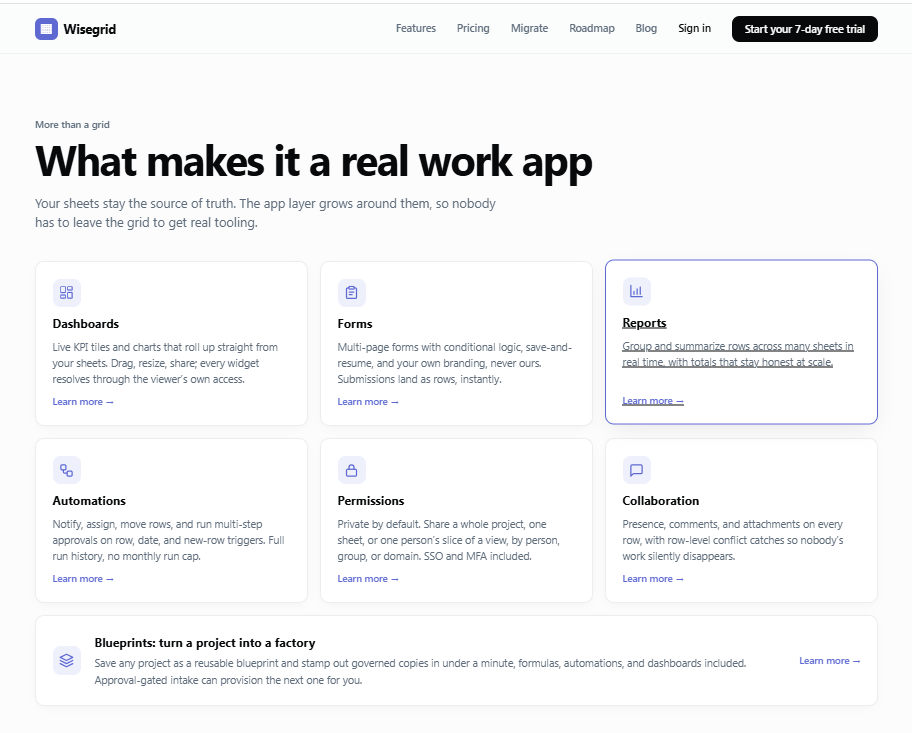
Wisegrid is a productivity tool for teams that already track work in spreadsheets. It keeps work in rows, columns, and formulas, then adds app-style layers such as dashboards, forms, reports, automations, permissions, comments, attachments, and Gantt views.
The homepage says dashboards and weekly reports build from the same rows the team edits, so tracking and reporting stay connected. Wisegrid also supports AI formulas such as =CLASSIFY, =EXTRACT, =SUMMARIZE, and freeform =AI() inside cells.
The pricing page lists one plan at $19 per editor per month, with view-only collaborators always free. It includes a 7-day trial, 1,000,000 cells per sheet, 40,000 rows per sheet, 100 GB attachment storage, Enterprise SSO, MFA, automations, dashboards, and $5/month of AI credit.
Wisegrid also documents a public REST API for sheets, columns, and rows. The security page states that customer data is stored in the United States, nightly backups are kept in encrypted offsite storage for roughly 30 days, and payment data is handled by Stripe.
Features
- Dashboards and reports that update live from sheet data
- AI-powered formulas for classification, extraction, and summarization
- Row-level automations with multi-step approvals and triggers
- AI formulas include =CLASSIFY, =EXTRACT, =SUMMARIZE, and freeform =AI()
- The security page lists nightly encrypted offsite backups with roughly 30 days of retention
Use cases
- Tracking marketing campaigns with live spend and status rollups
- Collecting data through multi-page, branded forms landing submissions as rows
- Automating approval workflows and assignment based on date or new entries
- Share dashboards, reports, and sheets with unlimited free view-only collaborators
Screenshots
Frequently asked questions
Can I keep using my existing Excel sheets in Wisegrid?
Yes, you can import any Excel workbook directly, preserving sheets and formulas.
How does Wisegrid handle multiple people editing the same row?
It detects row-level conflicts and lets you choose to keep yours, theirs, or merge changes cell-by-cell.
Is there a free option for viewers or collaborators?
View-only collaborators are always free, and only editors incur charges.
Can users export their data?
Yes. The pricing page says one Export Bundle downloads each sheet as Excel plus every attachment.
What authentication options are listed?
Google OAuth, Microsoft OAuth, email/password sign-up, enterprise SSO through OIDC or SAML, and optional TOTP MFA.
0 comments
Sign in to leave a comment.
No comments yet. Say something useful and be the first.